


InControl-App von Peplink für iOS & Android verfügbar
InControl2 is a cloud-based endpoint management system and thus the ultimate Peplink tool for managing and monitoring every Peplink router.
With this advanced technology, you gain insight into the connected devices. You can use remote configuration and control options and access extensive reporting.
Complete network management from a single interface
From a single screen, you can push configurations to all endpoints. If you need to dig deeper into your network, InControl 2 gives you access to the web administrator of any device in your network.
Via desktop or app
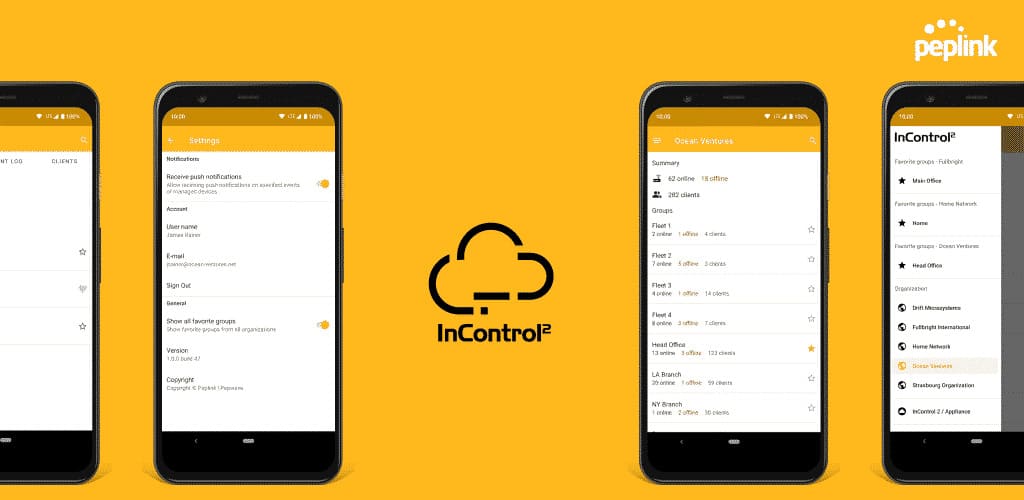
As of now, not only iOS but also Android users can administer their Peplink routers on the go with the InControl app. Check the connection status of any device and the clients connected to it. You receive push notifications for important network events and can customize your notifications by group and network event type.
The InControl app thus serves as a mobile companion for the InControl2 remote management software, taking over many functions of the desktop version on your smartphone.
The InControl app also includes a favorites manager, with which you can easily save and retrieve the groups you access most often, along with all activity affecting the group.
Always ready for action, even on the go
With the new InControl app for Android, it is now possible to control InControl2 from your smartphone while on the move, keeping your network in view at all times. 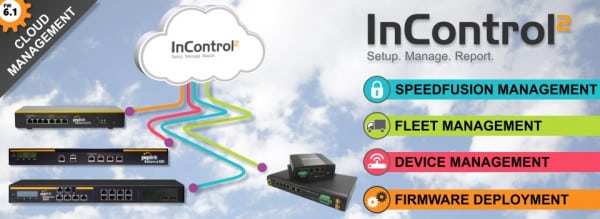

 The Android version of the app requires Android 5.0 or higher.
InControl app features at a glance:
- Alerts: Receive alerts from your network in real time. The notifications can be individually configured.
- Organization: By signing in with just one account via single sign-on, you can keep an eye on and monitor all networks at once without having to log in separately for each network.
- Clarity: The clearly laid-out navigation bar makes it easy to switch between different organizations and networks.
- Mobility: Monitor the status and health of your network from anywhere.
- Control: Easily accessible event logs let you make the right decisions with the app.
Matching Products
Matching hardware straight from the ASCEND shop — availability and prices are shown on the product detail page.

Request a consultation
Do you have questions about this solution or want to take your network to a professional level? Our certified engineers will be happy to advise you — from initial analysis all the way to production rollout.
Frequently Asked Questions
Related Links
This article was researched and written with AI assistance and reviewed prior to publication by Ascend's certified engineers.
Ready for your next project?
Talk to our team about your requirements.
Related posts

WLAN für Baustellen und Veranstaltungen einfach mieten
Verzögert sich die Lieferung der Internetanbindung oder benötigen Sie nur kurzfristig WLAN für Events oder Baustellen WLAN? Dann einfach WLAN Hotspot mieten von Ascend . _“Auf Dauer ist ein Handy-Hotsp…
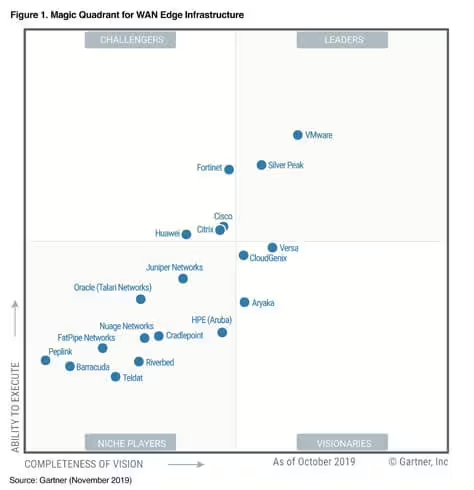
Wie hilft einem der SD WAN Gartner „Magic Quadrant” bei der Auswahl des SD-WAN Anbieters?
Gartner „Magic Quadrant“
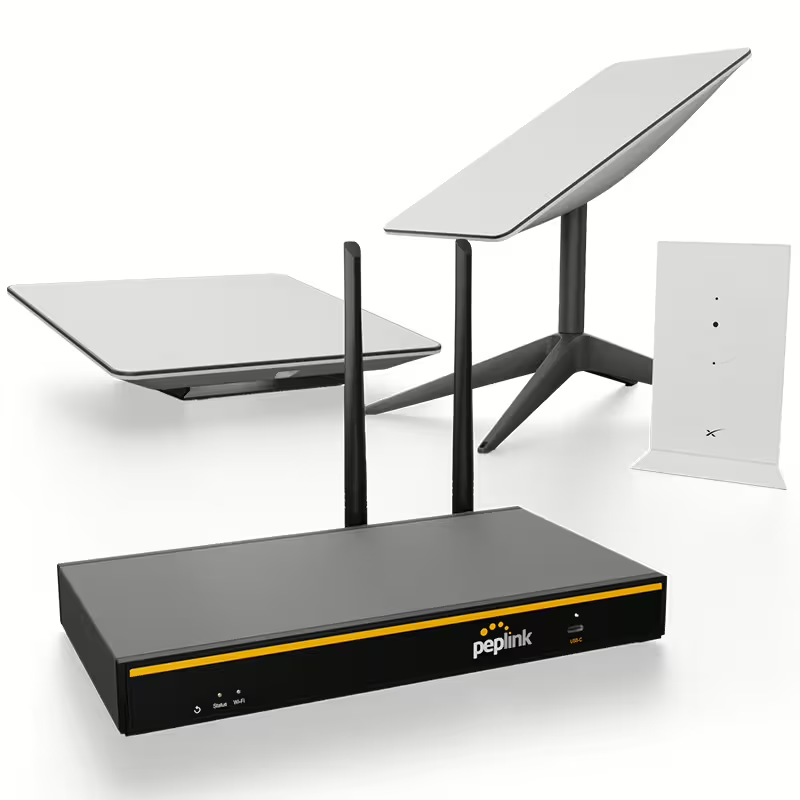
Verbessern Sie Ihr WLAN zuhause mit dem Peplink B One Router
In der heutigen Zeit ist ein zuverlässiges WLAN zuhause unverzichtbar. Der Peplink B One Router stellt eine beeindruckende Lösung dar, die nicht nur das WLAN-Signal verstärkt, sondern auch die Sicherheit Ihres Net…