









Buses, service vehicles and fleets
In-vehicle Wi-Fi: internet that rides along
Coach passengers stream, field staff work in the customer system, dispatch sees every vehicle on the map. Ascend installs Peplink and Teltonika routers with cellular and, on request, Starlink Mini in your vehicles, bonds the paths with SpeedFusion and shows every vehicle live on the InControl map. Hardware, installation, SIM and 24×7 support from a single source.
The principle at a glance
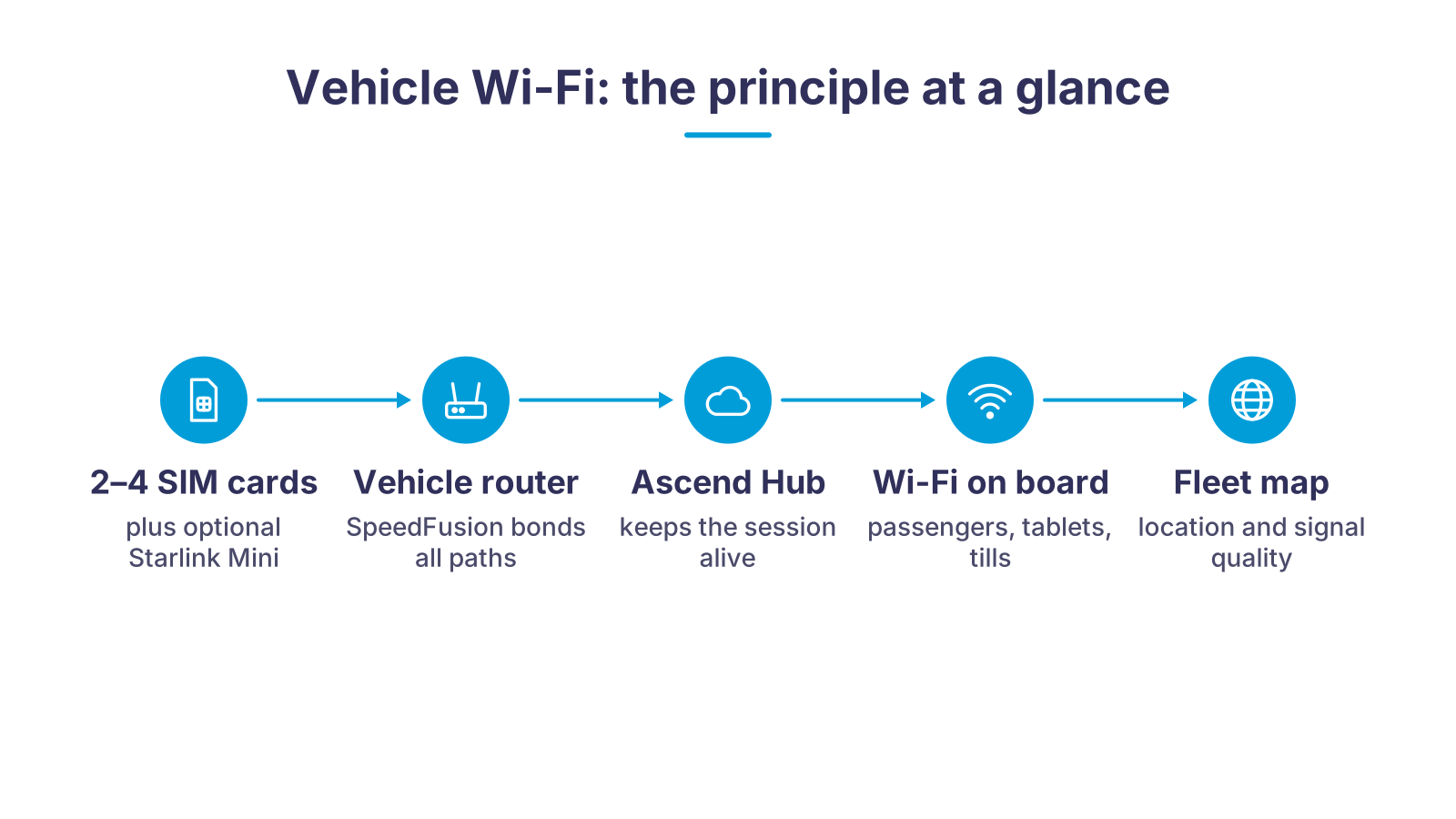
The vehicle carries a router with several paths to the internet: two modems with SIM cards from different networks, or one modem plus Starlink Mini as an Ethernet WAN. A single modem with two SIM slots only switches over. SpeedFusion bonds all paths into one connection that runs through the Ascend Hub in the data center. If one network drops, the session stays alive. This provides the Wi-Fi for passengers and on-board devices as well as the vehicle position on the control center's InControl map.
What goes wrong in the vehicle, and what we do about it
A smartphone hotspot is enough for one trip, not for a fleet. We solve these six problems with hardware, bonding and operations.
Cellular dead zones on the road
Video calls and telemetry drop out
Vehicle cannot be located
Installation and power
Open data over cellular
Nobody takes care of it
One modem, two modems or Starlink on top?
| One network, one modem (dual SIM as failover) | Two modems with SpeedFusion | Cellular plus Starlink Mini with SpeedFusion | |
|---|---|---|---|
| Simultaneously active paths | One: the second SIM waits as a spare. | Two cellular networks in parallel. | Cellular and satellite in parallel. |
| One network has a dead zone | Connection lost; the router switches to the second SIM and reconnects. | The second modem on the other network takes over, the session stays alive. | Cellular or satellite takes over, the session stays alive. |
| Video call, camera, telemetry | Dropouts possible at every cell change. | WAN Smoothing evens out gaps, the call holds. | Like multi-SIM, plus a reserve for remote routes. |
| Areas without cellular coverage | No internet. | No internet if all networks are missing. | Starlink Mini provides internet as soon as the vehicle is parked or the antenna has a clear view of the sky. |
| Typical hardware | Teltonika RUTX50, Peplink MAX BR1 Pro 5G or MAX Transit Pro E on its own | Peplink MAX Transit Duo Pro (two LTE modems) | Peplink MAX BR1 Pro 5G or MAX Transit Pro E with Starlink Mini on the WAN port |
| Suited for | Service vehicle, single van | Scheduled-service bus, coach, emergency vehicle, field service fleet | Rural emergency medical services, construction-site and event vehicles, expeditions |
Why a single SIM in the vehicle is not enough
A vehicle changes cells every few minutes. Each change costs seconds during which a single connection stalls. On the motorway you notice it as a stuttering stream, in an ambulance as an interrupted transmission, in a coach as forty passengers staring at the Wi-Fi icon at the same time.
That is why we use Peplink routers with two modems for bonding, such as the MAX Transit Duo Pro, each SIM card on a different network. A router with only one modem can hold two SIM cards but always uses just one of them. SpeedFusion joins the paths into one encrypted tunnel all the way to the Ascend Hub. If a network fails, the data stream continues over the others without any device in the vehicle having to reconnect. That is the difference between failover, where the connection breaks briefly, and bonding, where the session is preserved.
For routes with no cellular coverage at all, such as rural emergency services or vehicles at construction sites and event grounds, we add Starlink Mini as a further WAN path. How the combination works technically is described on our page Starlink with Peplink. Which routers we use depending on the vehicle is shown in the overview of routers for SIM cards.
Locate, track, monitor: InControl 2 as your fleet map

InControl 2 is Peplink's cloud platform for its own routers. Because the vehicle routers include a GPS receiver, network management turns into a fleet map without any additional device.
Locate. Every vehicle appears on the interactive map. One click on the device shows cellular reception, the network in use and the number of connected users.
Track. The route history can be replayed in 24-hour segments, in real time or in time lapse. This lets you see when a vehicle was where and how fast it was traveling.
Monitor. Color coding shows speed and signal strength along the route. You manage data usage per SIM, firmware and configuration centrally for the whole fleet, and roll out changes by group.
InControl is not a replacement for telematics with CAN bus data, driver card or tachograph. If you need that, combine the router with a Teltonika telematics tracker. For location, reachability and network quality of your vehicles, InControl 2 is enough, and without any further SIM card in the vehicle.
Emergency vehicle with a bonding router: RKT Rettungsdienst
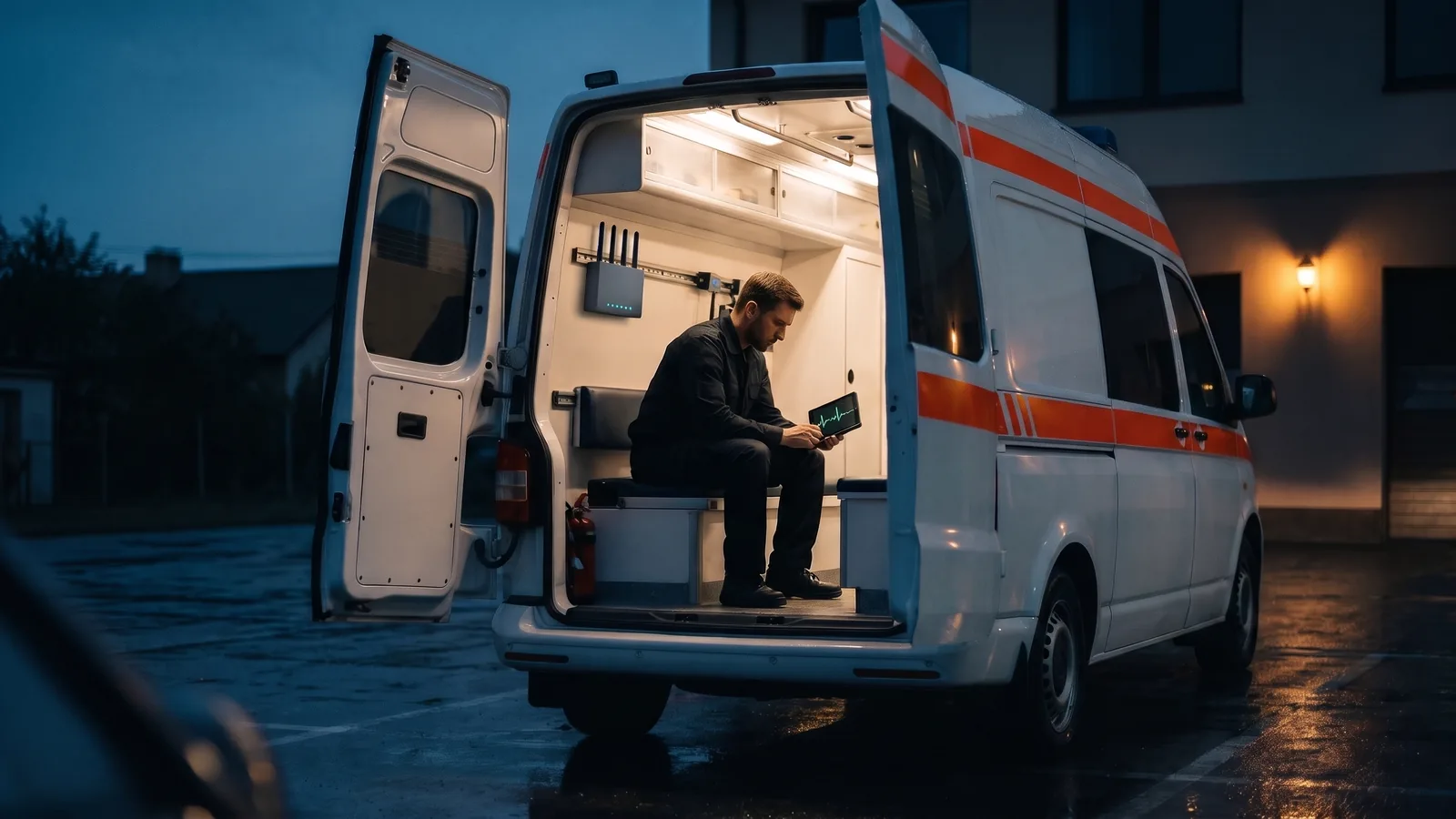
For RKT Rettungsdienst OHG in Regensburg, Ascend equipped an emergency vehicle with a mobile bonding router. The reason was practical: patient data should reach the hospital while the vehicle is still on the road, and during larger operations with many rescue workers, coordination needs access to cloud information at all times. A smartphone hotspot cannot deliver that reliably on country roads.
The software-defined bonding router combines several transmission paths into one logical network. All devices in the vehicle use the same connection, regardless of mobile standard or end device. In December 2018, RKT deployed the vehicle at an event held by a car manufacturer in southern Europe and accompanied all driving program items from the emergency vehicle itself. The control center rode along instead of staying in the office.
The same principle applies to fire services, workshop vans, measurement vehicles and event fleets: the router turns the vehicle into a mobile site on the company network, permanently installed or as a rental unit for a project. The pages on the Peplink MAX Transit and the MAX HD2 Mini show which hardware we use for bonding on the move.
From inquiry to connected fleet
- 1ConsultationWe clarify vehicle types, area of operation, number of users and applications: passenger Wi-Fi, video calls, cameras, point-of-sale systems or telemetry.
- 2Hardware selectionRouter, roof antenna, number of SIM cards and optionally Starlink Mini to match the on-board supply, installation space and budget.
- 3PreconfigurationOur technicians set up SIM profiles, the SpeedFusion tunnel to the Ascend Hub, VLANs for passengers and operations, and the InControl group in advance.
- 4InstallationMounting on the 12 or 24 volt on-board supply with ignition sensing, roof antenna with a single cable entry, access points for larger vehicles.
- 5Operation and supportRemote maintenance via InControl, data usage at a glance, replacement unit in case of a defect and 24×7 support.
Power and ignition: what matters during installation
Vehicle routers belong on the on-board supply, not on the cigarette lighter socket. According to the data sheet, the Peplink MAX Transit Pro E and the MAX Transit Duo Pro accept 12 to 56 V DC at the power port or terminal block, the MAX BR1 Pro 5G 10 to 30 V DC. All three have an ignition input: the router starts up with the ignition, stays active for an adjustable time after the engine is switched off and then shuts down so that the starter battery does not drain. A roof antenna with a single cable entry, such as the Poynting MIMO-3-17 with cellular, GPS and Wi-Fi in one housing, saves drilling and cable runs.
What Ascend takes care of for your fleet
Ascend has been a network and Wi-Fi systems house in Nuremberg since 2010 and has worked with bonded cellular connections for over 15 years. We are a partner of Peplink, Teltonika, Starlink and Poynting and operate the Ascend Hub through which our customers' SpeedFusion tunnels run.
You get the hardware from our shop, installation by our technicians and the matching SIM: our multi-network SIM automatically registers in Germany with Vodafone, Telekom or O2 and applies EU-wide at the same price. It is prepaid, stops at 0 euros and can be cancelled monthly, with a breakout in Frankfurt and a German IP address. More on this on the page Unlimited data on the move.
In operation we monitor the routers via InControl, roll out firmware and respond to faults around the clock. For projects and events we also rent out vehicle routers such as the MAX Transit Duo or the MAX HD4 MBX at short notice. You will find everything else about the brand and the device families on our Peplink brand page.
Matching hardware in the Ascend Shop
Routers and antenna that we install in vehicles. Prices and delivery time directly in the shop; which variant suits your vehicle we clarify during the consultation.
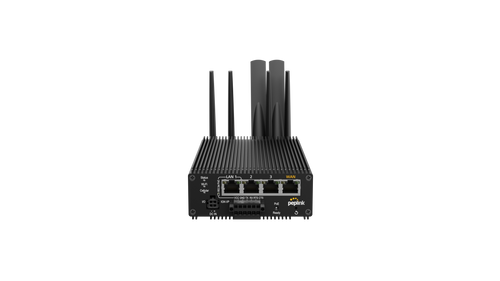
Peplink MAX Transit Pro E
5G vehicle router with Wi-Fi 6, PoE+ output, GPS with dead reckoning and power connection with ignition sensing (12 to 56 V DC).
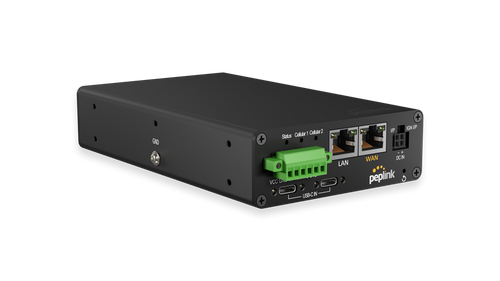
Peplink MAX Transit Duo Pro
Two LTE modems with two SIM slots each, Wi-Fi 6, ignition sensing, E-Mark and EN 50155 for bus and rail.
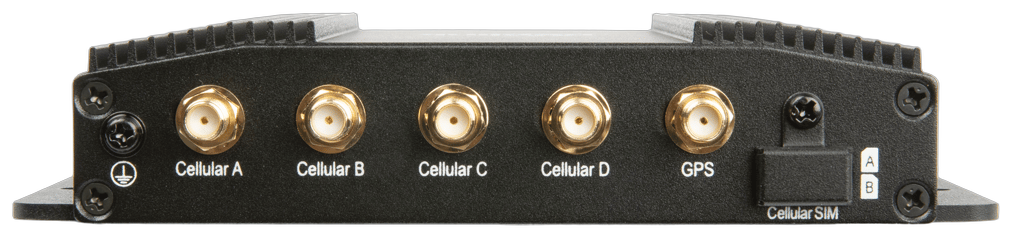
Peplink MAX BR1 Pro 5G
Compact 5G router with 2.5 Gbit/s WAN port for Starlink Mini, 10 to 30 V DC with ignition sensing, E-Mark and MIL-STD-810H.
- Peplink MAX HD2 Mini
Peplink MAX HD2 Mini
Compact dual-SIM LTE router with SpeedFusion and management via InControl 2, for vehicles with little installation space.

Teltonika RUTX50
Industrial-grade 5G router with dual SIM and dual-band Wi-Fi for service and commercial vehicles on a smaller budget.
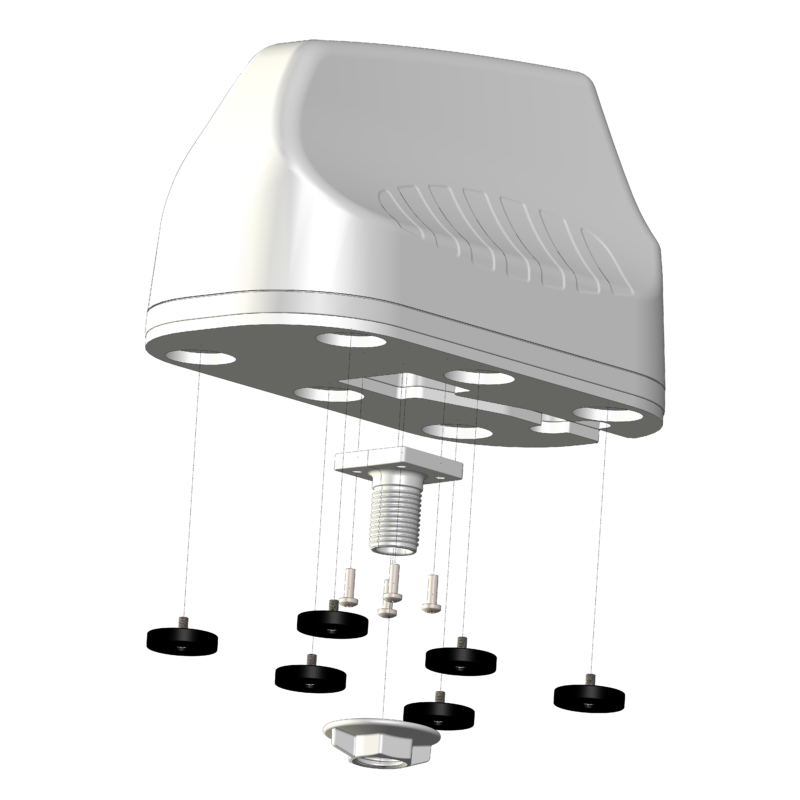
Poynting MIMO-3-17 roof antenna
7-in-1 vehicle antenna for 4G/5G, GPS/GLONASS and dual-band Wi-Fi with up to 6.2 dBi, one roof entry for all cables.
Frequently asked questions about in-vehicle Wi-Fi
Further links
- Peplink MAX Transit: built for transport
- Peplink MAX HD2 Mini: compact dual-SIM LTE router
- Routers for SIM cards
- Mobile router with SIM and Starlink
- Bonding Starlink with Peplink
- Teltonika solutions at Ascend
- 5G routers in the Ascend Shop
- Starlink Mini Kit in the Ascend Shop
- Teltonika products in the Ascend Shop
Ready for Wi-Fi that rides along in every vehicle?
Tell us the vehicle type, number of vehicles and area of operation. We advise you on router, SIM cards, roof antenna and InControl, and install the technology right away if you wish.
We look forward to hearing from you!
Tell us the vehicle type, number of vehicles and area of operation. We will get back to you shortly with a personal consultation.
You might also be interested in
- Construction site Wi-Fi: internet that carries plans and cameras
- High-availability Internet connections with Starlink
- Immediate help for companies in the coronavirus crisis - Ascend networks locations quickly and easily via high-performance, temporary Internet connections (VPN)
- Internet for Solar Parks: Starlink and 5G Instead of Dead Zones