







Guest WLAN
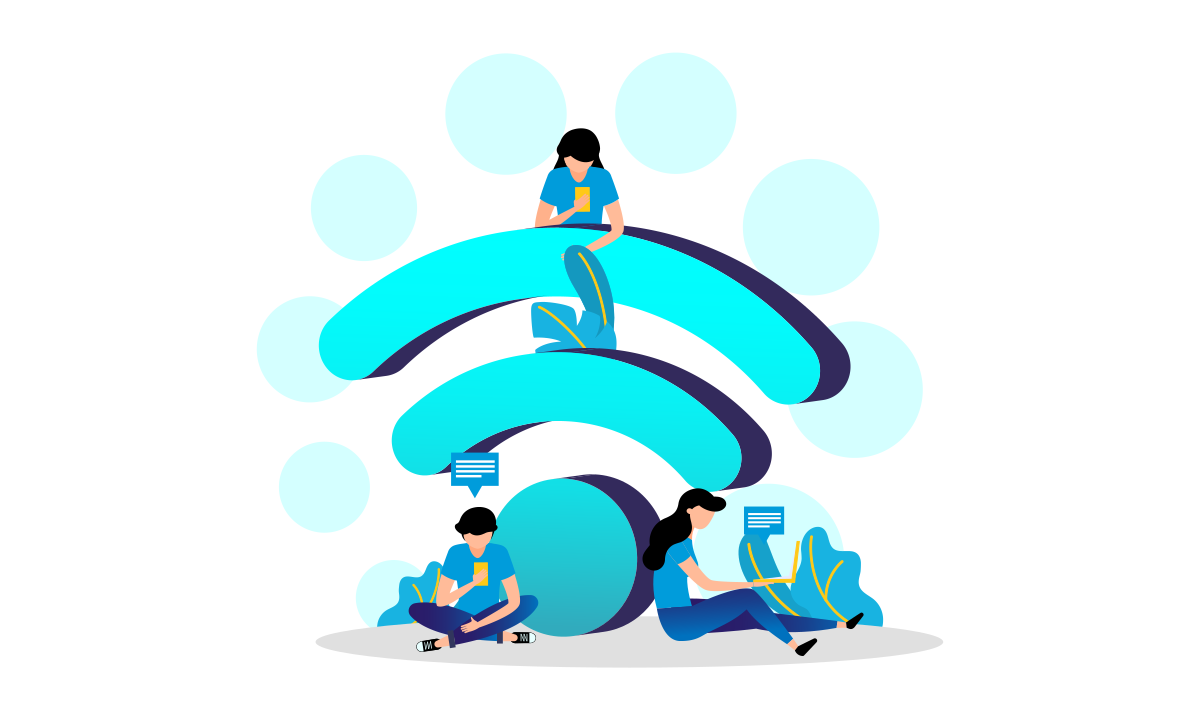

Managed guest WLAN easy to implement
If you want to make Wi-Fi available to your guests, you don’t need to worry about a lot of effort. Guest access is very simple with our “Plug and Play” hotspot system.

Log in made easy
Your guest logs into the hotspot via the log in page by accepting the terms of use. If you wish, you can also encrypt the WLAN with a password and thus retain control over who logs in.

Social Media
Do you want your customers to be able to log in via social media? No problem: whether Twitter, Facebook, Linked In, Sina Weibo or by e-mail. You decide how your guests come online.

Data usage
Would you like to collect data from your guests? You decide which data you query and how you evaluate it. See how many devices are online and when they are busiest.

Simply set up a social login
Simply enter your Facebook profile details – our system will take care of the rest

Time limit and bandwidth limit
You can set the data volume and usage time for each user

Multilingualism of the login page
Easily create the login page for your guest WLAN in multiple languages
Customizablelogin page
You can easily change the text and images on the guest WLAN login page yourself
Why guest access makes sense
Security and friendliness do not have to be mutually exclusive. Under no circumstances should you let your guests into your own network. Your data is too valuable for that. On the other hand, your customers are too valuable not to offer you anything. The solution is to have your own network in your guest WLAN. This way, visitors can also go online without gaining access to your personal or business data.
How a guest WLAN works technically
The internal data traffic and the data traffic of the guests differ from each other and are marked from the beginning. Devices (routers, access points, switches…) are configured in such a way that each of these data streams is treated according to its own rules and is therefore only allowed to go where you want it to go. So if you are in the guest WLAN, you can only access the Internet and not internal resources.
Use your guest WLAN for yourself
If you decide to offer a public WLAN, you can also let it work for you. Name the SSID (the name that is broadcast) as you wish. The guest should know who is “donating” the WLAN. You can also present your company when logging in and advertise yourself.
Tracking visitor flows
For this feature, you need several access points within radio range of the end devices to be tracked. If you want to know where many of your visitors are and which routes they take, you can do that too. It is even possible to locate individual devices if, for example, children or senior citizens go missing. Please note the legal situation. We will be happy to advise you on this feature
Operator security through VPN routing
Your guests’ data traffic runs via our servers. This means that in the event of misuse, Ascend is the point of contact and not you.
Another advantage of the managed guest WLAN
You can use the public WLAN for more. You name the SSID (the name that is broadcast). You can also present your company when you log in and advertise yourself.
Earn money via your hotspot
You can also decide that only those who pay for tickets can come online. Generate tickets and sell them. You determine how long someone can be online, how much data traffic can be used and with how many devices someone can go online at the same time.
Security II
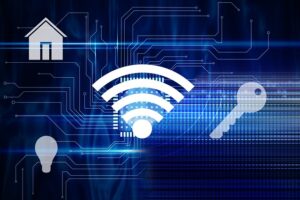
If you have devices that are constantly online or need to be online, such as cameras, smart fridges, heating controls… you should also connect them to the Wi-Fi for guests. If they are hacked, attackers will not automatically be able to access your sensitive data.
An excerpt of our references for guests Internet


Function
Basic
Advanced
Function
Legal certainty
Basic
Yes
Advanced
Yes
Function
Centrally manageable
Basic
Yes
Advanced
Yes
Function
Portal page
Basic
Yes
Advanced
Yes
Function
Login via AGB
Basic
Yes
Advanced
Yes
Function
Login via social media
Basic
Yes
Advanced
Yes
Function
Login via voucher
Basic
Yes
Advanced
Yes
Function
Time limit possible
Basic
Yes
Advanced
Yes
Function
Data limitation possible
Basic
Yes
Advanced
Yes
Function
Separate internal network
Basic
Yes
Advanced
Yes
Function
Statistics
Basic
Yes
Advanced
Yes
Function
Youth protection filter
Basic
Optional, at no extra cost
Advanced
Optional, at no extra cost
Function
Visitor analysis
Basic
Advanced
Optional
Function
Collection of e-mail addresses
Basic
Advanced
Optional
Function
Extensive marketing campaigns
Basic
Advanced
Optional
We look forward to hearing from you!
Send us a message — we will get back to you shortly with personal advice.