








Wi-Fi for schools and school authorities
Wi-Fi in schools: a network that carries the whole class
When the whole class goes online at once, every tablet loads with the new Wi-Fi.
- The tablet lesson begins and the whole class goes online at once.
- The old Wi-Fi can't cope: every tablet shows only a loading ring.
- Weeks later, an access point in the classroom: every tablet loads.
- The whole class is online, and the new Wi-Fi carries every tablet.
The principle at a glance
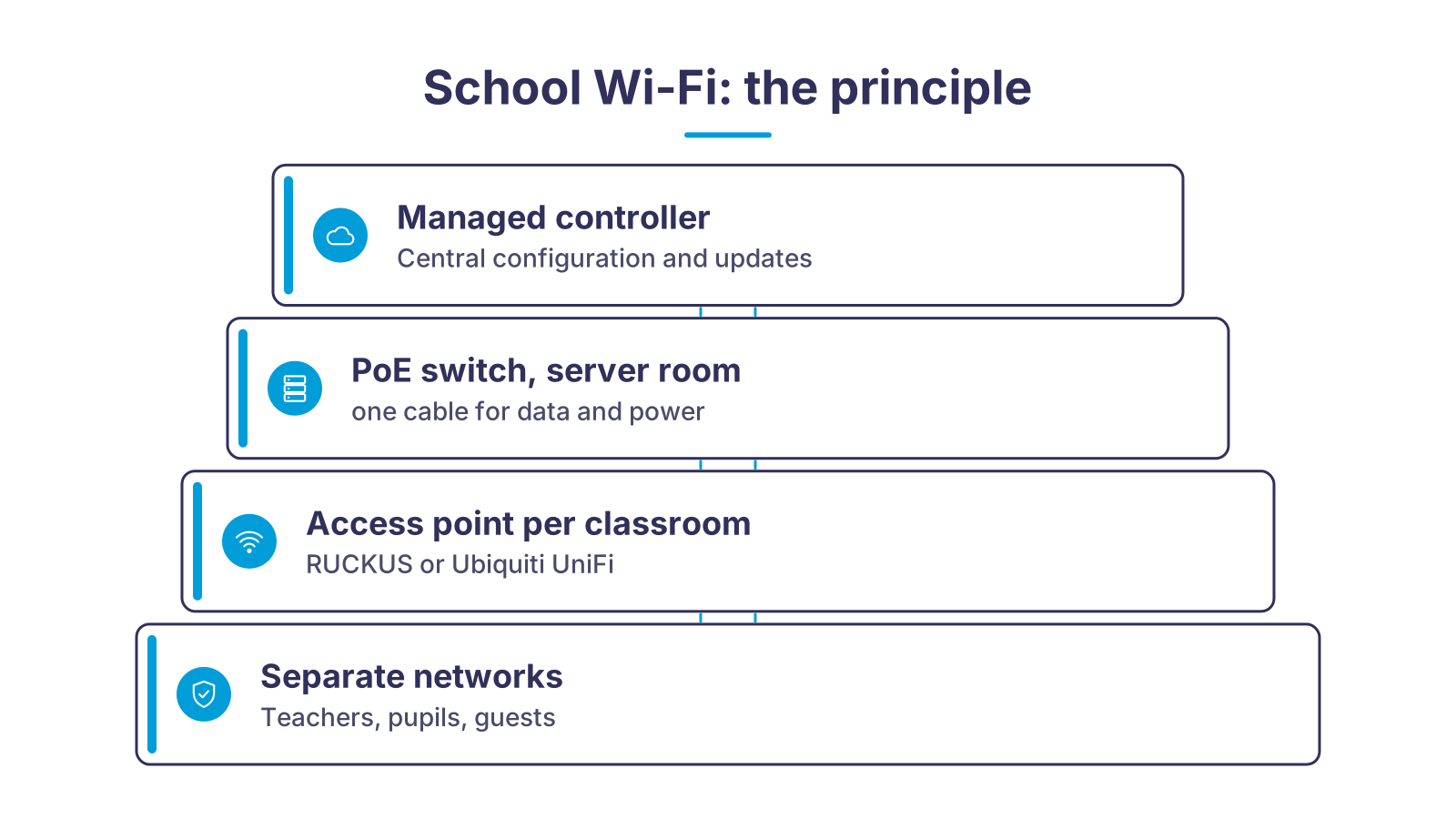
Every classroom has an access point, powered over a single network cable from the PoE switch in the equipment room that carries data and power at the same time. On top sits the managed controller, depending on the project in the Ascend data centre or in the vendor cloud: it pushes configuration, networks and firmware updates to all access points at once. Separate networks for teachers, students and guests run on the same access points, and Ascend support is available to existing customers 24×7 when something goes wrong.
What school Wi-Fi has to deliver, and what we do about it
Schools place special demands on Wi-Fi: many devices in a small space, all active at once, and often nobody on site whose full-time job is the network. Six requirements, six answers.
The whole class online at the same time
Teachers, students and guests kept apart
Youth protection filter on request
Installation from a single source
Operation without your own IT department
Documented planning
From the survey to a running network
- 1Clarify requirementsWe talk to the head teacher and the school authority about rooms, class sizes, learning platforms, tablet classes and the existing cabling. This produces the requirements profile.
- 2Ekahau surveyAs an authorised Ekahau partner, we simulate the network on the floor plan and then measure on site. Result: the number and mounting position of every access point, documented in a report.
- 3Planning and quotationYou receive a bill of materials with access points, PoE switches, licences and mounting, plus a quotation that itemises hardware, installation and operation separately.
- 4Installation and commissioningWe mount the access points, cable them to the PoE switch, commission switches and controller and verify the result with an acceptance measurement. We agree the time frame with the school and the school authority.
- 5Handover and operationAfter acceptance, the school and the school authority receive documentation and access. With managed Wi-Fi, Ascend then takes over updates, licences and 24×7 support for existing customers.
Which access point for which room
| RUCKUS (managed controller) | Ubiquiti UniFi | What matters | |
|---|---|---|---|
| Classrooms and specialist rooms | R575: Wi-Fi 7 on 2.4, 5 and 6 GHz, up to 512 clients according to the manufacturer, PoE 802.3at | U7 Pro: Wi-Fi 7 tri-band, 300+ clients over about 140 m² according to the manufacturer | One device per room, mounted centrally on the ceiling, so every tablet has the same short radio path. |
| Corridors, staff room, library | R370: Wi-Fi 7 dual-band, up to 256 clients according to the manufacturer, 2.5 GbE port | U7 Lite: Wi-Fi 7, 200+ clients over about 115 m² according to the manufacturer, standard PoE | Lower density but roaming: devices switch between access points as people walk, without dropping the connection. |
| Hall, canteen, gym | R770: Wi-Fi 7 with 4x4 streams and a 10 GbE uplink for high density | U7 Pro Max: Wi-Fi 7 with 4x4 on the 5 GHz band, 500+ clients over about 160 m² according to the manufacturer | Several access points at reduced transmit power instead of one strong device; the survey fixes the positions. |
| Schoolyard and break areas | T670: Wi-Fi 7 outdoor with GPS, up to 768 clients according to the manufacturer, operating from -40 to +65 °C | U7 Outdoor: IPX6, directional antenna for wall and mast, -30 to +60 °C, up to 465 m² outdoors according to the manufacturer | Only where the school wants it: outdoor Wi-Fi can be limited by schedule to breaks and after-school care. |
Why school Wi-Fi is different from office Wi-Fi

Picture a primary-school class of ten-year-olds, just after the long break. The teacher has prepared a task on the tablets for this lesson and is looking forward to it. He asks the class to pick up their tablets, and every child reaches for one at the same moment.
In an office, users spread out across the day and across the building. In a school the opposite happens: when the bell rings, every student in a room opens the same learning platform in the same minute, loads the same video or starts the same test.
When everyone loads at once
In the class from our example, every tablet now shows nothing but a loading circle. The teacher keeps smiling bravely and waits along with the children. Nothing is broken and nobody is to blame: the network was simply never meant for everyone starting at once.
What counts is therefore not the signal strength on a smartphone but airtime: all devices within radio range share the time in which an access point may transmit at all. A single strong access point in the corridor is therefore a typical planning mistake. It does reach every classroom, but has to split its airtime between three or four classes, and the tablets in the back row slow everyone else down with low data rates.

One access point per classroom
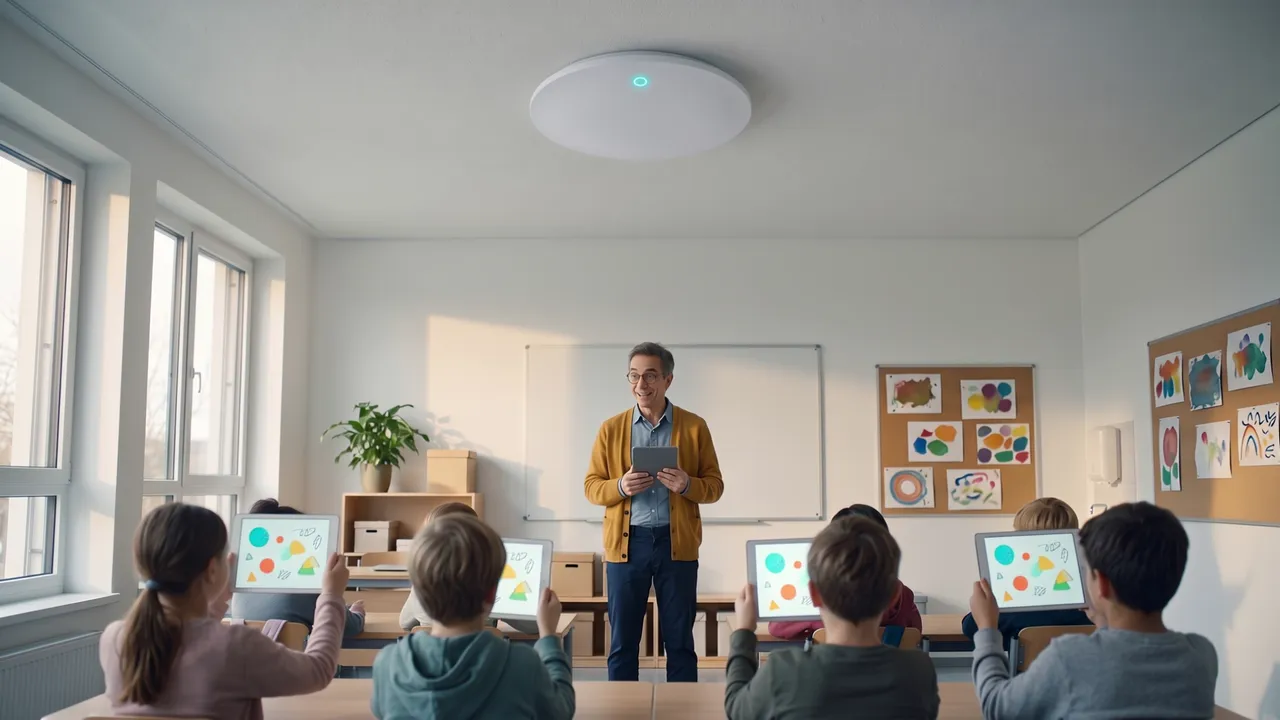
A few weeks later in the class from our example: an access point now hangs in the middle of the ceiling, a plain white disc with one status light. The teacher starts the same task and holds his breath for a moment. The light comes on, and the content appears on every tablet at the same moment. He did not have to do anything for it.
The answer is one access point per classroom, mounted centrally on the ceiling at reduced transmit power so that neighbouring rooms do not interfere with each other. Current Wi-Fi 7 devices such as the RUCKUS R575 or the Ubiquiti UniFi U7 Pro also transmit on the 6 GHz band with its free channels for dense environments, and steer tablets there automatically through band steering. How many clients an access point can handle according to the manufacturer says little about a class: what matters is channel planning across all rooms, the cable routes to the switch, and whether a room with a projector, a document camera and 30 tablets is to work at the same time. This is exactly what we settle in the Wi-Fi survey before the first device is ordered.
Separate networks for teachers, students and guests
A school network consists of several networks that share the same access points but stay separate from one another. Each network gets its own network name and its own VLAN; which networks exist, for example for teachers, students, guests or administration, we define with the school and the school authority. In the student network, devices can be shielded from each other with client isolation so that they only reach the internet. Guests, such as speakers or parents at a parents' evening, use a guest Wi-Fi with a login page, time limit and bandwidth limit. Encryption is WPA3; for student devices, individual keys or a RADIUS login are a good fit, so that a shared password does not open up the whole school.
On request we add a youth protection filter to the student network, as we also offer it as an option for Wi-Fi for cities and municipalities; scope and blocked categories are agreed with you. School authorities should also look at operator liability: the traffic of the student and guest networks can be routed through a VPN tunnel into the Ascend data centre. Outwardly our IP address then appears, and Ascend is the first point of contact if a connection is misused. Schedules round this off: the student network can be switched off at night and during holidays, and the schoolyard Wi-Fi limited to breaks.
What Ascend takes on: survey, hardware, installation, operation
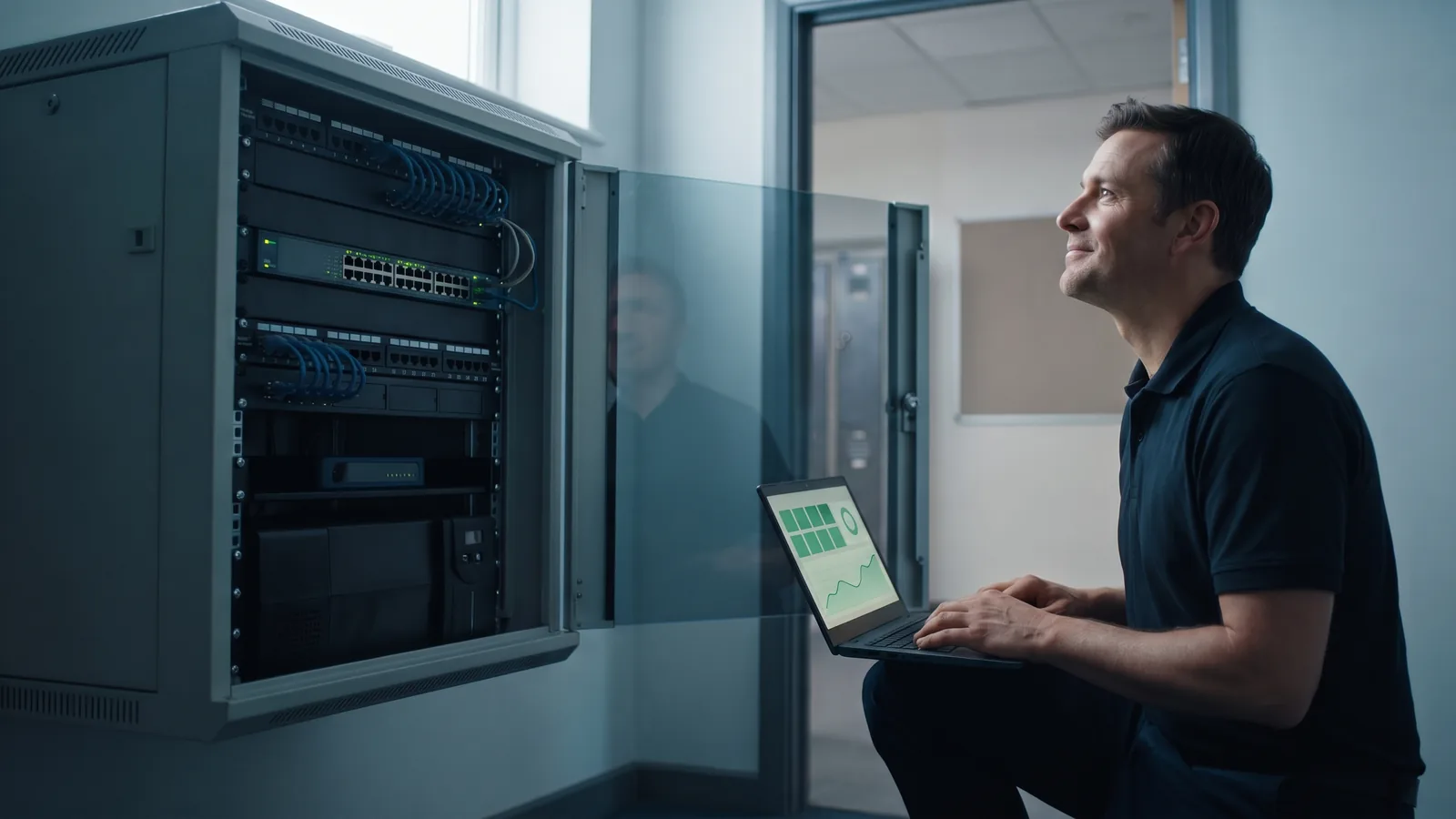
Ascend has been an IT systems house in Nuremberg since 2010 and plans and runs Wi-Fi from there for companies, hotels, schools and municipalities. For schools we offer the complete chain from a single source. As an authorised Ekahau partner we survey the building, first as a simulation on the floor plan, then as an on-site measurement, documented in a report with heatmaps, access point positions and recommendations. The hardware comes from the Ascend Shop: RUCKUS for schools that want to hand over operation completely, Ubiquiti UniFi for school authorities that want to manage the networks of several schools themselves in one interface.
With managed Wi-Fi, Ascend runs the controller, depending on the project in its own data centre or in the vendor cloud. It pushes configuration, networks and firmware updates to all access points at once. The school does not have to run a server, schedule updates or manage licences; our support monitors the access points 24×7 and responds to faults. For the school authority this means one contact for planning, installation and maintenance. Installation covers mounting, cabling to the PoE switch in the equipment room, commissioning and acceptance measurement; we agree the time frame with you.
DigitalPakt Schule 2.0: Wi-Fi is eligible for funding
Under the DigitalPakt Schule 2.0, the federal government and the Länder are again funding digital equipment for schools. School networks and Wi-Fi are among the eligible items, as is technical support. The application is made not by the school but by the school authority, as soon as its federal state has published the corresponding funding guideline. Only the guideline of your federal state is binding; the survey report and bill of materials document the planned equipment in a traceable way.
Suitable hardware in the Ascend Shop
Typical access points for schools and the licence for operation on the RUCKUS controller. The shop shows current prices and availability; you will also find PoE switches and mounting brackets there.
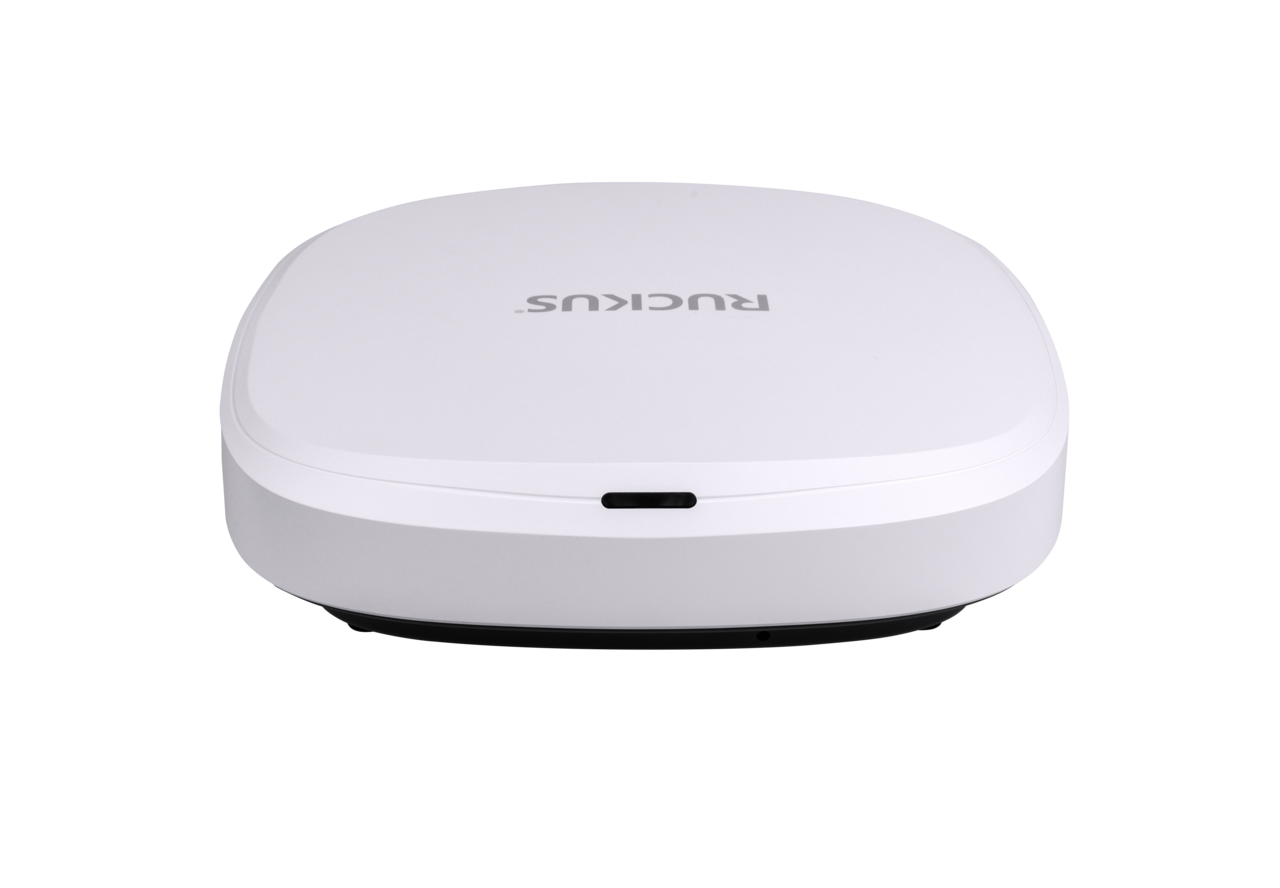
RUCKUS R575
Designed according to the manufacturer for classrooms, corridors and offices: Wi-Fi 7 on 2.4, 5 and 6 GHz, two 2.5 GbE ports, PoE 802.3at, up to 512 clients.
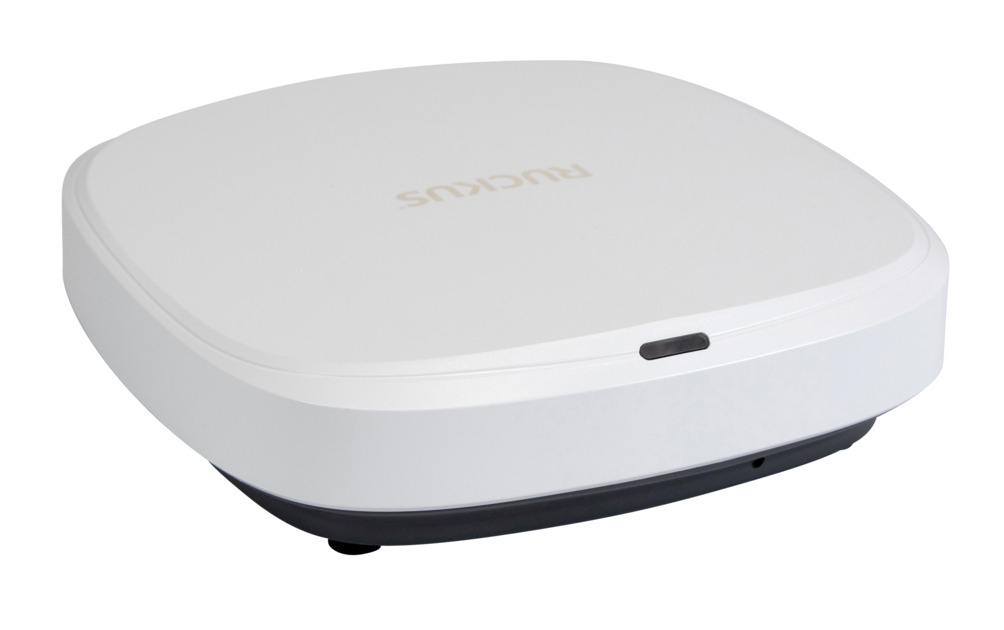
RUCKUS R370
Entry into Wi-Fi 7 for corridors, staff room and library: dual-band 2x2:2, 2.5 GbE port, up to 256 clients according to the manufacturer.

Ubiquiti UniFi U7 Pro
Wi-Fi 7 ceiling unit with 2.4, 5 and 6 GHz, 2.5 GbE uplink, PoE+, 300+ clients over about 140 m² according to the manufacturer. For school authorities with their own UniFi management.

Ubiquiti UniFi U7 Pro Max
For hall, canteen and gym: Wi-Fi 7 with 4x4 on the 5 GHz band, 500+ clients over about 160 m² according to the manufacturer.
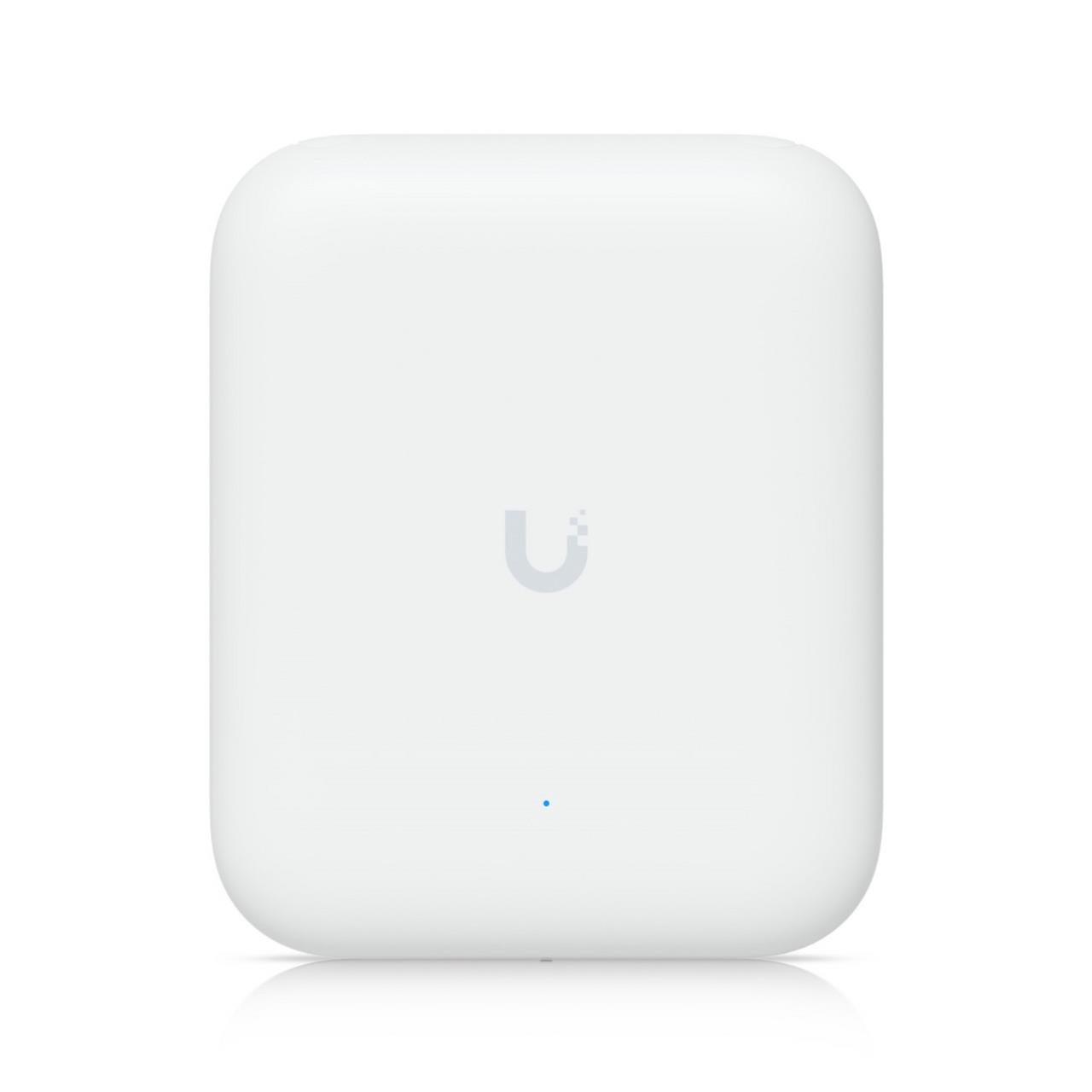
Ubiquiti UniFi U7 Outdoor
Weatherproof Wi-Fi 7 access point (IPX6) with directional antenna for the schoolyard and break areas, -30 to +60 °C, up to 465 m² outdoors according to the manufacturer.
- SmartZone licence per access point
SmartZone licence per access point
The vSZ/SZ licence per RUCKUS access point for operation on a SmartZone controller.
Frequently asked questions about Wi-Fi in schools
Further links
When nobody in class talks about the Wi-Fi any more
And the class from our example? One child proudly holds up the finished picture, the teacher breathes out and laughs. Nobody mentions the Wi-Fi for the rest of the lesson, and that is exactly how it should be.
This one class is only an example. The technology behind it is the same in a primary school, a grammar school or a vocational college: one access point per classroom, planned with a survey. We will gladly work out with you what that looks like in your school building.

Ready for Wi-Fi that carries the whole class?
Tell us the type of school, the number of classrooms and whether access points or cabling already exist. We will get back to you with a proposal for survey, hardware and operation.
We look forward to hearing from you!
Tell us the type of school, the number of rooms and your preferred time frame. We will get back to you shortly with a personal consultation.