








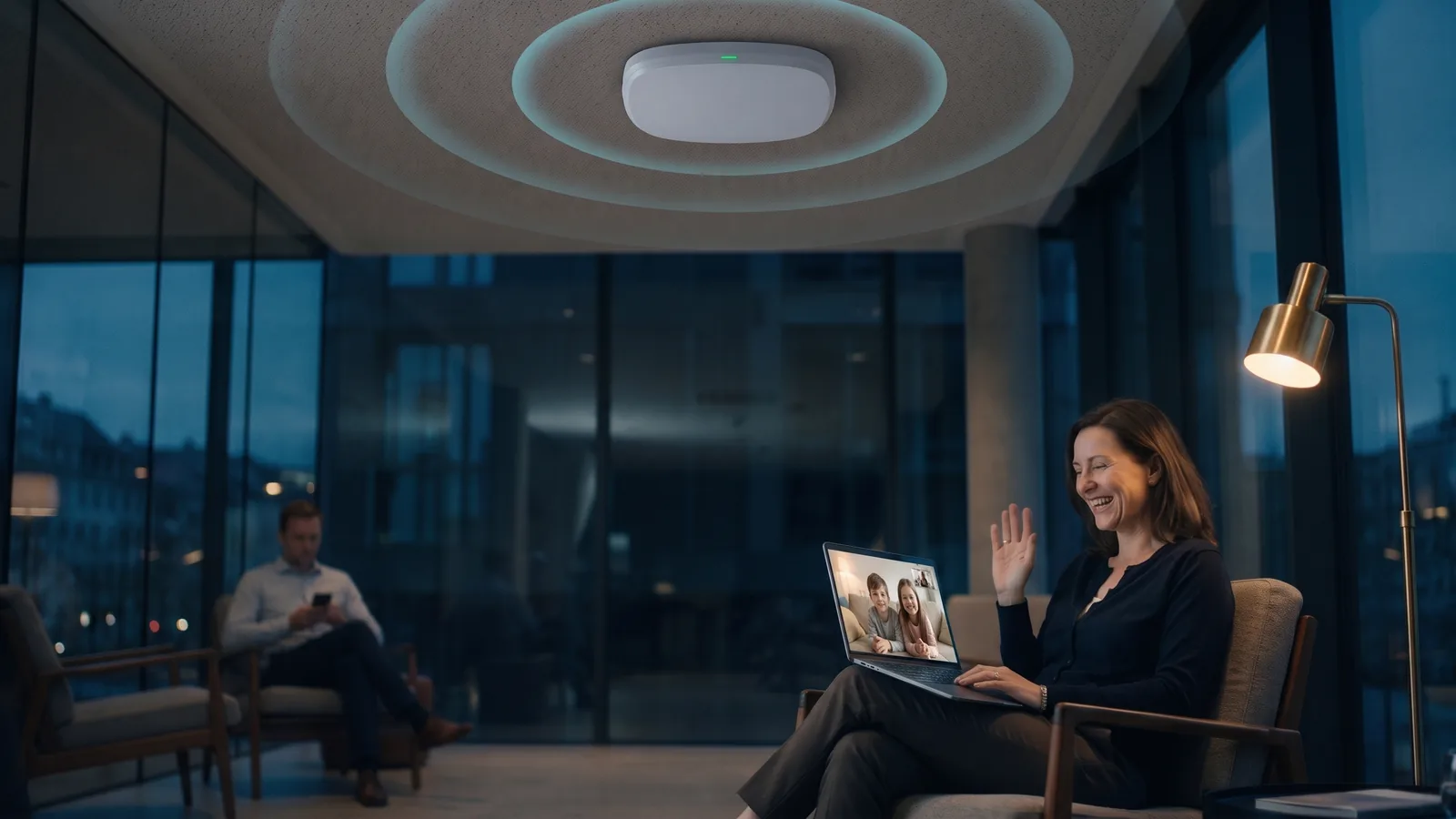
Wi-Fi for businesses, hotels and education
RUCKUS Wi-Fi: access points and managed controller from Ascend
Full lecture halls, occupied hotel rooms, shift changes in production: your Wi-Fi has to work exactly when everyone goes online at once. Ascend supplies RUCKUS Wi-Fi 7 access points from its own shop and, on request, runs them as managed Wi-Fi on our own controllers in the Ascend data center. Site survey, installation and 24×7 support for existing customers come from a single source.
The principle at a glance
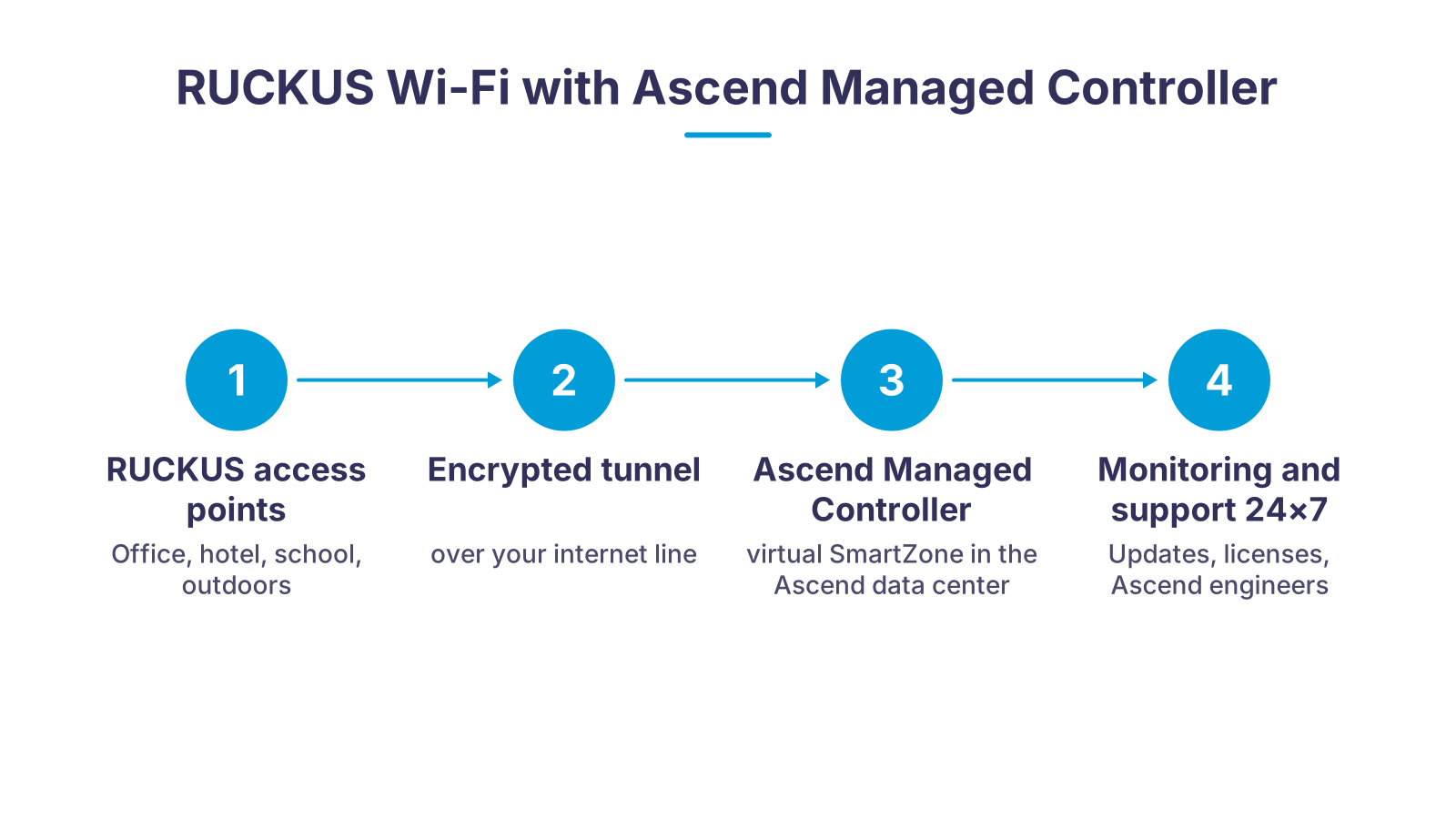
The RUCKUS access points hang on your ceiling, wall or pole. They are not controlled on site but through an encrypted tunnel by a controller that Ascend operates in its own data center. Configuration, firmware updates and monitoring all come together there. You need no controller of your own, no ZoneDirector and no specialist knowledge in-house; new access points are connected and appear in the controller. If you prefer to manage things yourself, you get the same hardware with Unleashed or RUCKUS One.
What RUCKUS Wi-Fi with Ascend does differently
Four problems we take out of your Wi-Fi: dead spots, crowded channels, a controller nobody looks after, and licenses nobody explains.
BeamFlex+ instead of omnidirectional antennas
ChannelFly against crowded channels
Controller in the Ascend data center
Licenses and support under control
24×7 engineer support for existing customers
Planned instead of guessed
Current RUCKUS Wi-Fi 7 models compared
| Standard and bands | Streams and uplink | Clients per manufacturer | Typical use | |
|---|---|---|---|---|
| R370 (indoor, entry level) | Wi-Fi 7, 2.4 and 5 GHz (dual-band) | 2x2:2, 1x 2.5 GbE | up to 256 | Offices, practices, branches with low to medium density |
| R575 (indoor, tri-band) | Wi-Fi 7, 2.4, 5 and 6 GHz | 2x2:2 per band, 2x 2.5 GbE with LAG, PoE 802.3at | up to 512 | Classrooms, corridors, open-plan offices |
| H670 (wall mount) | Wi-Fi 7, 2.4, 5 and 6 GHz | 2x2:2 per band, 1x 5 GbE uplink, 4x 2.5 GbE for in-room devices | up to 768 | Hotel rooms, student residences, patient rooms |
| R770 (indoor, high density) | Wi-Fi 7 | 4x4, 10 GbE uplink | see datasheet in the shop | Lecture halls, conference centers, halls |
| T670 (outdoor) | Wi-Fi 7, dual-band 2.4 and 5 GHz outside North America | 4x4 in dual-band operation, 1x 5 GbE and 1x 1 GbE, GPS | up to 768 | Courtyards, squares, harbors, stations, outdoor dining; -40 to +65 °C |
How to get your managed RUCKUS Wi-Fi
- 1Clarify requirementsWe talk about the building, user numbers, applications such as VoIP, IPTV or a guest portal, and the existing cabling and PoE switches.
- 2Site survey with EkahauOn site or as a simulation on the floor plan, we determine the number and position of the access points. The result is a plan, not an estimate.
- 3Hardware and licensesYou receive a quote with the suitable RUCKUS models from the Ascend Shop, SmartZone licenses and optional WatchDog support.
- 4Pre-configuration in the controllerOur engineers set up your SSIDs, VLANs, guest access and policies in the managed controller before the first access point is delivered.
- 5Installation and handoverWe mount the access points or work alongside your electrician. Once connected, the devices register with the controller and take over their configuration.
- 6Operation with 24×7 support for existing customersMonitoring, firmware updates and fault handling run at Ascend. You see your Wi-Fi in reports, and we take care of the rest.
RUCKUS access points from the Ascend Shop
RUCKUS Networks builds access points for environments where many devices transmit at once in a small space: hotels, universities, stadiums, hospitals, production halls. Two technologies set them apart from an ordinary access point. BeamFlex+ is an adaptive antenna system that, according to the manufacturer, selects from over 4,000 antenna patterns per band and steers the signal packet by packet at the respective device, without the device having to cooperate. ChannelFly chooses the radio channel not by theory but by measured throughput, and switches when neighboring networks clog the channel.
In the Ascend Shop we carry the current Wi-Fi 7 generation: the R370 as an entry-level model with a 2.5 GbE port, the tri-band R575 with two 2.5 GbE ports and link aggregation for classrooms and offices, the H670 for wall mounting in the hotel room with a 5 GbE uplink and four 2.5 GbE ports for in-room devices, the R770 with 4x4 and a 10 GbE uplink for lecture halls and halls, and the T670 for outdoor areas with GPS and an operating range of -40 to +65 °C. According to the manufacturer, the H670 and T670 include an additional radio module for BLE and Zigbee, so door locks, sensors or guest services can be connected without a separate IoT gateway; according to its datasheet, the R370 is IoT-ready.
Part numbers with the prefix 901 denote the SmartZone variant for operation on a controller, including the Ascend managed controller; all Wi-Fi 7 models on this page are listed in the shop in that variant. According to the manufacturer, the same hardware can also be operated with RUCKUS One or Unleashed without a controller. Which operating mode suits your site, we clarify before you order.
Older Wi-Fi 6 and Wi-Fi 6E models such as the R350e, R560 and R760 are being phased out by the manufacturer and are no longer planned by us for new projects. If you still use them, we offer advice on migrating to the current generation.
Managed Wi-Fi via the Ascend controller
A RUCKUS controller is the brain of the Wi-Fi: it distributes the configuration, keeps the firmware up to date, manages roaming between access points and delivers the reports that let you spot faults before anyone complains. In the past, a ZoneDirector in the server cabinet did this job. Today Ascend operates its own controllers in the data center and takes over this role for you.
For you this means: you buy access points and licenses, not a controller. Several sites, such as branches, hotels of a group or schools of one operator, run on the same controller with the same SSIDs and policies. New access points are created in advance at our end and, once connected to the PoE switch, automatically take over their configuration. Guest networks with a captive portal, separate VLANs for administration, guests and IoT, and time-controlled SSIDs are set up and maintained by our engineers.
The controller itself is our concern: updates and monitoring run at Ascend, with 24×7 support for existing customers. You receive reports on your Wi-Fi. For operators who prefer to work entirely in the cloud, we offer the same access points alternatively with RUCKUS One; for sites with only a few access points, Unleashed without a controller is often enough. Which variant makes sense depends on the number of sites, security requirements and who is to look after the Wi-Fi day to day.
Who benefits from RUCKUS Wi-Fi
RUCKUS is not the cheapest hardware on the shelf, and it does not have to be. It pays off where a Wi-Fi outage costs money or reputation and where many devices come together on little space.
Hotels and resorts: The H670 brings Wi-Fi, Ethernet ports and IoT radio into the room; guest network, captive portal and per-guest bandwidth limits come from the controller. More on our page Wi-Fi for hotels.
Schools and universities: When thirty tablets load the same video at once, the antenna decides. The R575 and R770 are designed for classrooms and lecture halls; the controller cleanly separates teacher, student and administration networks.
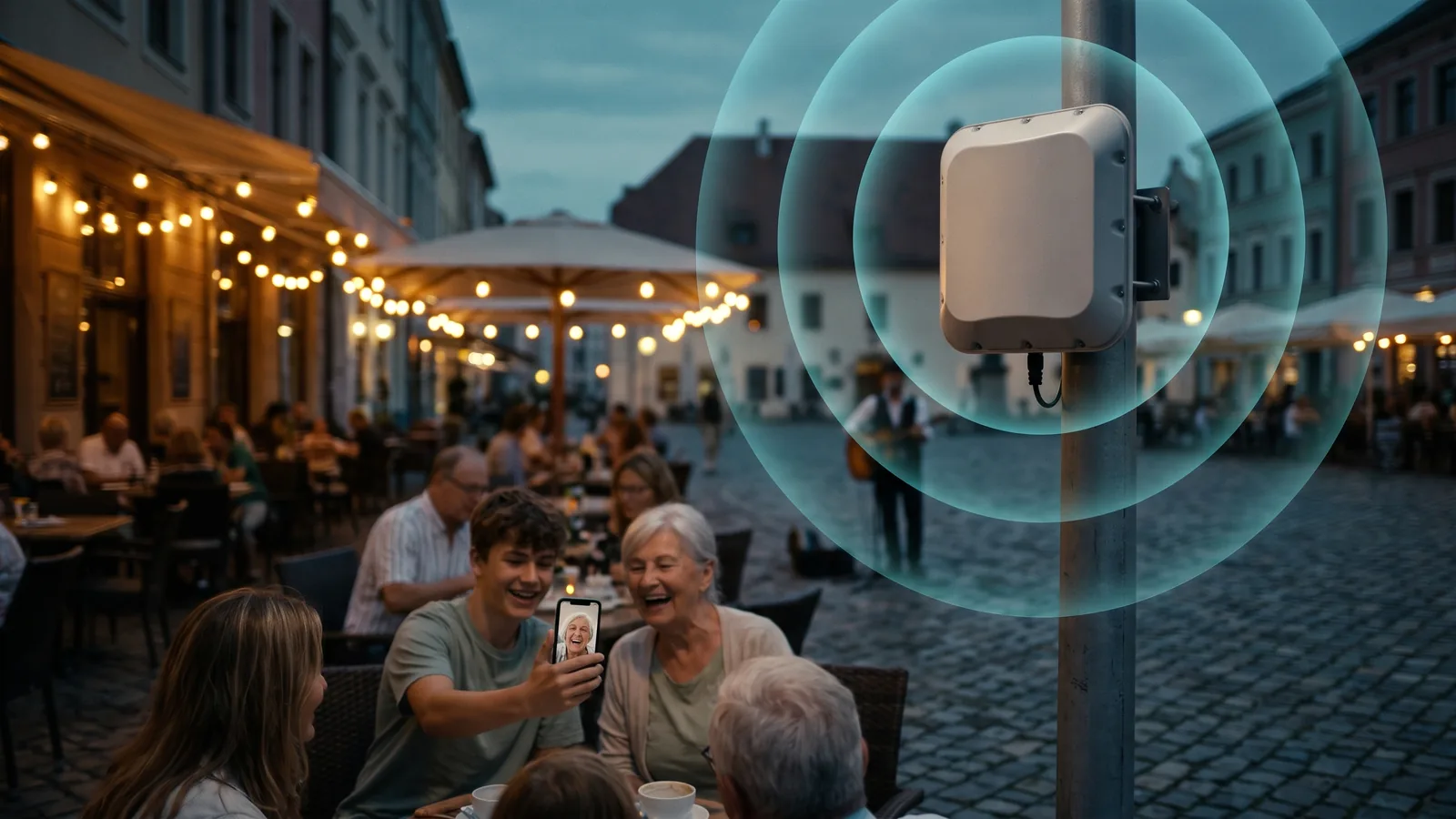
Cities, municipalities and event organizers: The T670 covers squares, courtyards, platforms and outdoor dining and withstands temperatures from -40 to +65 °C. For temporary deployments we also offer RUCKUS access points for rent.
Production, logistics and healthcare: Scanners, AGVs and mobile ward rounds need stable roaming between access points. The controller takes care of that, and ChannelFly keeps the channels clear when machines and neighbors cause interference.
In every case: we plan first. A Wi-Fi site survey with Ekahau shows how many access points you really need and prevents the two classic mistakes, too few devices in the wrong places or too many that interfere with each other.
Running a ZoneDirector? Plan the switch now
For the current Wi-Fi 7 models R575, H670 and T670, the manufacturer data lists only RUCKUS One, SmartZone and Unleashed as management platforms; only the R370 still lists the ZoneDirector. If you keep running your ZoneDirector, the R370 is therefore the only current Wi-Fi 7 model you can add; the R575, H670 and T670 require a platform change. The Ascend managed controller is the direct successor: the new Wi-Fi 7 devices run on it, and the controller in the server cabinet is no longer needed. We advise you in advance on migrating your existing devices.
Matching hardware in the Ascend Shop
Current RUCKUS Wi-Fi 7 access points and the SmartZone license for operation on the Ascend managed controller. The shop shows prices and availability up to date.
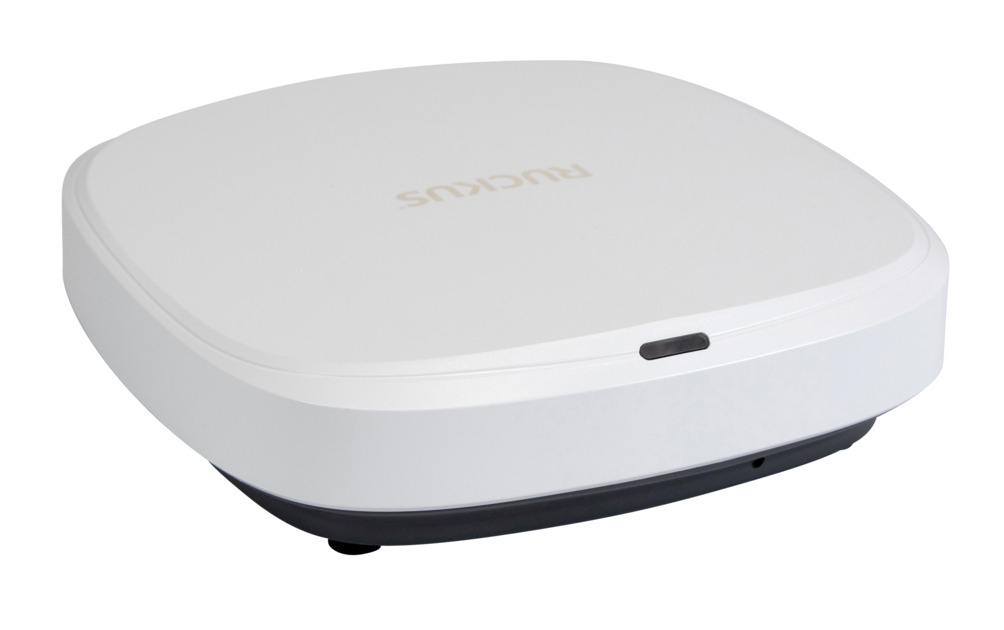
RUCKUS R370
Entry into Wi-Fi 7: dual-band 2x2:2, 2.5 GbE port, up to 256 clients, BeamFlex+ and ChannelFly.
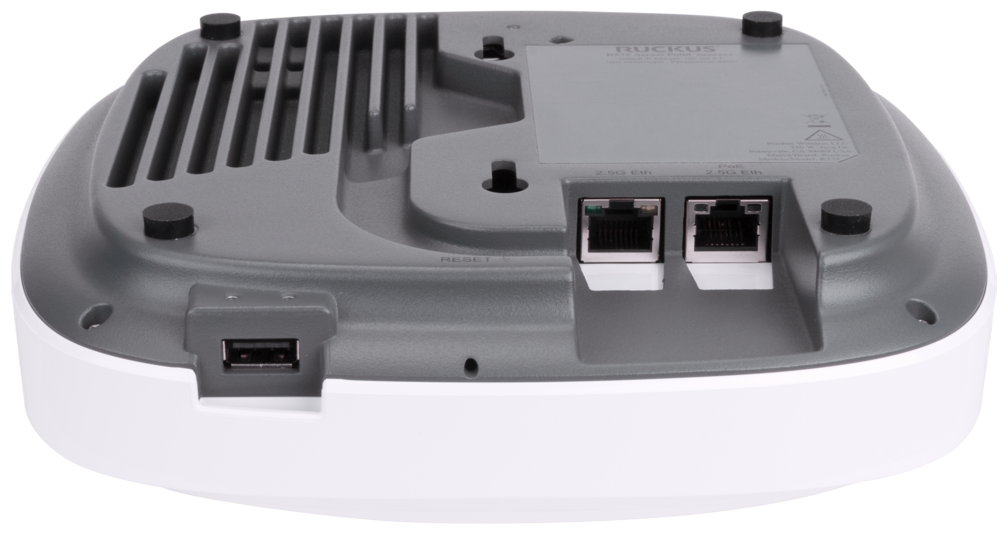
RUCKUS R575
Tri-band 2.4/5/6 GHz with 2x2:2 per band, two 2.5 GbE ports with LAG, PoE 802.3at, up to 512 clients.
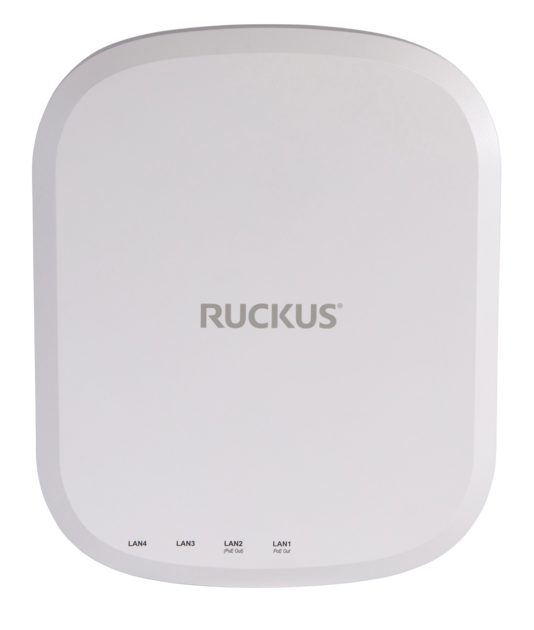
RUCKUS H670
Wall mount for the hotel room: tri-band Wi-Fi 7, 5 GbE uplink, four 2.5 GbE ports for in-room devices, IoT radio.
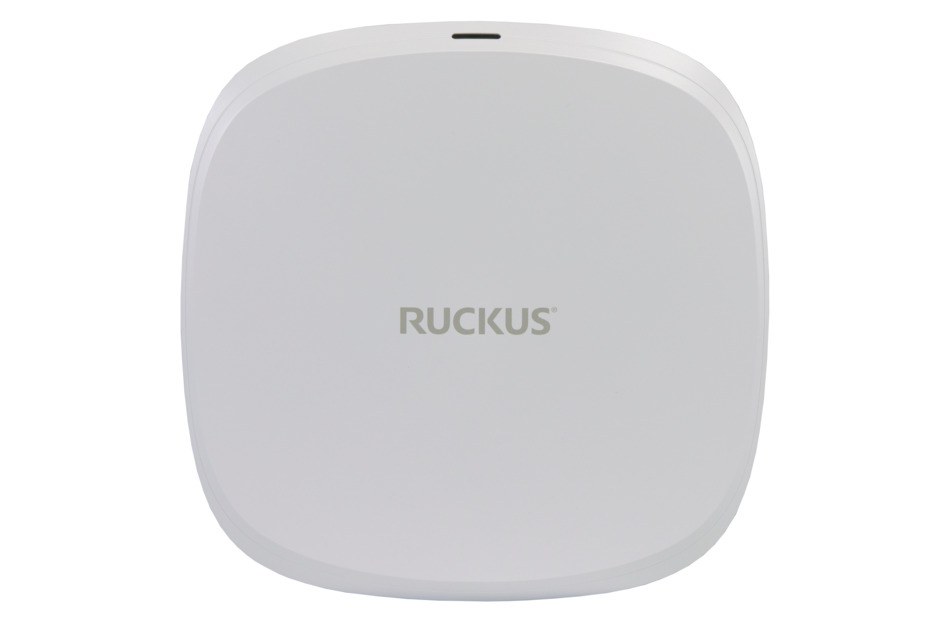
RUCKUS R770
High-density model with 4x4 and 10 GbE uplink for lecture halls, halls and conference areas.
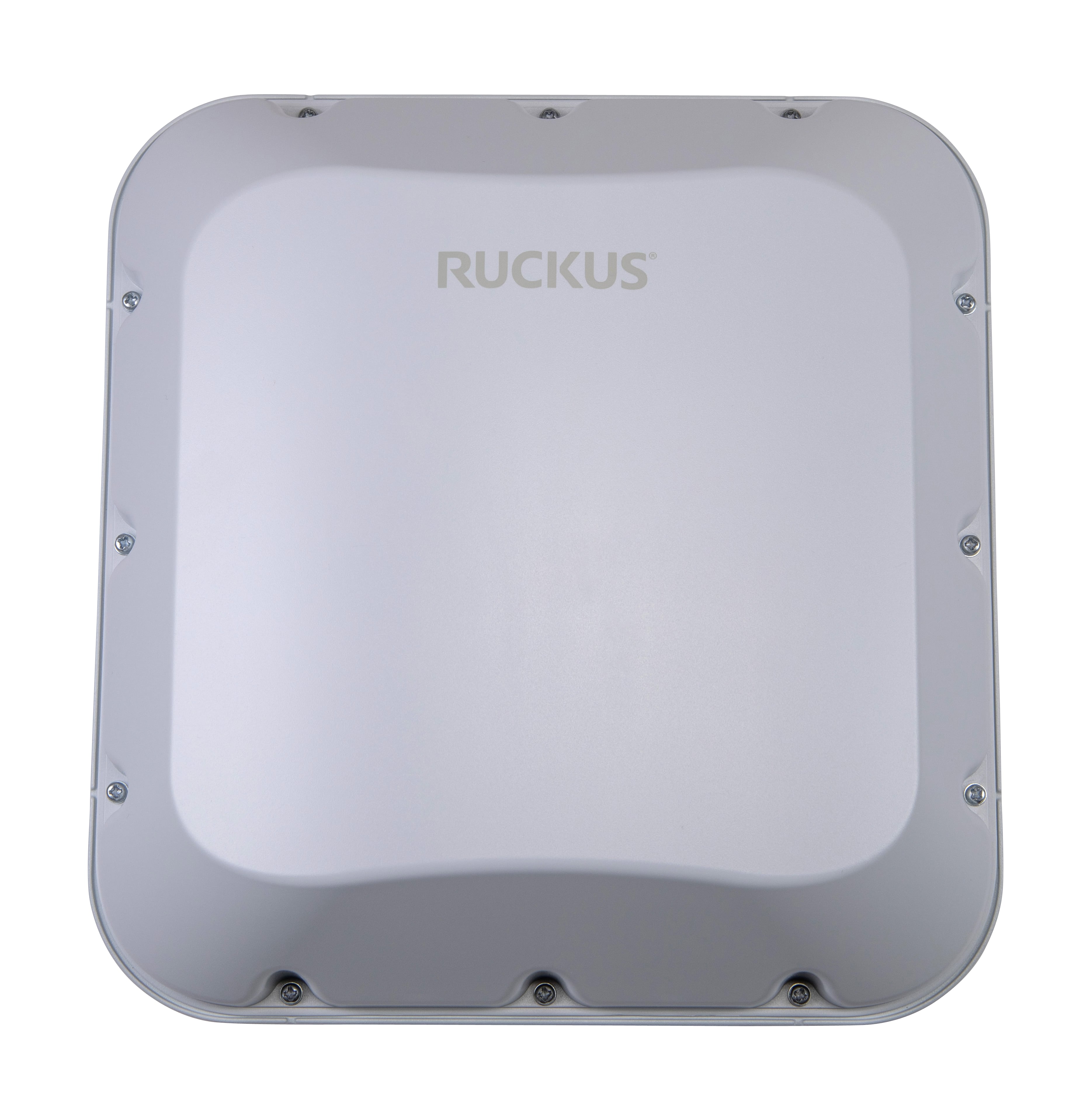
RUCKUS T670
Outdoor access point with GPS, 5 GbE and 1 GbE port, up to 768 clients, operation from -40 to +65 °C.

SmartZone license per access point
The vSZ/SZ license per access point for operation on the SmartZone controller, including the Ascend managed controller.
Frequently asked questions about RUCKUS Wi-Fi
Further links
Ready for Wi-Fi that holds up even when the house is full?
Tell us the building type, number of sites and approximate number of users. We will get back to you with an assessment of whether the managed controller, RUCKUS One or Unleashed suits you, and with a proposal for the site survey.
We look forward to hearing from you!
Tell us the building type, number of sites and number of users. We will get back to you shortly with personal advice on RUCKUS Wi-Fi and the Ascend managed controller.