





Peplink Training
Peplink Training: SpeedFusion and InControl 2 in Practice
Learn to configure Peplink routers properly, optimise SpeedFusion bonding and troubleshoot on your own – with certified Peplink trainer Johannes Fickeis. Remote or on-site.

Why Peplink training with ASCEND
Certified Peplink trainer
Johannes Fickeis is a trainer in the Peplink certification programme PCE. ASCEND is a Peplink Certified Gold Partner.
Hands-on with your devices
We configure your Peplink routers and your InControl 2 together – with your real connections.
Get SpeedFusion right
Hot Failover, WAN Smoothing, Forward Error Correction and bonding: which mode fits when.
Troubleshoot on your own
WAN Analyzer, speed tests and tunnel graphs – your team finds faults without a hotline.
Remote or on-site
The training runs via remote access or at your premises.
Small groups
Up to 4 participants per training day – plenty of time for your questions.
Peplink training content
The Peplink training consists of two modules of one day each. We tailor the content to your devices and use case in advance – for example broadcasting, vehicles, multi-site networking or Starlink bonding.
Module 1 – Peplink basics: InControl 2 and SpeedFusion
- InControl 2: organisations and groups, user management, adding new devices, device password, web interface access, configuration backups
- Communication: ports and firewall requirements (router → InControl 2, router → SpeedFusion hub)
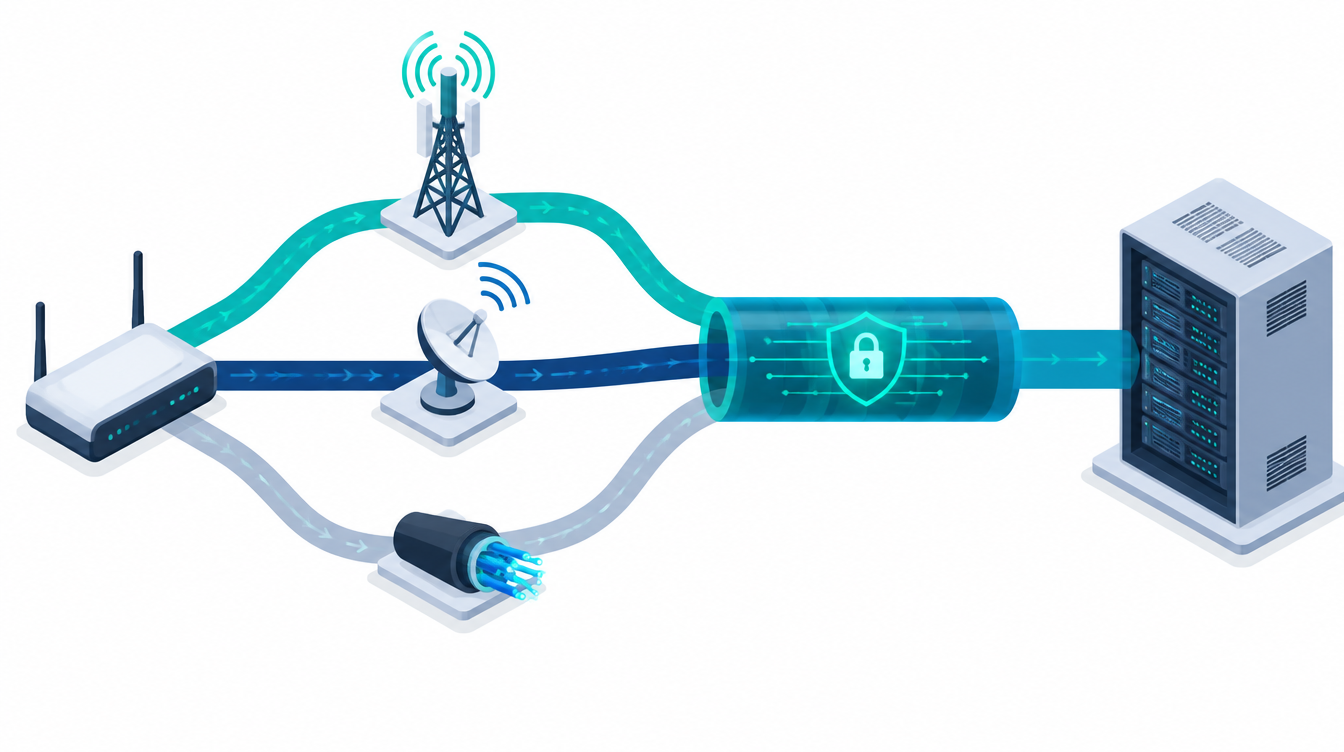
- SpeedFusion part 1: Hot Failover (session persistence), WAN Smoothing, Forward Error Correction, bandwidth bonding, SpeedFusion behind a firewall
- Configuring Peplink routers: access directly and via InControl 2, backup and restore, firmware upgrade, WAN priorities, licence keys, LAN IP, PepVPN local ID and profiles, SpeedFusion hub configuration, “Send all traffic to”
- Troubleshooting: WAN Analyzer, manual speed tests and optimisation, graphs in the SpeedFusion tunnel
Module 2 – Advanced Peplink training: SpeedFusion deep dive
- Antennas: omnidirectional and directional antennas, 4G/5G (why 5G antennas have 4 connectors), cables and loss, spacing and alignment (90° cross-polarisation)
- Additional WANs: USB LTE modems, USB-RJ45 adapters, Wi-Fi as WAN in SpeedFusion incl. captive portals via outbound policy
- Network: VLANs, QoS, firewall rules, content blocking, OpenVPN, captive portal (local and InControl)
- SpeedFusion deep dive: support.cgi, traffic distribution modes, bonding algorithms (Bonding, Dynamic Weighted Bonding, Lowest Latency, Weighted Round Robin, Overflow), active sessions and deep packet inspection, outbound policies by source, destination and service, recommended settings for SRT, WebEx and Zoom, L2 tunnel, satellite/LTE bonding
- Operations: high availability (HA) and notifications in InControl
Key facts and price
| Duration | 1 day per module |
|---|---|
| Format | Remote or on-site |
| Participants | up to 4 people |
| Price | €1,990 net per training day |
| On-site | plus travel costs |
| Prerequisites | Peplink router capable of bonding, basic knowledge of IP addresses; for module 2 a UDP traffic generator (e.g. iperf3) |
How the training works
- 1RequestTell us your Peplink devices, your use case and the number of participants.
- 2DateWe agree on a date and send you the agenda.
- 3TrainingWe work together on your devices – remote or at your site.
- 4Follow-upWe are happy to answer open questions afterwards.
Frequently asked questions about Peplink training
More about Peplink
Ready for your Peplink training?
Tell us which Peplink devices you use – we will suggest a date.
We will get back to you with a proposed date
Tell us your Peplink devices and the number of participants.