











Business Wi-Fi
Wi-Fi access points: planned, mounted, managed
With access points on the ceiling, the video call holds even in the back meeting room.
- So far the router does not reach the back: the video call freezes.
- Ascend measures on site and mounts access points on the ceiling.
- From the desk into the meeting room, the call stays connected.
- Now the video call holds even in the meeting room at the very back.
The principle at a glance
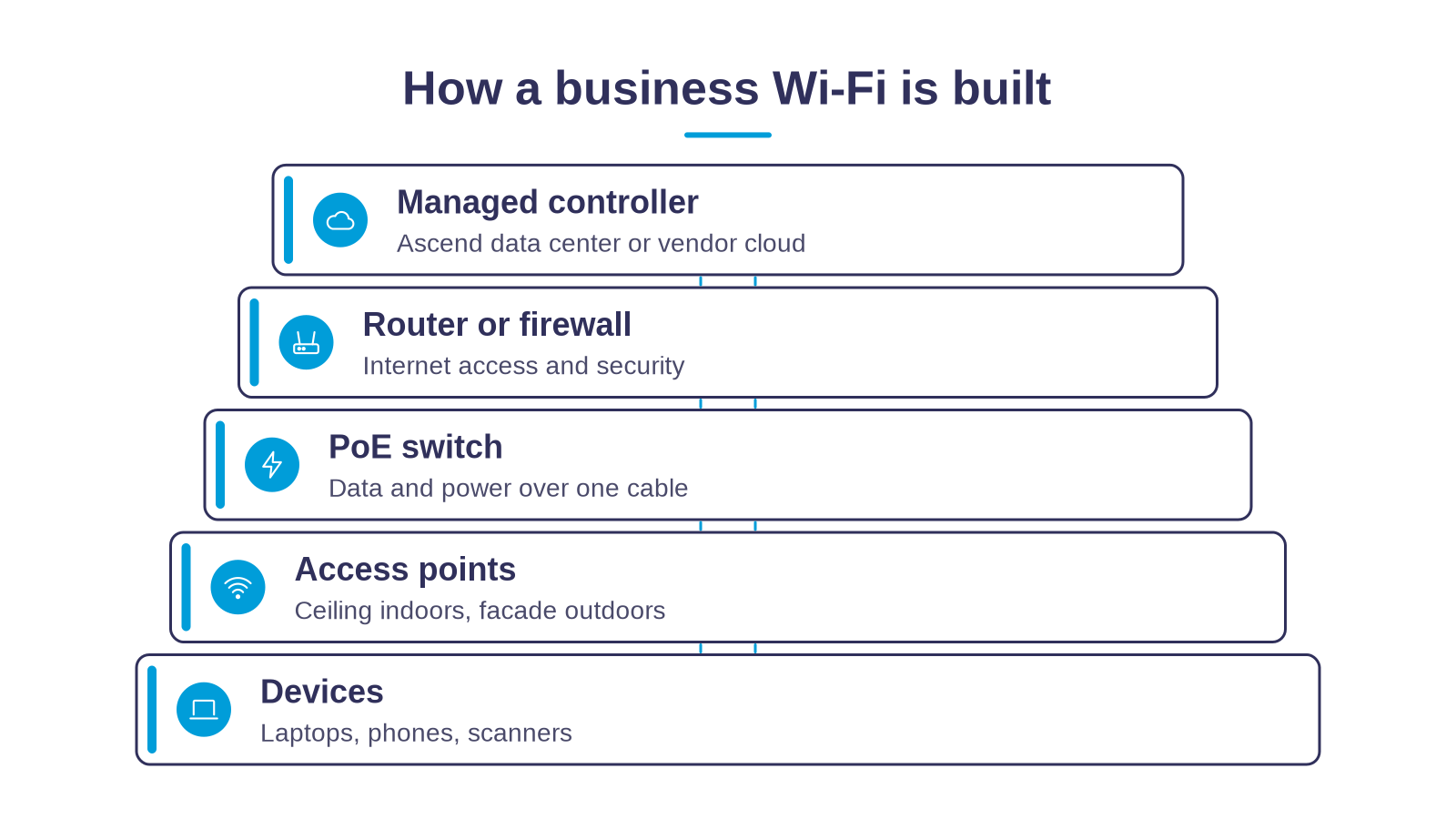
The router provides internet access, and a PoE switch supplies every access point with data and power over a single network cable. The access points on the ceiling or facade form a wireless network in which laptops, smartphones and scanners move from device to device without dropping. Above it all sits the managed controller, in the Ascend data centre or the vendor cloud depending on the project: it distributes configuration, security policies and updates to all access points at once without sitting in the data path itself.
An example: the video call in the back meeting room

Imagine a small office that started out with a single router. At the desk next to the router everything works, but in the meeting room at the end of the corridor the video call with a client freezes. Your colleague holds the laptop towards the door, as if that could pull the signal in, and the colleague at the table has to smile. The first time it is funny, the third time it is not.
Six problems a planned Wi-Fi network eliminates
A single router from the electronics store does not cover an office. Business access points solve the problems that cost the most in daily operation.
Dead spots in the building
Overloaded networks with many devices
Insecure guest Wi-Fi
Maintaining every device individually
Outdated standards
Nobody responsible in operation
Wi-Fi 6, 6E or 7: which generation fits your use case
| Wi-Fi 6 (802.11ax) | Wi-Fi 6E | Wi-Fi 7 (802.11be) | |
|---|---|---|---|
| Frequency bands | 2.4 GHz and 5 GHz | 2.4 GHz, 5 GHz and additionally 6 GHz | 2.4 GHz and 5 GHz; tri-band models additionally 6 GHz. Entry-level and outdoor models (RUCKUS R370, T670, UniFi U7 Lite, U7 Outdoor) transmit on 2.4 and 5 GHz in the EU |
| Channel width | up to 160 MHz | up to 160 MHz, in the 6 GHz band without interference from legacy devices | up to 320 MHz, plus 4096-QAM and Multi-Link Operation (MLO) |
| Strength | Efficiency with many devices, mature and affordable | Free channels in the 6 GHz band for dense environments | Highest data rates and lowest latency, bundles several bands per client |
| Typical use | Offices, practices, holiday apartments, extending existing networks | Existing networks with many 6E clients; for new projects we recommend Wi-Fi 7 right away | New buildings, hotels, halls, production, anything with a service life of more than five years |
| Examples in the Ascend Shop | RUCKUS R350 | End-of-sale models: RUCKUS R560 and R760 have been discontinued by the manufacturer (last shipment 30 December 2026), available on request | Tri-band: RUCKUS R575, UniFi U7 Pro, U7 Pro Max. Dual-band: RUCKUS R370, T670, UniFi U7 Lite, U7 Outdoor |
From requirements to managed Wi-Fi in five steps
- 1Clarify requirementsWe record areas, user numbers, applications such as video conferencing or scanners, and existing floor plans.
- 2Site survey with EkahauOur Ekahau-certified technicians simulate signal strength and sources of interference and measure on site. The result determines the number and position of each access point.
- 3Select and set up hardwareRUCKUS or UniFi, indoor or outdoor, Wi-Fi 6 or 7: we choose to fit your budget and set up SSIDs, VLANs and the guest network.
- 4Installation and PoEMounting on ceiling, wall or mast, cabling to the PoE switch, commissioning and acceptance measurement.
- 5Managed controller and 24×7 support for existing customersDepending on the project, the controller runs in the Ascend data centre or the vendor cloud. We monitor, update and extend your Wi-Fi during live operation.
In the example: measure first, then mount
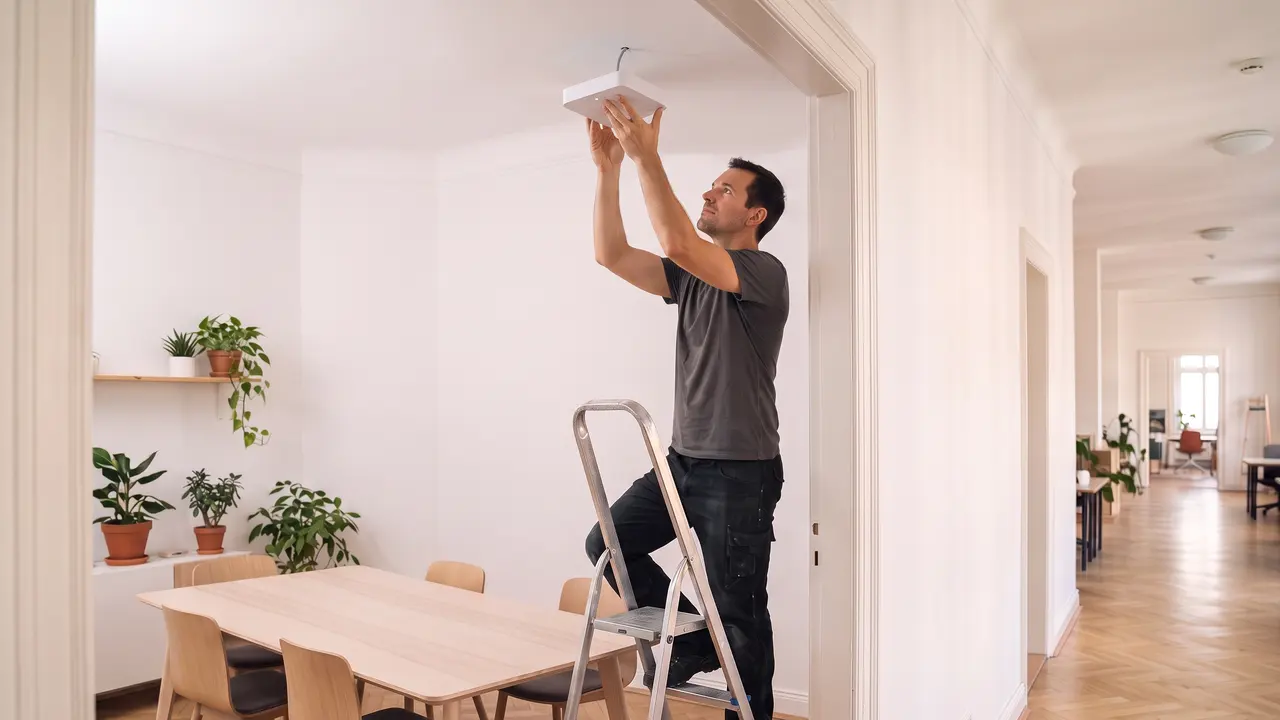
In the office in the example, Ascend first measures on site how many access points are needed and where they have to hang. Then a technician mounts the access points on the ceiling, in the corridor and in the meeting room. Each access point gets a single network cable through which the PoE switch supplies data and power. Network names, security rules and updates then reach all access points at once through the controller.
Router or access point: what your business really needs

Back in the office in the example: your colleague takes the next video call at her desk and walks down the corridor into the meeting room with the tablet. On the way the tablet moves from one access point to the next, and the conversation simply carries on.
A Wi-Fi router handles the basic distribution of internet access: it connects your network to the provider, assigns addresses and provides its own wireless network in small rooms. An access point extends the range and capacity of that network. It hangs where the users are and is connected by network cable so that the full bandwidth reaches the device.
For an office with several rooms, a hotel or a hall, a router alone is therefore not enough. You need a router or firewall at the internet handover, a PoE switch and as many access points as the site survey calls for. All access points broadcast the same network names, and your devices switch from one to the next without interruption as you walk through the building. Modern access points support fast roaming according to 802.11r and band steering, which automatically steers clients to the faster band.
Security is part of it from the start: WPA3 encryption, a separate guest network with client isolation and regular firmware updates that the controller distributes centrally. Our page on Wi-Fi standards explains which standards are behind it.
RUCKUS or UniFi, indoor or outdoor
RUCKUS access points are known for their BeamFlex antenna technology, which aims the signal at each client, and for ChannelFly channel selection, which avoids interference during live operation. They are our choice for high-density environments with difficult reception: hotels, halls, schools, public spaces. The RUCKUS R370 is the entry to Wi-Fi 7 with 2x2 antennas, a 2.5 GbE port and, according to the manufacturer, up to 256 simultaneous users. The T670 is the outdoor model with Wi-Fi 7, an operating range of -40 to +65 °C and up to 768 clients per device.
Ubiquiti UniFi access points stand out for excellent value for money, simple setup and central management through the UniFi Network software. According to the manufacturer, the U7 Pro covers about 140 m² and serves over 300 clients, the U7 Pro Max about 160 m² with over 500 clients, and the compact U7 Lite about 115 m². All three are Wi-Fi 7 devices with a 2.5 GbE uplink. For outdoor areas there is the U7 Outdoor with an IPX6 housing, directional antenna and wall or mast mounting, which according to the manufacturer covers up to 465 m² and works from -30 to +60 °C. How UniFi performs in practice is shown by our project Wi-Fi in dormitories with UniFi access points.
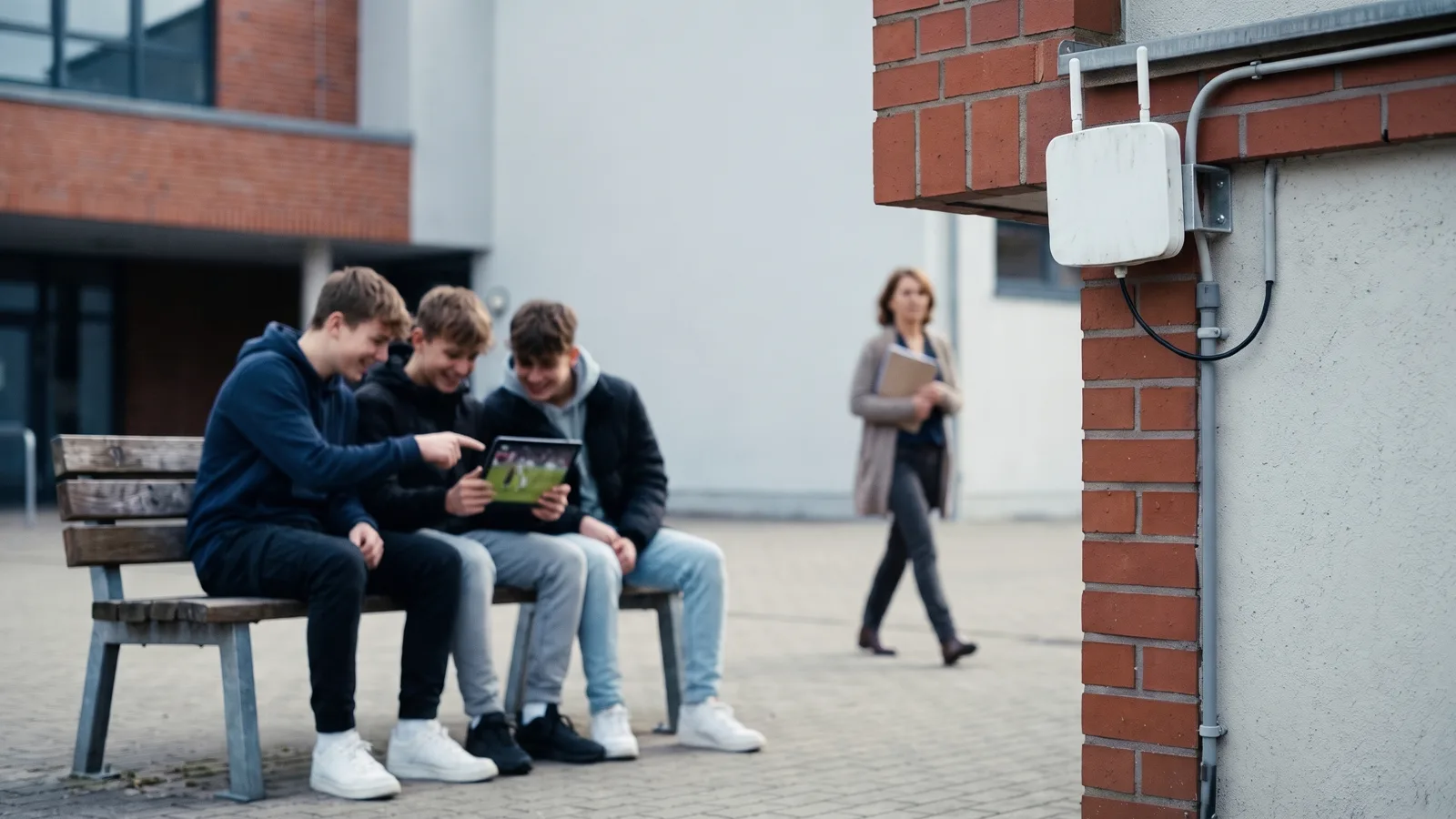
Indoor access points belong on the ceiling, centrally above the workstations, not behind cabinets or in equipment rooms. Outdoor models need a weatherproof housing, a bracket for wall or mast and cabling with surge protection. Both worlds can be managed in one controller, even mixed.
Managed controller and operation by Ascend
A controller is the control centre of your Wi-Fi. It knows every access point, distributes network names, passwords, VLANs and security policies, rolls out firmware updates and shows which devices are connected where. Without a controller you would have to configure every access point individually; with a controller you do it once for all.
For RUCKUS networks, Ascend operates managed Wi-Fi through its own controllers in the data centre; depending on the project, the controller also runs in the vendor cloud. Which platform is used is something we define with you in the project. You get access to your network but do not have to run a server, schedule updates or manage licences. Our support monitors the access points 24×7, reacts to faults and extends the network when a new area is added.
Since 2010 we have been planning and operating Wi-Fi for businesses, hotels, schools and municipalities from Nuremberg. We supply the hardware from our own shop, together with matching PoE switches and support contracts. If you already own access points, we check whether they can be taken over into the managed controller or whether replacing them is cheaper.
Plan the PoE budget
Wi-Fi 7 access points need more power than their predecessors. According to the datasheet, the UniFi U7 Pro draws up to 21 W and the U7 Pro Max up to 25 W, both via PoE+ (802.3at); the U7 Lite manages with 13 W and standard PoE. A switch with a tight PoE budget shuts down individual ports under load. Compare the total budget of your PoE switch against the sum of all access points plus a reserve before you order. We check this as part of the quote.
Matching hardware in the Ascend Shop
Six access points that we install regularly. All models are Wi-Fi 7 devices and are powered via PoE. You will find more models, switches and mounts in the shop.
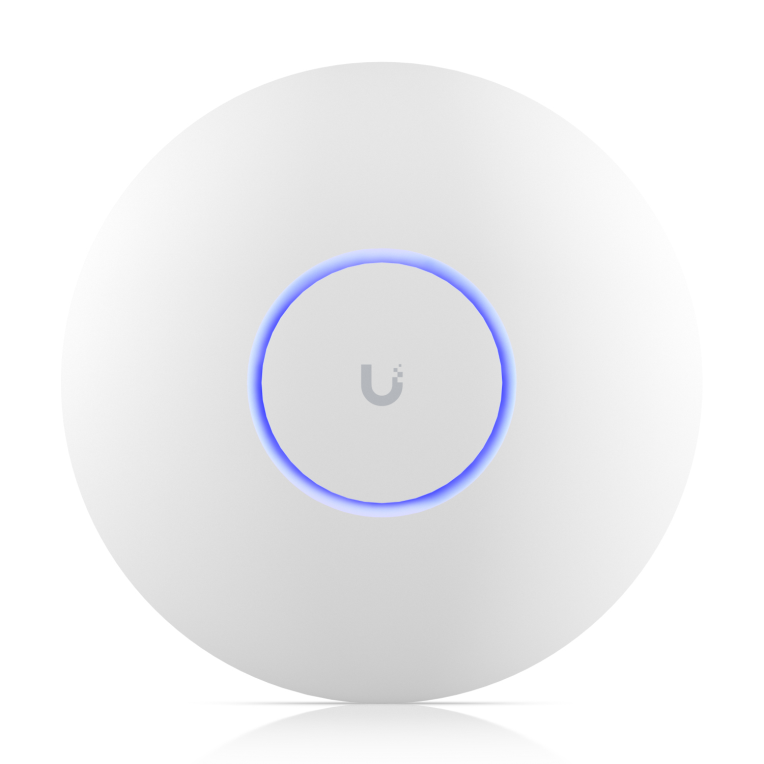
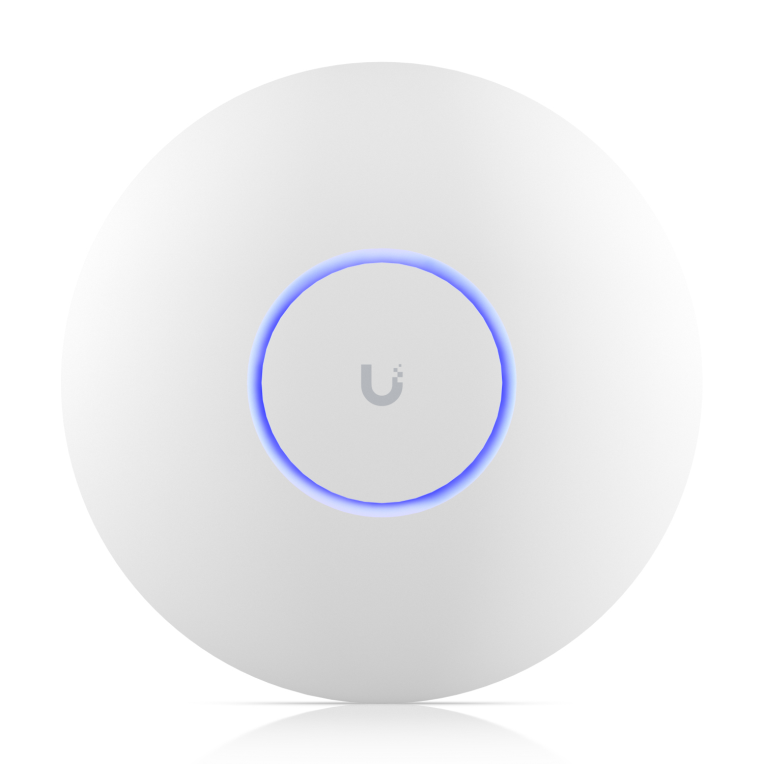
Ubiquiti UniFi U7 Pro
Wi-Fi 7 ceiling device with 2.4, 5 and 6 GHz, 2.5 GbE uplink, according to the manufacturer 300+ clients over about 140 m². Our standard for the office.
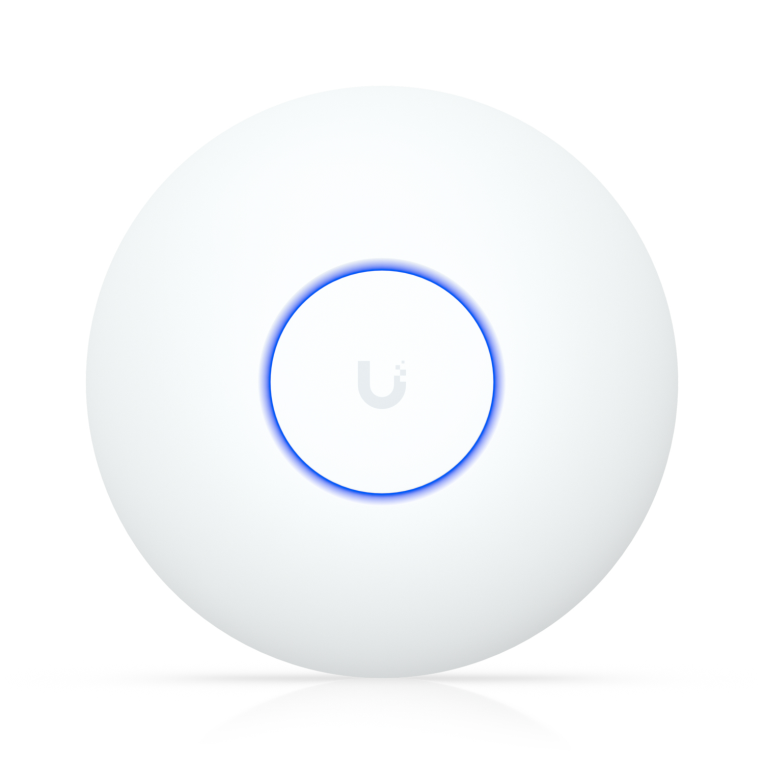
Ubiquiti UniFi U7 Pro Max
Wi-Fi 7 with 4x4 in the 5 GHz band, according to the manufacturer 500+ clients over about 160 m². For conference centres, hotels and halls.
Ubiquiti UniFi U7 Lite
Compact Wi-Fi 7 access point with standard PoE, according to the manufacturer 200+ clients over about 115 m². For practices, branches and holiday apartments.
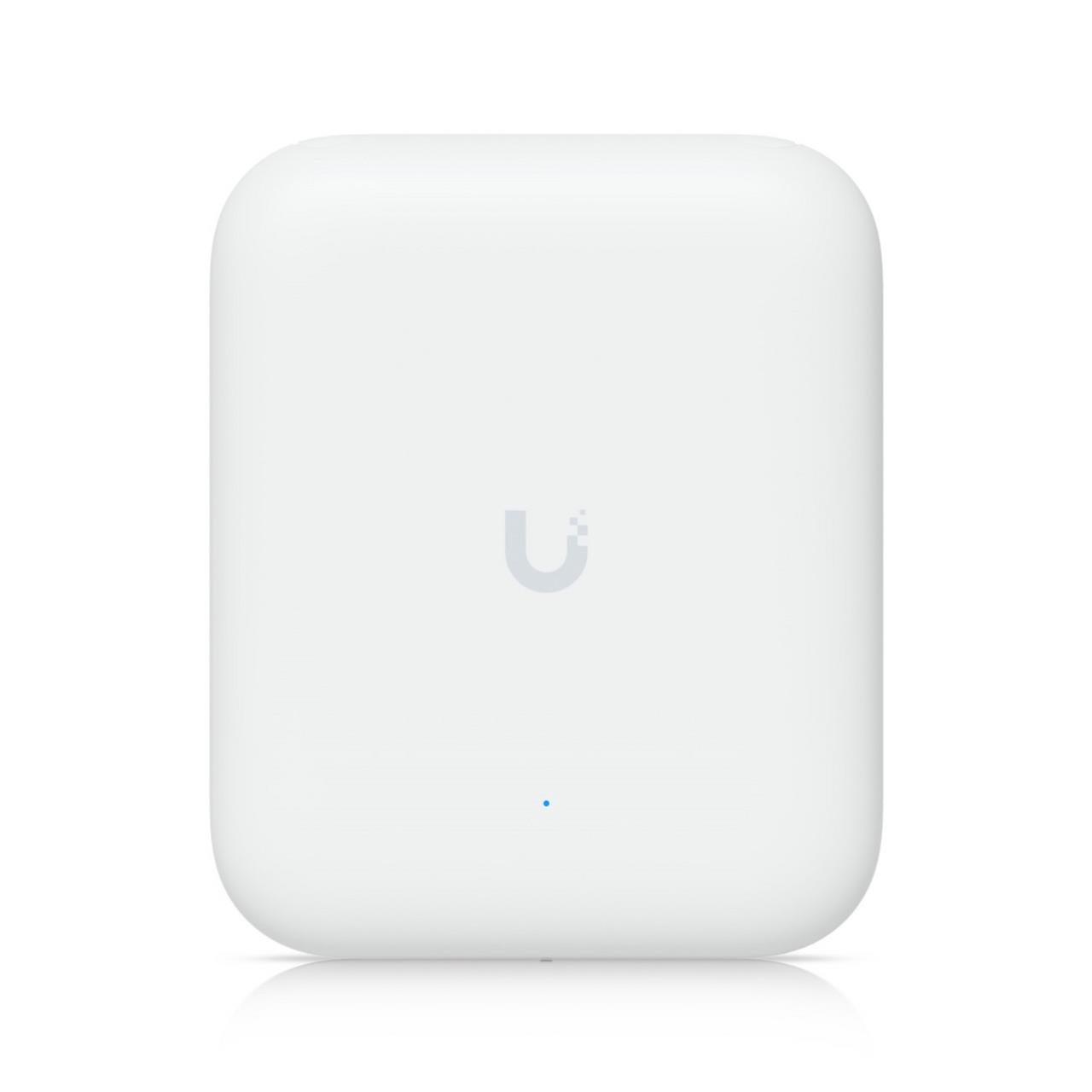
Ubiquiti UniFi U7 Outdoor
Weatherproof Wi-Fi 7 access point (IPX6) with directional antenna for wall and mast, -30 to +60 °C, according to the manufacturer up to 465 m² outdoors.
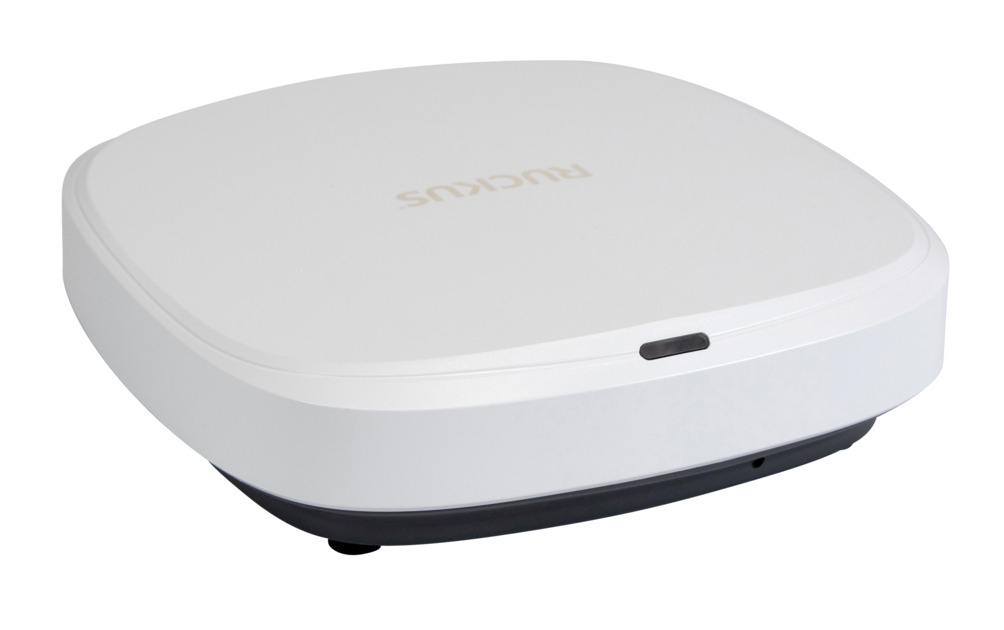
RUCKUS R370
Entry to Wi-Fi 7 with BeamFlex antennas, 2.5 GbE port, SmartMesh and, according to the manufacturer, up to 256 users. Managed via RUCKUS One, SmartZone or Unleashed.
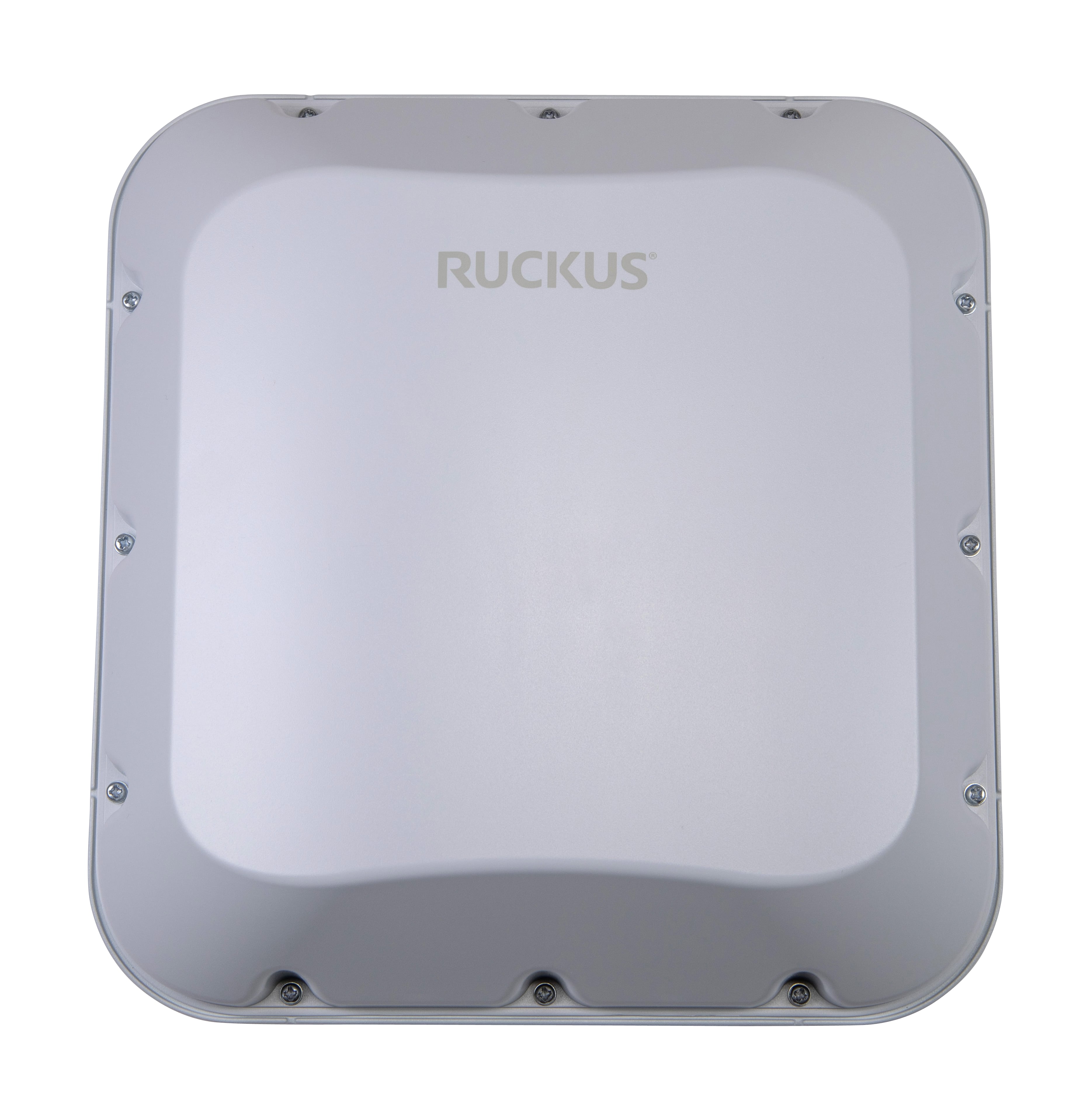
RUCKUS T670
Outdoor access point with Wi-Fi 7, BeamFlex+ and ChannelFly, 5 GbE uplink, -40 to +65 °C, according to the manufacturer up to 768 clients. For campuses, harbours and public squares.
Frequently asked questions about Wi-Fi access points
Further links
The meeting runs
And in the meeting room in the example? The video call with the client runs, the picture is sharp. The two at the table raise their coffee mugs, and the client on the screen raises her cup along with them.
The office is only an example. A Wi-Fi access point decides whether the video call holds in the meeting room, whether the scanner in the warehouse can book goods and whether your guests get online without asking. Ascend selects the right access points from RUCKUS and Ubiquiti UniFi, surveys your premises with Ekahau, installs the devices and runs them through a managed controller. Hardware, installation and 24×7 support for existing customers from one source, since 2010 from Nuremberg.

Ready for Wi-Fi that holds throughout the building?
Send us the floor plan, area and number of users. We recommend the right access points, plan the site survey and give you the price for hardware, installation and managed operation.
We look forward to hearing from you!
Tell us the building type, area, number of users and whether you already use access points. We will get back to you shortly with personal advice.