


Peplink 8.6.0 Security: FIPS, RadSec, WireGuard and What Has Changed

Introduction
Security in network infrastructure is not a state but a continuous process. Peplink Firmware 8.6.0, released on July 29, 2026, draws a clear line: instead of isolated point improvements, this release delivers a coherent security package that ranges from cryptographic standards through authentication protocols to concrete vulnerability remediations. At its center stands the keyword Peplink FIPS RadSec — the combination of permanent FIPS 140-3 operation and RadSec (RADIUS over TLS), which represents measurable progress especially for organizations with regulatory compliance requirements.
For CISOs and IT security teams, 8.6.0 means that long-standing operational hurdles fall away: FIPS operation can now be enabled permanently in the local user interface. RadSec secures RADIUS authentication traffic on its way across public networks. WireGuard complements the VPN options with a modern, auditable protocol with a slim codebase footprint. And three closed vulnerabilities — including unauthenticated web admin access — eliminate attack surfaces that would repeatedly have surfaced in penetration tests.
This article examines each change from the perspective of security officers: what changes technically, which configuration obligations arise during the upgrade, and which risks are mitigated by the update. All statements are based on the official Peplink release notes and were validated by Ascend's Peplink-certified engineers.
1. Permanent FIPS 140-3 — no Care Plan required
What is changing
According to Peplink's official Firmware 8.6.0 page, FIPS becomes a permanent feature integrated into the local user interface for eligible devices with 8.6.0: FIPS 140-3 can be enabled permanently in the local UI — without an active Care Plan. Note: Peplink University and other secondary sources still refer to FIPS 140-2; the manufacturer's statement is authoritative.
Technical details
- FIPS activation happens directly in the local web UI under the security settings. InControl 2 mirrors the status, but the switch itself resides on the device.
- Which devices are eligible, Peplink lists per series in the official release notes; this list should be checked specifically before the upgrade.
- When FIPS is enabled, stricter requirements apply to IPsec configurations: preshared keys (PSK) must be at least 14 characters long. According to the release notes, existing IPsec profiles with shorter PSKs may no longer be able to establish a connection after the upgrade until the keys are updated.
- Newly added is also SHA2-384 as the hash algorithm for IPsec Phase 2, which raises the integrity protection of tunnel negotiations to a higher level.
Recommended actions before the upgrade
- Conduct a PSK audit: before the upgrade to 8.6.0, review all IPsec preshared keys. Shorter than 14 characters? Replace before the upgrade, otherwise the tunnel will break.
- Check the service contract: the FIPS feature itself is not tied to an active Care Plan; what update entitlement your device has is governed by your Peplink service contract.
- Document the FIPS status: after the upgrade, enable FIPS mode in the local UI and document the status for audit purposes.
Note for PrimeCare devices: InControl must remain enabled to receive software feature updates. While FIPS runs permanently without a Care Plan, feature delivery happens via InControl.
2. RadSec — RADIUS over TLS for Wi-Fi authentication
Why RadSec matters
RADIUS is the standard protocol for authentication in Wi-Fi environments — from enterprise WPA2/WPA3-802.1X to guest portals. In its classic form, RADIUS transmits authentication data unencrypted. As long as the RADIUS server and access points are in the same protected network segment, this is acceptable. But as soon as authentication traffic crosses public networks — for example with distributed branch offices, cloud RADIUS services or multi-provider MPLS connections — a real attack surface emerges: credentials, challenge-response tokens and session keys can be eavesdropped on.
RadSec solves this problem by wrapping all RADIUS traffic in a TLS tunnel. Authentication, authorization and accounting (AAA) run over an encrypted channel that is additionally mutually authenticated with certificates. Peplink 8.6.0 brings native RadSec support to a broad range of models.
Supported models
RadSec is available on: Balance 20X, 310 Fiber 5G, 310 5G HW3, all Dome and MBX models, all UBR models, the majority of the BR series, as well as all Transit, Orbit and B One models. The exact model matrix is in the release notes.
Configuration steps
- Prepare the RADIUS server for RadSec: the target RADIUS server must support RadSec (RFC 6614) — FreeRADIUS, Microsoft NPS with a RadSec gateway, or cloud RADIUS providers such as CloudPath.
- Store certificates in the Peplink Certificate Manager: both the client certificate of the Peplink router and the CA certificate of the RADIUS server must be imported.
- Configure RadSec as an authentication profile: there, RadSec can be selected as the authentication protocol; the port is typically set to 2083 (classic RADIUS uses 1812).
- Switch Wi-Fi APs to the new profile: in the AP Controller, assign the authentication profile to the corresponding SSID profile.
Practical example: branch network with cloud RADIUS
A company operates 40 branches, each with a Peplink Balance and several Wi-Fi APs. RADIUS authentication runs centrally via a cloud RADIUS service. Until now, RADIUS traffic between branches and cloud was unprotected or required an upstream VPN. With RadSec in 8.6.0, a TLS tunnel suffices — configured in the Peplink Certificate Manager — and authentication is encrypted end to end. This reduces complexity and eliminates an attack surface that often remains unsolved in distributed deployments.
3. WireGuard VPN — modern remote access
What distinguishes WireGuard from OpenVPN and IPsec
With Firmware 8.6.0, WireGuard is available as a remote user access VPN on all Peplink models. It positions itself alongside the existing options (OpenVPN, L2TP, PPTP) — not as a replacement, but as a modern alternative with specific advantages:
- Codebase size: WireGuard around 4,000 lines; OpenVPN stacks in the range of 100,000 lines and more — less code, smaller attack surface.
- Connection establishment: WireGuard establishes in a fraction of the time classic protocols need.
- Handover on network change: WireGuard persists seamlessly; with OpenVPN, the session usually drops.
- Cryptography: WireGuard with hard-wired ChaCha20 + Poly1305; IPsec configurable (with FIPS including SHA2-384).
- Auditability: high thanks to the small codebase; complex stacks are more effort to audit.
Why this matters for CISOs
- Minimal attack surface: WireGuard's codebase is around 25× smaller than OpenVPN's. That means fewer potential vulnerabilities, faster security audits and simpler certification processes.
- Mobility: WireGuard maintains sessions when the network interface changes (e.g. Wi-Fi → LTE). For remote workers in the field or in sales, this means no dropped VPN tunnels when switching networks — an operational plus that also reduces helpdesk ticket volume.
- Strong default cryptography: WireGuard uses fixed ChaCha20 for symmetric encryption and Poly1305 for MAC — no configurable, potentially weak cipher suites.
Use cases at Peplink
WireGuard in 8.6.0 is designed primarily for Remote User Access — i.e. individual clients (laptop, smartphone, Peplink SFC app) accessing the Peplink router. For site-to-site connections between Peplink devices, SpeedFusion remains the recommended choice, as it offers additional WAN bonding and failover. SFC Direct Access (also new in 8.6.0) complements WireGuard for cases where a direct Peplink-to-Peplink connection is needed without a classic VPN tunnel.
Configuration note
WireGuard is configured in the Peplink web UI; a public/private key pair is generated or imported per client. Peer management follows the familiar WireGuard model — no X.509 certificate overhead like with OpenVPN, but explicit key management as a discipline instead.
4. Certificate modernization — what is no longer supported
The changes at a glance
Firmware 8.6.0 carries out a consistent cleanup of accepted certificate formats. The following types are no longer accepted:
- Certificate type: DSA (Digital Signature Algorithm) · Status before 8.6.0: accepted · Status from 8.6.0: no longer accepted
- Certificate type: short RSA keys · Status before 8.6.0: accepted · Status from 8.6.0: no longer accepted
- Certificate type: legacy PKCS#12 containers · Status before 8.6.0: accepted · Status from 8.6.0: no longer accepted
- Certificate type: RSA ≥2048 bit, ECDSA, Ed25519 · Status before 8.6.0: accepted · Status from 8.6.0: accepted (default)
No-longer-accepted certificates are replaced by a secure default certificate that automatically serves as the fallback. Operation does not break — encryption continues, but with the default certificate instead of an expired or insecure legacy certificate.
Why this matters
- DSA is considered outdated. NIST recommends migrating to ECDSA or RSA ≥2048 (NIST SP 800-131A); the BSI likewise prefers modern methods in its guidelines. Peplink follows this direction with the certificate modernization.
- Short RSA keys are considered insecure (NIST SP 800-131A requires at least 2048 bits for digital signatures). In penetration tests and compliance audits they are rated as a finding. Which RSA key lengths Peplink specifically rejects in 8.6.0 is not quantified in the release notes — check your certificates in the Certificate Manager.
- Legacy PKCS#12 containers can contain outdated encryption formats that no longer meet current standards.
Upgrade obligation: check the Certificate Manager
Before the upgrade to 8.6.0:
- List all imported certificates in the Peplink Certificate Manager.
- Check each certificate for DSA or unusually short RSA keys.
- Replace affected certificates with new RSA-2048+ or ECDSA certificates.
After the upgrade to 8.6.0:
- Check the Certificate Manager again — affected certificates will have been replaced by the default certificate.
- If a self-signed certificate was used for management or VPN purposes, swap the default replacement certificates for your own 2048+-bit certificates.
- For affected TLS connections (Synergy Mode, RadSec, web admin), inform clients about the certificate change to avoid trust-store pinning problems.
Synergy Mode: 8.6.0 brings a dedicated fallback certificate for Synergy TLS connections. Here too: check the certificate inventory before the upgrade.
5. CVE patches and security fixes
CVE-2026-42945 — web service component
This vulnerability affected a component of the Peplink web service. Peplink shipped the patch directly in 8.6.0. Details on the exact vector were communicated sparingly by Peplink — typical practice among network appliance vendors to keep the exploitation window small. What CISOs need to know: the patch only exists from 8.6.0 onward — a prompt upgrade is strongly advised.
CLI command injection — closed
A command injection vulnerability in the CLI has been closed. Command injection vulnerabilities allow attackers to execute arbitrary commands with the privileges of the CLI process — usually administration level. The attack surface requires an authenticated CLI session, but the risk remains critical: vertical privilege escalation and full device control are possible. The patch closes the injectable input processing.
Web admin — unauthenticated access closed
The most severe of the three closed vulnerabilities: unauthenticated access to the web admin interface was possible. This means an attacker without credentials could reach administratively relevant functions or information. Details on the exact scope were not fully disclosed, but the category alone — unauthenticated admin access — justifies the critical rating and makes the upgrade a priority.
Wi-Fi AP defaults to WPA2/WPA3 Personal
An underestimated change with a large impact: from 8.6.0 onward, new Wi-Fi access points are configured by default with WPA2/WPA3 Personal — no longer with the outdated WPA or even open mode. This is particularly relevant because default configurations in practice often remain untouched for days or permanently. With WPA3 as the default option, the risk of attacks on outdated Wi-Fi encryption drops significantly.
Summary of security fixes
- Vulnerability: web service component · Category: service vulnerability · CVE: CVE-2026-42945 · Fixed in: 8.6.0
- Vulnerability: CLI command injection · Category: auth. command injection · CVE: — · Fixed in: 8.6.0
- Vulnerability: web admin unauthenticated access · Category: unauth. admin access · CVE: — · Fixed in: 8.6.0
- Vulnerability: Wi-Fi AP defaults · Category: weak default configuration · CVE: — · Fixed in: 8.6.0
Conclusion
Peplink Firmware 8.6.0 is a central release from a security perspective. The combination of Peplink FIPS RadSec — permanent FIPS 140-3 without Care Plan ties and RadSec for RADIUS over TLS —, WireGuard as a modern VPN standard, consistent certificate modernization and the closure of three critical vulnerabilities results in a coherent security package that leaves out no aspect of the network appliance layer.
For CISOs and IT security teams in regulated industries — government agencies, healthcare, finance, critical infrastructure — this upgrade is not a "nice to have" but a compliance and risk-management obligation. The three closed vulnerabilities alone justify a prompt upgrade; FIPS, RadSec and WireGuard are the added value beyond that.
Recommended action: check your Peplink devices for upgrade readiness (PSK length, certificates, staged upgrade for specific models), schedule a maintenance window, and carry out the upgrade. Ascend as a Peplink Gold Partner supports you with planning, the PSK and certificate audit, and the rollout.
Next step: Contact Ascend for an upgrade consultation — we review your Peplink fleet for 8.6.0 readiness, identify affected certificates and preshared keys, and plan the rollout with you.
Frequently asked questions
Request upgrade consulting
We review your Peplink fleet for 8.6.0 readiness: PSK lengths, certificate inventory, staged upgrade paths — and plan the rollout with you.
Matching Peplink products
Matching hardware directly from the Ascend Shop — availability and prices are shown on the product detail page.
Further reading
This article was researched and written with AI support and reviewed before publication by Ascend's Peplink-certified engineers.
Ready for your next project?
Talk to our team about your requirements.
Related posts
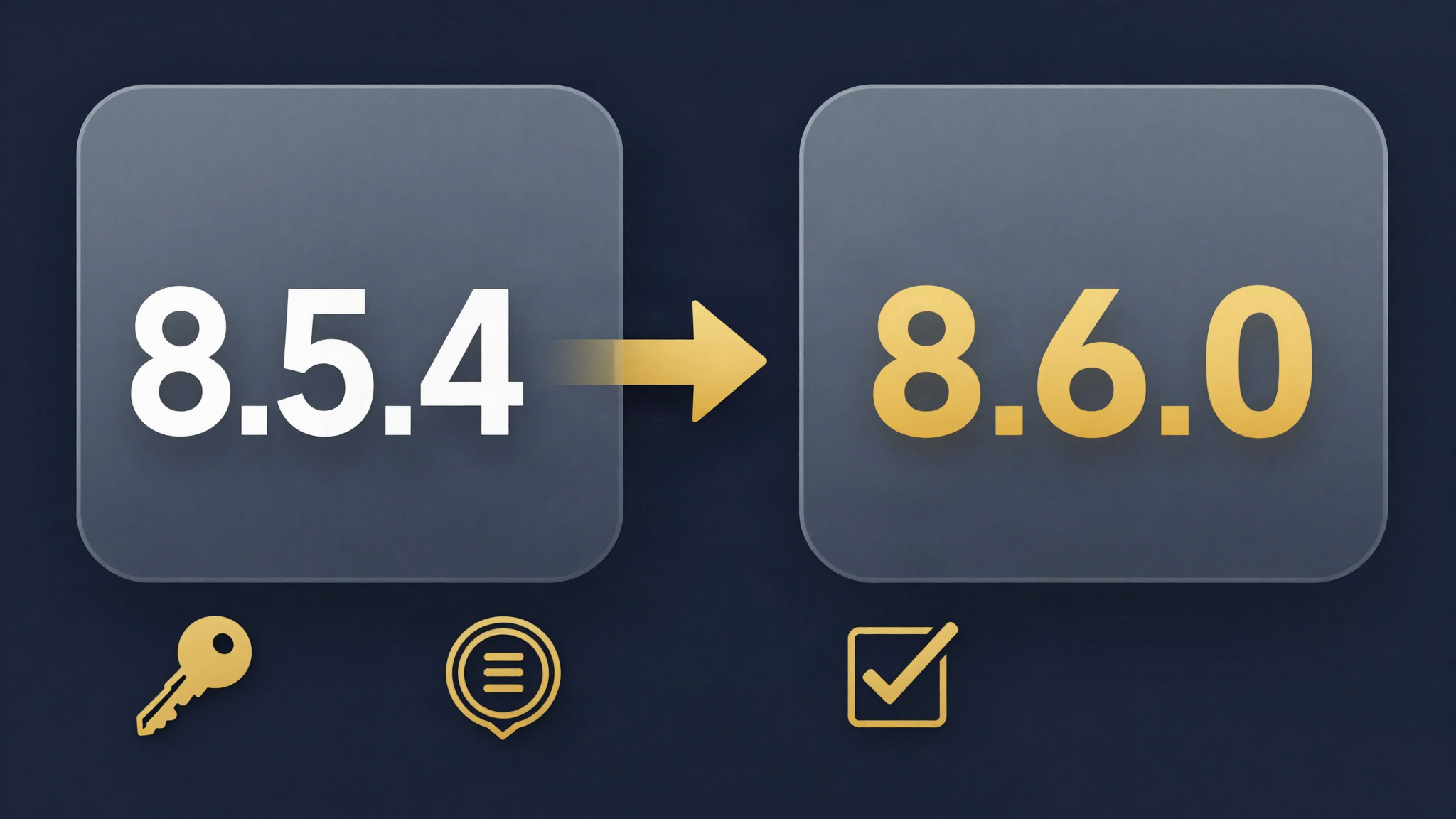
Upgrading to Peplink Firmware 8.6.0: The Complete Guide
Peplink upgrade guide for Firmware 8.6.0: staged upgrade paths, FIPS and PSK requirements, certificate modernization, retired models and post-upgrade checklist.

WireGuard on Peplink: Modern VPN Remote Access Arrives with Firmware 8.6.0
Peplink Firmware 8.6.0 brings WireGuard VPN for Remote User Access on all models. Comparison with OpenVPN and L2TP, deployment recommendations and SFC Direct Access.
Peplink 8.6.0 Cellular & 5G: Multi-APN, 5G SA and Four eSIM Profiles
Peplink 8.6.0 brings Multi-APN on 5GN, 5G Standalone on 5GD, IPv6 on five module families and up to four eSIM profiles per modem. Overview for cellular and IoT deployments.