


Peplink Firmware 8.6.0: Overview of the New Release for SD-WAN, VPN and Satellite Connectivity
Introduction
The Peplink Firmware 8.6.0 release marks another milestone in the continuous development of the Peplink platform. Since the previous Firmware 8.5.0, Peplink has been working specifically on the areas that deliver the greatest leverage in heterogeneous WAN environments: stability on unstable links, VPN performance, satellite connectivity and enterprise-grade IT security.
As a Peplink Certified Gold Partner, Ascend accompanies the firmware release from the first beta to productive customer deployments. This blog post belongs to our Peplink blog category, where we regularly report on firmware updates, new products and best practices. You can find suitable hardware for your Peplink infrastructure in the Ascend Shop. This blog post gives you a comprehensive overview of all the new features, the upgrade paths and the questions that most frequently arise in practice.
What's new in 8.6.0
Peplink Firmware 8.6.0 is a feature release that sets four thematic priorities. Each of these priorities addresses real challenges from the day-to-day work of network operators dealing with multiple WAN links, satellite backhauls and distributed VPN users.
The four core areas at a glance
- Feature: SpeedFusion Boost · Area: WAN bonding · Audience: Customers with mixed link types (Starlink, 5G, fiber)
- Feature: WireGuard Remote User Access · Area: VPN · Audience: Remote workers and field deployments
- Feature: OneWeb / Orbit WAN · Area: Satellite connectivity · Audience: Maritime, mobile and remote sites
- Feature: Security upgrades · Area: Compliance & hardening · Audience: Regulated industries, enterprise customers
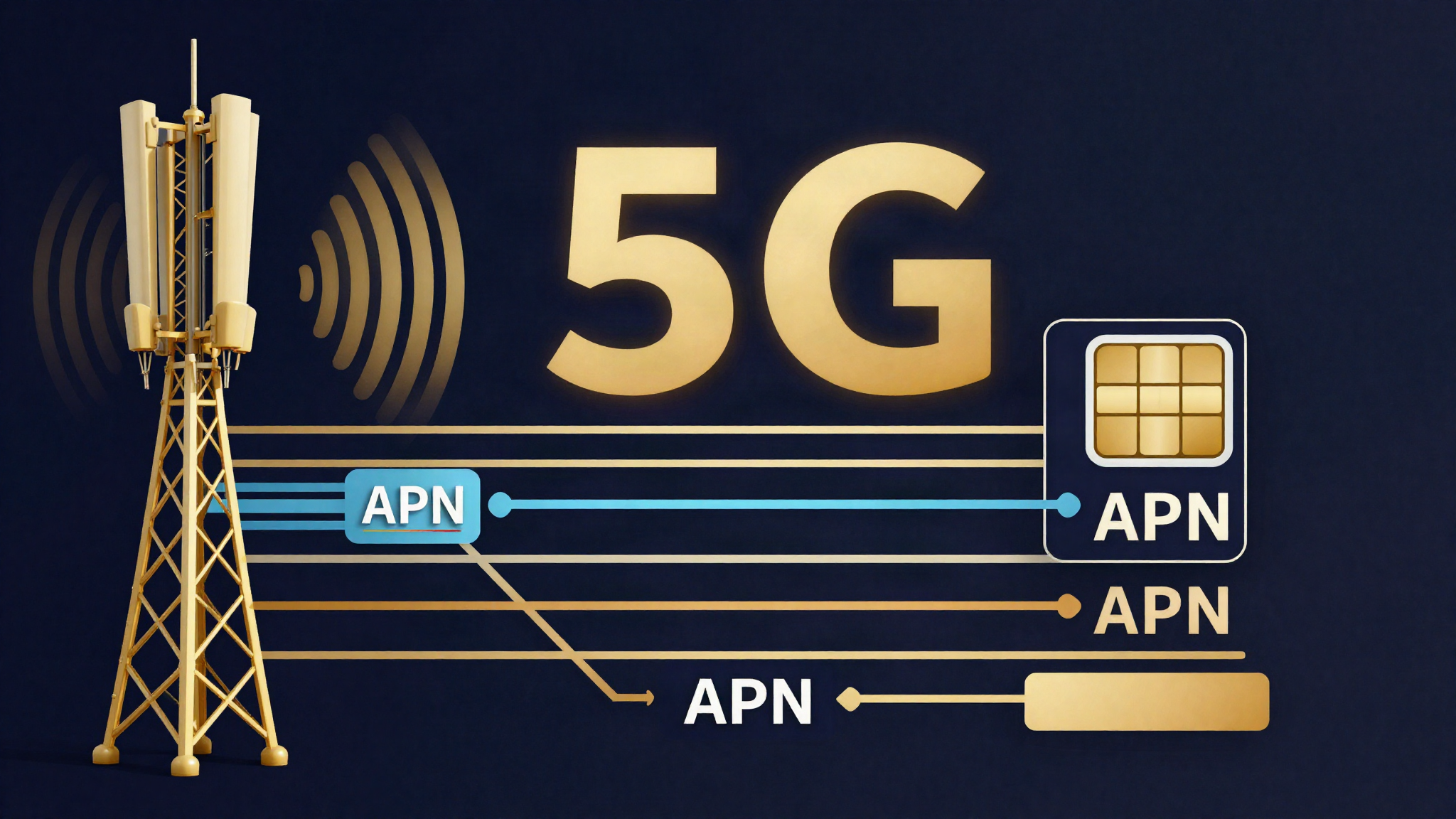
In addition, 8.6.0 brings SFC Direct Access for simplified access to SpeedFusion Connect services as well as RadSec (RADIUS over TLS) for secure authentication against external RADIUS servers. In the cellular area, Peplink significantly extends functionality: Multi-APN on 5GN, 5G SA (Standalone) on 5GD and up to four eSIM profiles per modem give administrators new flexibility in managing cellular connections. If you would like to learn more about the fundamentals of WAN bonding, our article Multi-WAN bonding briefly explained covers the key concepts.
We cover all deep-dive areas in dedicated articles of the series: SpeedFusion Boost in the deep dive, Security & compliance, Orbit WAN & satellites, Cellular & 5G, WireGuard VPN as well as the complete upgrade guide.
SpeedFusion Boost overview
SpeedFusion is the core technology behind Peplink's multi-WAN bonding – it combines multiple physical internet connections into a single logical tunnel and distributes the data flow intelligently. Until now, a single unstable link could impair the entire SpeedFusion tunnel when packet loss or latency spikes occurred. This is exactly where SpeedFusion Boost comes in.
The new bonding algorithm
SpeedFusion Boost introduces a revised bonding algorithm that no longer punishes the entire tunnel when a single link shows fluctuations. Instead, the unstable link is isolated – the remaining connections in the bonding group continue running undisturbed. The result: significantly higher resilience in environments with mixed link types.
This is particularly relevant for setups that combine Starlink and 5G, since both technology classes are inherently more susceptible to short-term fluctuations. Connectivity101, a specialist source on Peplink deployments, reports from the field a throughput of close to 1.5 Gbps across bonded Starlink terminals with Boost enabled — a figure that impressively demonstrates the capability of the isolation mechanism under real-world conditions.
Activation and profiles
SpeedFusion Boost is not enabled by default. Administrators can toggle the feature per profile – meaning you can selectively enable Boost for specific SpeedFusion profiles or sites without changing the overall bonding behavior globally. This matters for customers who want to test both modes in parallel during the transition phase.
Practical tip: Enable SpeedFusion Boost first at a non-critical site and monitor the bonding metrics for one to two weeks before rolling the feature out productively. Our Peplink-certified engineers support you with configuration and monitoring setup.
WireGuard VPN overview
With Firmware 8.6.0, Peplink introduces WireGuard Remote User Access as a native VPN protocol. WireGuard is the modern successor to IPsec and OpenVPN and impresses with a minimal code footprint, extremely fast handshakes and clear, auditable cryptography.
What makes WireGuard special in the Peplink context
The decisive characteristic of the Peplink implementation: WireGuard is available on all models – not only on high-end devices. This means that even small branch devices such as the BR1 or the B One router can use WireGuard for remote user access.
Another practical advantage: WireGuard survives network changes seamlessly. A remote worker switching from Wi-Fi to LTE (or vice versa) does not need to re-establish the VPN connection. The tunnel persists and the handshake happens automatically in the background. This is a major advantage over OpenVPN, where a network change practically always requires a reconnect.
Use cases
- Remote workers: Stable, high-performance access to internal networks without OpenVPN overhead
- Field deployments: Connecting construction-site or event routers to the corporate network, even with changing cellular providers
- Site-to-site as a complement to SpeedFusion: Where SpeedFusion generates too much overhead, WireGuard offers a lean alternative for simple point-to-point connections
The fast handshakes are not just a convenience feature – they also reduce the attack surface, since the period in which the tunnel is in the reconnecting state is drastically shortened.
Orbit WAN satellite integration overview
The third priority of Firmware 8.6.0 concerns satellite connectivity. Peplink had already offered Starlink support in earlier versions – but 8.6.0 now goes significantly beyond that.
OneWeb: native integration
Peplink integrates OneWeb natively. This means OneWeb satellite terminals can be woven directly into Peplink management – including link status, throughput metrics and fault notifications. For maritime customers and those with remote terrestrial sites, this is a significant step, because OneWeb as a Low Earth Orbit network offers significantly lower latency than classic GEO satellite connections.
Evolved Starlink mode
The existing Starlink integration mode has been evolved: with the generalized Orbit WAN panel, satellite terminals can be managed natively — and from 8.6.0 a second constellation (OneWeb) can also be integrated. In combination with the new SpeedFusion Boost, this is particularly attractive for setups with multiple satellite links (see above).
Dish telemetry in the dashboard
Also new is dish telemetry directly in the Peplink dashboard. Administrators see at a glance:
- Signal quality and alignment
- Current throughput
- Blockages ("obstructions") and their duration
- Firmware version of the Starlink terminal
This telemetry was previously only accessible via the Starlink app. The integration into the Peplink IC2 dashboard means administrators no longer have to switch between two systems to capture the overall status of a site.
If you would like to learn more about the background of Peplink's 5G architecture, our article Peplink 5G retrofits: Why four antenna paths? offers further explanations of the cellular architecture, which is also relevant for the satellite areas.
Security upgrades overview
Firmware 8.6.0 brings a series of security upgrades that are relevant above all for enterprise and government customers.
FIPS 140-3 permanent
According to Peplink's official Firmware 8.6.0 page, FIPS 140-3 is now a permanent component integrated into the local user interface on eligible devices — without ties to an active Care Plan. For customers in regulated industries (finance, healthcare, public sector), this is a significant milestone. Please note: some secondary sources still refer to FIPS 140-2; the manufacturer's statement is authoritative.
Important: Preshared keys in FIPS configurations must be at least 14 characters long from 8.6.0 onward. Customers with existing shorter keys must update their configuration before the firmware upgrade.
SHA2-384 for IPsec
IPsec connections now support SHA2-384 as the hash algorithm. This increases the cryptographic security of site-to-site VPN connections and meets the requirements of many current compliance frameworks.
Certificate modernization
Certificate management has been modernized: DSA certificates, short RSA keys and legacy PKCS#12 containers are no longer accepted; no-longer-accepted certificates automatically fall back to a secure default certificate. Therefore check the Certificate Manager before and after the upgrade.
CVE-2026-42945 patched
The firmware closes CVE-2026-42945. Details on the vulnerability are published in the Peplink Security Advisory. Customers still running older firmware versions should plan the upgrade regardless of whether they use the new feature areas.
RadSec: RADIUS over TLS
The security upgrades are complemented by RadSec – that is, RADIUS over TLS. This allows secure authentication against external RADIUS servers over an encrypted TLS connection, which is particularly relevant for cloud-based identity providers.
Upgrade paths and requirements
The upgrade to Peplink Firmware 8.6.0 is staged. This means that certain models cannot jump directly from any previous version to 8.6.0.
Direct upgrade path
- BR1 Pro and BR2 Pro require a staged upgrade
- All Dome, Transit and B One devices must first be updated to Firmware 8.5.4 before 8.6.0 can be installed
Check before the upgrade
Before you roll out the upgrade, make sure that:
- FIPS preshared keys are at least 14 characters long
- Backup configurations exist
- For SpeedFusion setups, the new Boost options have been tested (not enabled by default)
- Starlink telemetry features have been tested at the respective site
Conclusion
Peplink Firmware 8.6.0 is an extensive feature release. SpeedFusion Boost addresses a long-standing pain point in multi-WAN bonding; WireGuard brings a modern VPN protocol to all models; the OneWeb/Orbit WAN integration significantly expands the satellite options; and the security upgrades — in particular permanent FIPS 140-3 and the CVE closure — raise the compliance baseline to a new level.
For customers operating heterogeneous WAN links (Starlink, 5G, fiber in combination), the upgrade is particularly worthwhile. However, the staged upgrade procedure requires preparation — especially for the affected device classes.
Book a consultation: If you would like to check whether and how the 8.6.0 upgrade is relevant for your infrastructure, book a consultation with Ascend. Our Peplink-certified engineers will accompany you from the assessment phase to productive rollout – including configuration of SpeedFusion Boost, WireGuard setup and FIPS migration.
Frequently asked questions
Request a consultation
Unsure whether and how the 8.6.0 upgrade is relevant for your infrastructure? Our Peplink-certified engineers review your fleet and accompany you from the assessment phase to productive rollout.
Matching Peplink products
Matching hardware directly from the Ascend Shop — availability and prices are shown on the product detail page.

Further reading
This article was researched and written with AI support and reviewed before publication by Ascend's Peplink-certified engineers.
Ready for your next project?
Talk to our team about your requirements.
Related posts
Upgrading to Peplink Firmware 8.6.0: The Complete Guide
Peplink upgrade guide for Firmware 8.6.0: staged upgrade paths, FIPS and PSK requirements, certificate modernization, retired models and post-upgrade checklist.

WireGuard on Peplink: Modern VPN Remote Access Arrives with Firmware 8.6.0
Peplink Firmware 8.6.0 brings WireGuard VPN for Remote User Access on all models. Comparison with OpenVPN and L2TP, deployment recommendations and SFC Direct Access.
Peplink 8.6.0 Cellular & 5G: Multi-APN, 5G SA and Four eSIM Profiles
Peplink 8.6.0 brings Multi-APN on 5GN, 5G Standalone on 5GD, IPv6 on five module families and up to four eSIM profiles per modem. Overview for cellular and IoT deployments.