


SpeedFusion Boost: How Peplink's New Bonding Algorithm Changes Everything
What is SpeedFusion Boost and how does it work?
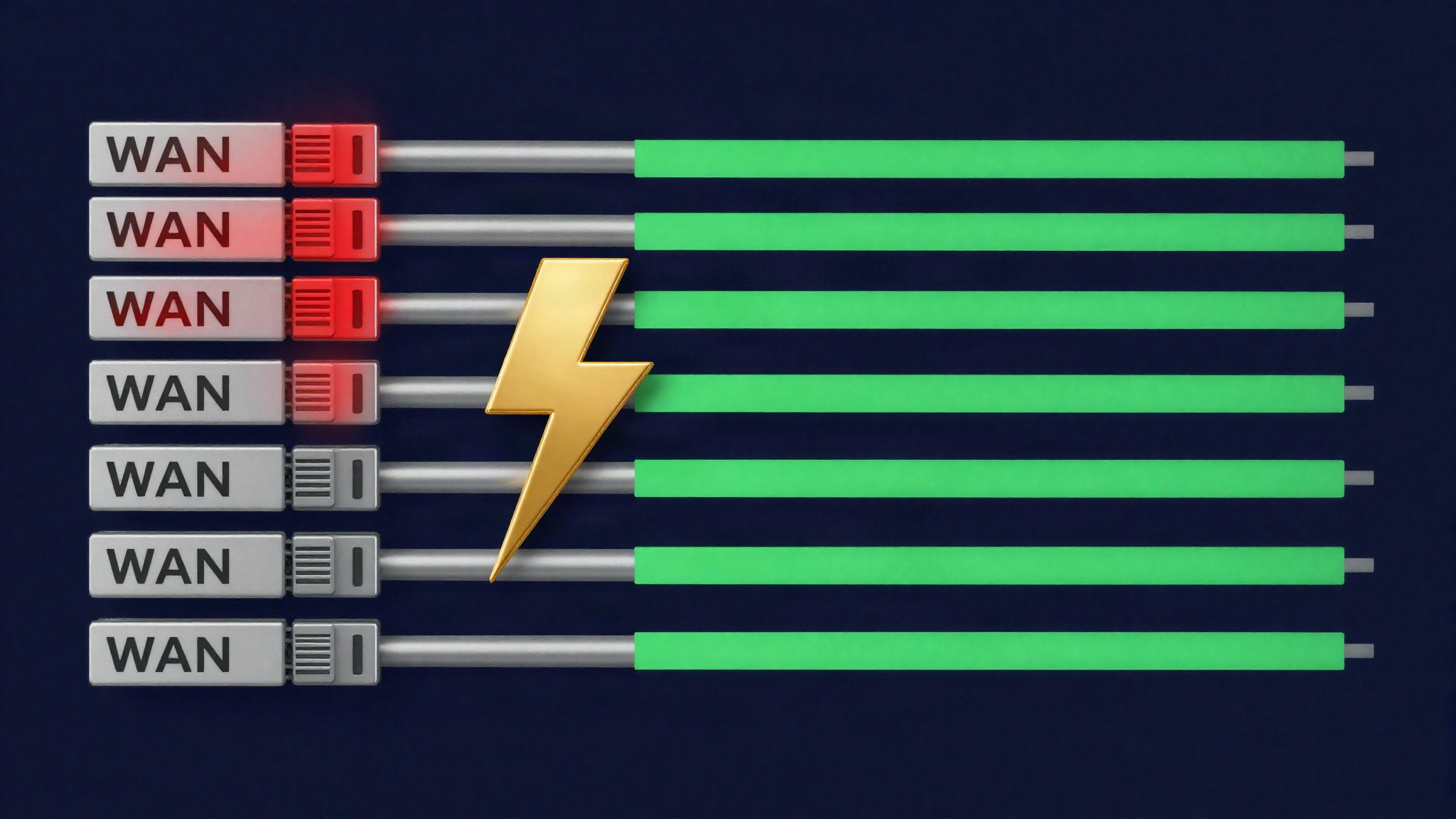
SpeedFusion Boost is a new throughput-optimization layer inside Peplink's SpeedFusion bonding engine, introduced in Firmware 8.6.0. To understand what Boost does, you first need to understand the foundation it builds on: Dynamic Weighted Bonding (DWB).
SpeedFusion has always used DWB to distribute traffic across multiple WAN links within a bonded tunnel. DWB continuously evaluates the performance of each link — it measures latency, jitter, packet loss and available throughput — and adjusts how much traffic it sends over each path. A fiber link with 5 ms latency and zero loss receives a higher weight than a congested 5G connection with 80 ms and 2% loss. This fundamentally distinguishes Peplink bonding from simple round-robin or static load balancing: the distribution is dynamic and data-driven.
SpeedFusion Boost takes this architecture to the next level. While DWB adjusts traffic distribution, Boost changes how the tunnel reacts when one or more links in the bond become unstable — not just slow, but actively lossy or erratic. Think of satellite handovers, temporary obstructions, cell-site congestion or weather-related degradation. Under standard DWB, a single link with a packet-loss burst or a latency spike can trigger retransmissions and head-of-line blocking that propagate through the entire tunnel and push the aggregated throughput far below the sum of the remaining healthy links.
Boost intervenes at the profile level. When a link's behavior exceeds an instability threshold, Boost reorganizes how the tunnel uses that link — its participation in the bond's active throughput path is reduced, while it remains available for redundancy and failover. The remaining stable links continue carrying traffic at full capacity, without being held back by the retransmission overhead of the degraded link.
Crucially: Boost is a per-profile switch, not a global setting. Each SpeedFusion profile can have Boost enabled or disabled independently — administrators get granular control over which tunnels benefit from the optimization.
The problem it solves — variable latency on Starlink and 5G
The network problem that SpeedFusion Boost addresses is not new — but it has spread dramatically with the rise of LEO satellite links and 5G as enterprise WAN links.
Consider a typical deployment: a branch office bonds several Starlink terminals and a 5G connection over a Peplink router. Under good conditions, each of these links delivers triple-digit to low four-digit Mbit/s; the bonded tunnel should merge their capacities in a usable way.
But Starlink is not fiber. LEO satellite links experience several classes of disruption:
- Satellite handovers: Every few minutes, the terminal switches from one satellite to the next as they cross the sky. Each handover can cause a brief latency spike or momentary packet loss.
- Temporary obstructions: A tree, a building or a vehicle blocking the line of sight causes sudden signal degradation. On fixed installations this is often intermittent; on mobile deployments it is constant.
- Weather attenuation: Heavy rain fade reduces signal strength and increases error rates.
- Network congestion: The satellite gateway or the 5G core network can be overloaded at peak times.
5G has its own instability modes: cell-site handovers, carrier aggregation changes, congestion at events and signal degradation due to physical obstacles or distance.
Here lies the core problem: in a bonded tunnel without Boost, these disruptions do not only affect the degraded link. When DWB sends traffic over a link that then experiences packet loss, the lost packets must be retransmitted. These retransmissions consume tunnel bandwidth and introduce latency on the reassembly path. The result: a single unstable link can drag down the throughput of the entire bond, even when the other links are working flawlessly. You may have two flawless Starlink terminals and one unstable 5G connection — and the aggregated throughput is limited by the behavior of the worst link.
This exact scenario is what SpeedFusion Boost was built to solve. By isolating unstable links from the active throughput path, Boost ensures that a single degraded connection cannot collapse the performance of the remaining healthy links. For network engineers deploying Peplink in environments with Starlink, 5G or other loss-prone links in the WAN mix, this is a noticeable change in how bonded tunnels behave under real-world conditions.
How Boost isolates unstable links
The technical mechanism behind SpeedFusion Boost builds on the telemetry that DWB already collects anyway. SpeedFusion continuously measures latency, jitter, packet loss and throughput of every WAN link. Boost adds a supervisory decision layer on top of these measurements.
Here is how the isolation works in practice:
1. Instability detection. Boost monitors the performance metrics of each link in real time. When a link's behavior exceeds an instability threshold — sustained packet loss above a certain rate, latency variance (jitter) beyond a threshold, or a combination of both — Boost classifies that link as actively unstable. This is not a binary up/down check, but a graded assessment of link quality over a rolling window.
2. Throughput path reorganization. Once a link is flagged as unstable, Boost reduces its participation in the bond's active throughput path. Traffic is redistributed to the stable links, which continue operating at full capacity. The unstable link is not removed from the tunnel — it remains available for redundancy and can be returned to the active path once its metrics recover.
3. Recovery and reintegration. Boost continuously re-evaluates link conditions. When the previously unstable link stabilizes — the satellite handover has completed, the obstruction has cleared, the congestion has subsided — Boost gradually reintegrates it into the active throughput path. This reintegration is gradual, not abrupt, to avoid another throughput disruption.
The decisive insight: Boost decouples throughput from redundancy. Under standard DWB, every link in the bond contributes to throughput and redundancy simultaneously. Boost allows a link to remain in the tunnel for redundancy purposes (it stays available for failover) while being temporarily removed from the throughput calculation. This means: the bond's aggregated throughput reflects the capacity of the healthy links, not the average of all links including the degraded one.
For network engineers, the practical effect is predictable: when a WAN link in a SpeedFusion bond degrades, tunnel throughput falls back to the sum of the remaining healthy links instead of collapsing further through retransmission overhead. This is a significant behavioral difference in loss-prone environments.
Real-world performance — 1.5 Gbps on bonded Starlink
The most striking real-world figure for SpeedFusion Boost comes from field reports with bonded Starlink terminals.
Connectivity101, a specialist portal focused on Peplink deployments, reports: “It is what makes cellular + Starlink bonds feel like fiber; we have measured close to 1.5 Gbps across bonded Starlink terminals in the field with Boost enabled.” — that is close to 1.5 Gbps of aggregated throughput across bonded Starlink terminals with Boost enabled. This is a field value, not a vendor benchmark under ideal conditions. Important context: this is one third-party field observation, not an official performance specification from Peplink. Peplink itself makes no throughput claims for Boost; the feature is described as an optimizer that prevents unstable links from dragging down the tunnel's overall performance.
What the figure shows — and what it does not:
- The figure is in a plausible range. Starlink terminals typically deliver triple-digit to low four-digit Mbit/s depending on the service tier; a bonded setup with multiple terminals and Boost reaching a four-digit Mbit/s value fits this picture — without Peplink making an official claim to that effect. The specific breakdown (number of terminals × individual performance) is not documented in the field report.
- The isolation mechanism is validated. Achieving 1.5 Gbps over bonded Starlink requires that each terminal's handover events are effectively isolated from the others. If even a single terminal handover cascaded through the tunnel, the aggregated figure would be measurably lower.
- New deployment scenarios become possible. 1.5 Gbps over bonded satellite is sufficient for applications that previously required fiber — high-volume data transfer, multiple simultaneous video streams, internet access for larger branch offices. This changes what is possible for remote sites without terrestrial connectivity.
It should be noted that actual throughput depends on the number of bonded terminals, the Starlink service tier, local conditions and the Peplink hardware used. The 1.5 Gbps is a representative field measurement, not a guaranteed floor. It does, however, show the potential that Boost can unlock in such setups.
Supported devices and activation
SpeedFusion Boost is supported in Firmware 8.6.0 across a broad range of Peplink hardware. Here is the complete list of supported device families and models:
B One series: B One, B One Plus, B One 5G
Balance series: Balance Two, Balance 20X, Balance 310 HW5, Balance 310 5G, Balance 310 Fiber 5G, Balance 305 HW2, Balance 310X, Balance 380 HW6, Balance 380X, Balance 580 (HW2,3), Balance 580X, Balance 710, Balance 1350, Balance 1350 EC, Balance 2500, Balance 2500 EC, Balance 5000 EC
BR series: BR1 IP55 HW4, BR1 Mini M2M, BR1 Mini HW3, BR1 Mini 5G, BR1 Mini Core HW3, BR1 Pro (CAT-20) HW7, BR1 Pro 5G, BR2 HW4, BR2 Micro, BR2 Pro HW4
Dome series: Dome Pro Duo, Dome Pro LR, HD1 Dome Pro
FusionHub: FusionHub (virtual appliance — enables cloud-side termination of SpeedFusion tunnels)
MediaFast series: MediaFast 500, MediaFast 750
Orbit series: MAX Orbit 2, MAX Orbit 4, MAX Orbit 8
Transit series: Transit Duo Pro, Transit Pro E
Enabling SpeedFusion Boost
SpeedFusion Boost is not enabled by default. Peplink made this decision deliberately to protect backward compatibility — every existing SpeedFusion tunnel behaves exactly as before after the firmware upgrade. Administrators must explicitly enable Boost on each SpeedFusion profile where they want to use it.
The basic procedure:
- Upgrade to Firmware 8.6.0. Note that several hardware models (BR1 Pro variants, BR2 Pro, all Dome, Transit and B One models) must be on Firmware 8.5.4 before they can be updated to 8.6.0 — plan for a two-stage upgrade path — see the series upgrade guide for details.
- Navigate to the SpeedFusion profile configuration in Web Admin or InControl 2.
- Enable SpeedFusion Boost on the desired profile. The switch is per profile, so you can enable Boost on some tunnels and leave it disabled on others.
- Test before broad rollout. Peplink's recommendation is clear: test Boost on non-production profiles first, especially for latency-sensitive applications such as voice, video switching or live streaming. While Boost optimizes throughput, its effects on latency and jitter can vary depending on the deployment.
- Check both endpoints. SpeedFusion Boost requires Peplink hardware (or FusionHub) on both sides of the tunnel running compatible firmware.
Whether SpeedFusion Boost also applies to tunnels over SpeedFusion Connect (Peplink's hosted bonding service) is not spelled out in the release notes — verify this before production use if your tunnels terminate via SFC.
SpeedFusion Boost vs WAN Smoothing — when to use which
SpeedFusion includes another established feature that also deals with unstable links: WAN Smoothing. Network engineers frequently ask which one to use. The answer depends on what you are optimizing for.
WAN Smoothing: optimizing for latency and packet loss
WAN Smoothing works by sending duplicated packets simultaneously across multiple WAN links. The receiving side accepts whichever copy arrives first and discards the duplicates. This creates bandwidth overhead (everything is sent at least twice), but drastically reduces latency variation and packet loss — the receiving side always gets the fastest-arriving copy.
WAN Smoothing is the right choice when:
- Latency and jitter are the priority. Real-time applications such as voice, video conferencing, live production feeds and interactive sessions benefit the most.
- You have bandwidth headroom. Smoothing's duplicate-packet approach consumes additional capacity. If your links have room to spare, that is fine. If bandwidth is the bottleneck, Smoothing makes things worse.
- Packet loss must be minimized. Through redundant copies, Smoothing eliminates nearly all loss caused by individual link failures.
SpeedFusion Boost: optimizing for throughput
SpeedFusion Boost takes a different approach. Instead of duplicating packets, it isolates unstable links from the active throughput path and lets the healthy links carry traffic at full capacity. No duplicated packets, no bandwidth overhead — but also no active loss correction on the remaining links.
Boost is the right choice when:
- Aggregated throughput is the priority. Large file transfers, internet access for branch offices, backup replication and any scenario where maximum bandwidth matters.
- You are bonding loss-prone links. Starlink, 5G, wireless links and other connections where link instability is expected. Boost prevents one link's instability from collapsing the bond.
- Bandwidth overhead is unacceptable. Unlike Smoothing, Boost does not duplicate traffic. If you cannot afford to send everything twice, Boost is the throughput optimizer without bandwidth costs.
Can both be combined?
WAN Smoothing and SpeedFusion Boost address different aspects of link instability and can coexist on the same SpeedFusion tunnel. However, they optimize for different goals: Smoothing for latency/loss, Boost for throughput. In practice, most deployments will choose one based on the primary requirement:
- Real-time, latency-sensitive traffic → WAN Smoothing
- Maximum throughput over loss-prone bonded links → SpeedFusion Boost
- Mixed traffic → evaluate per profile; route latency-sensitive traffic over a Smoothing profile and bulk traffic over a Boost profile
For a broader introduction to Peplink bonding fundamentals, see our article Multi-WAN bonding briefly explained.
Conclusion
SpeedFusion Boost represents a significant advancement of Peplink's bonding engine. By isolating unstable links from the active throughput path, it solves a real problem that network engineers face when bonding Starlink, 5G and other loss-prone WAN connections: the scenario in which a degraded link collapses the performance of an otherwise healthy bond.
The real-world figure of close to 1.5 Gbps across bonded Starlink terminals — reported by a relevant specialist source — shows Boost's potential for branch offices. And because Boost is a per-profile switch that remains disabled by default, it gives administrators full control over where and how the optimization is applied, without disturbing existing tunnels.
If you run Peplink hardware on Firmware 8.6.0 and bond satellite or cellular links, you should test SpeedFusion Boost on your tunnels. Start with a non-production profile, measure throughput before and after under realistic conditions, and roll it out where you see the benefit.
Ready to deploy SpeedFusion Boost in your environment? As a Peplink Gold Partner, Ascend supports you in planning your Firmware 8.6.0 upgrade, configuring SpeedFusion Boost on your tunnels and validating performance with bonded Starlink and 5G links. Contact our network engineering team to get started.
Frequently asked questions
Request SpeedFusion consulting
SpeedFusion Boost belongs on your tunnels? We plan the upgrade, enable Boost per profile and validate performance with your bonded links.
Matching Peplink products
Matching hardware directly from the Ascend Shop — availability and prices are shown on the product detail page.


Further reading
This article was researched and written with AI support and reviewed before publication by Ascend's Peplink-certified engineers.
Ready for your next project?
Talk to our team about your requirements.
Related posts
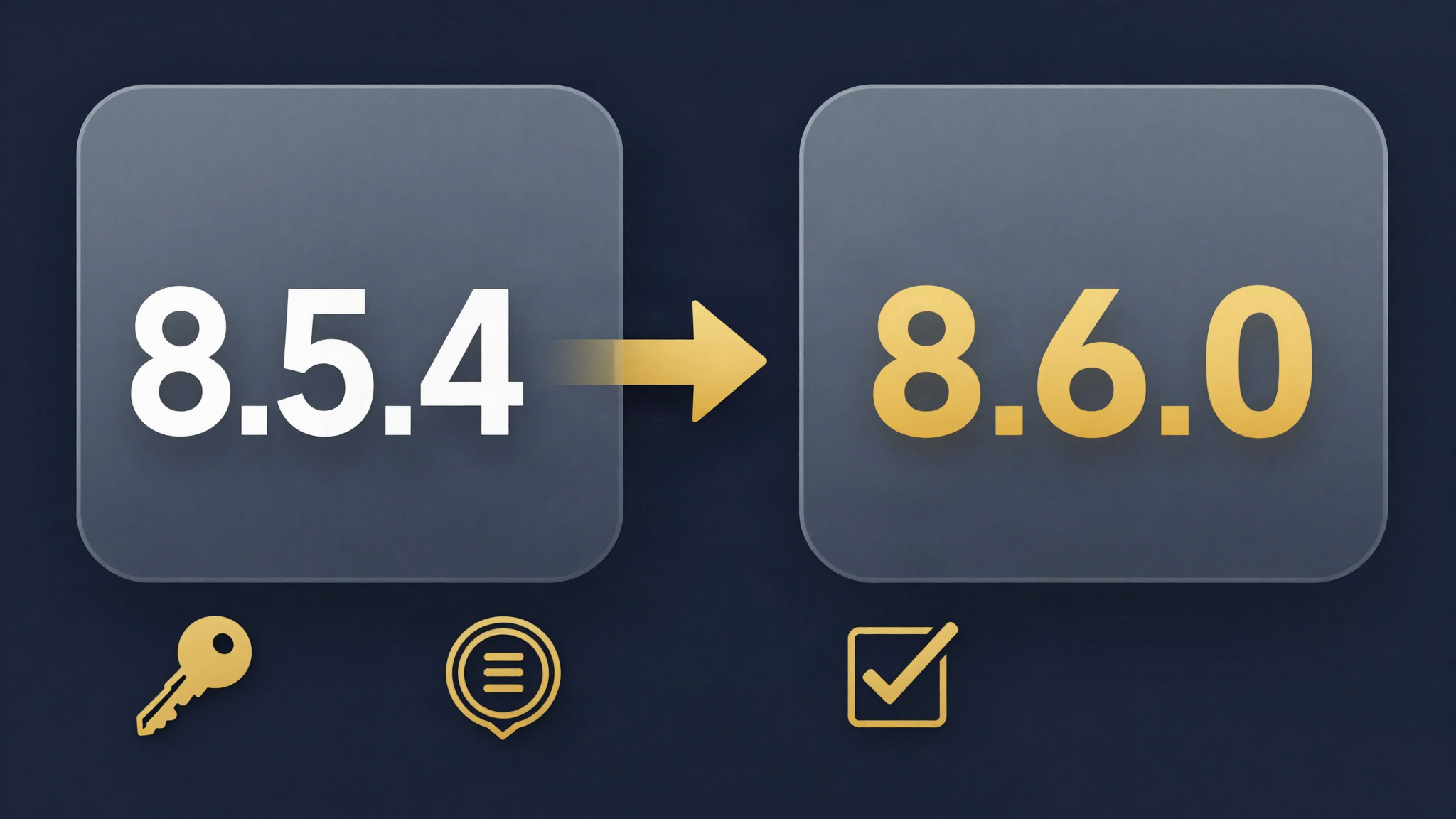
Upgrading to Peplink Firmware 8.6.0: The Complete Guide
Peplink upgrade guide for Firmware 8.6.0: staged upgrade paths, FIPS and PSK requirements, certificate modernization, retired models and post-upgrade checklist.

WireGuard on Peplink: Modern VPN Remote Access Arrives with Firmware 8.6.0
Peplink Firmware 8.6.0 brings WireGuard VPN for Remote User Access on all models. Comparison with OpenVPN and L2TP, deployment recommendations and SFC Direct Access.
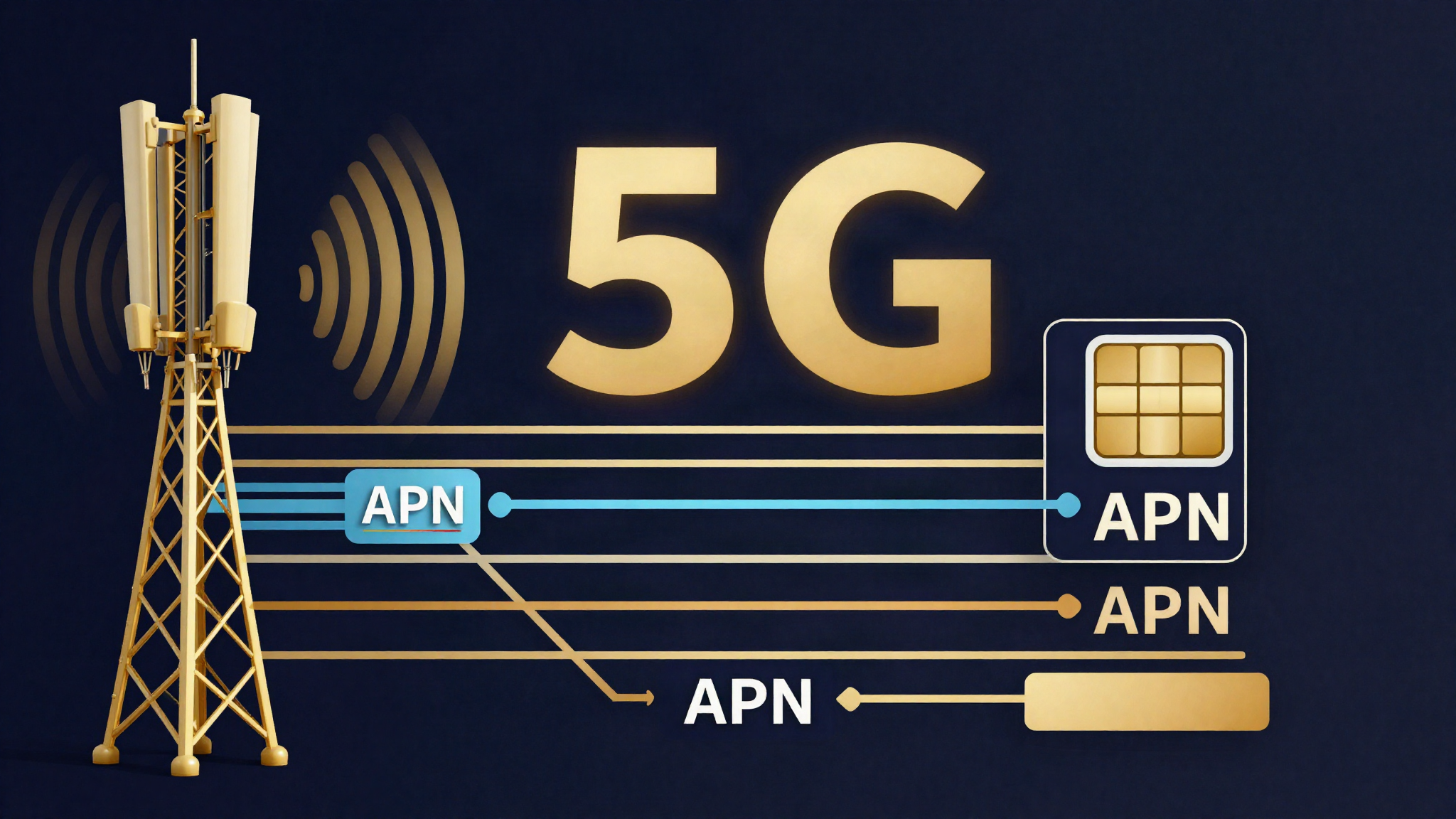
Peplink 8.6.0 Cellular & 5G: Multi-APN, 5G SA and Four eSIM Profiles
Peplink 8.6.0 brings Multi-APN on 5GN, 5G Standalone on 5GD, IPv6 on five module families and up to four eSIM profiles per modem. Overview for cellular and IoT deployments.