


What SpeedFusion Connect really costs — a data volume calculation
SpeedFusion needs a counterpart — and that is the cost driver
The interesting functions of SpeedFusion — Hot Failover, WAN Smoothing, Bandwidth Bonding — are properties of a tunnel. A tunnel has two ends. One of them stands in your cabinet, the other has to exist somewhere.
There are exactly three options for that:
- A second Peplink device at another site. Obvious if you want to connect two sites; useless if you simply need a stable internet connection.
- SpeedFusion Connect, the service hosted by Peplink. No operation of your own, but a data counter.
- Your own FusionHub, Peplink's virtual appliance, run on a VM in the data centre. No data counter, but operational responsibility.
Anyone who compares only the hardware prices overlooks this decision — and for a production that broadcasts regularly it is the most expensive item in operation. Hence the figures here.
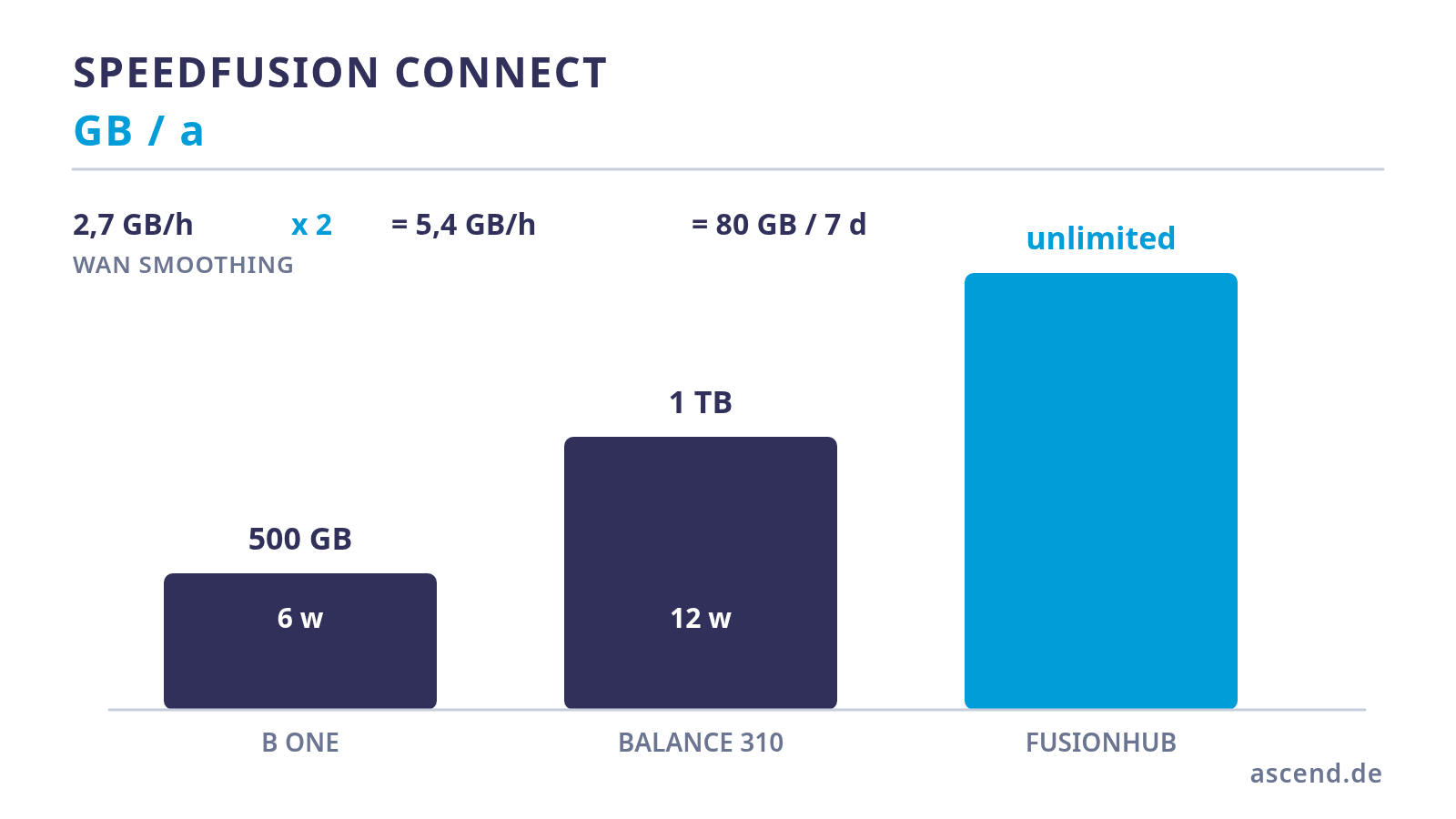
What is included with the device: 500 GB or 1 TB per year
Peplink devices with the designation -PRM include one year of PrimeCare, and PrimeCare brings an included allowance for SpeedFusion Connect with it. Its size depends on the device class and appears as a footnote in the technical data:
- B One and B One 5G: 500 GB per year
- Balance 310: 1 TB per year
Two points that tend to get lost here. First, the allowance is tied to an active PrimeCare — if the subscription expires, not only the included data disappears but also Hot Failover, WAN Smoothing and bonding themselves; they are PrimeCare functions as well. Second, the allowance is per device and year, not per month, and it does not accumulate.
That gives you a figure. The real question is how long it lasts.
The calculation for a live production
Let us work through a realistic broadcast position: a 1080p video stream with presentation sharing, of the kind a seminar or training studio produces.
Step 1 — payload. For sending 1080p, Zoom states around 3.8 Mbit/s upstream; sharing and audio add about 0.15 Mbit/s. On the receiving side it depends on the layout: with a gallery view of around 25 participants, about 2 Mbit/s is realistic. In total, therefore, roughly 6 Mbit/s in both directions.
Step 2 — from Mbit/s to GB per hour. 6 Mbit/s × 3600 s ÷ 8 = 2.7 GB per hour.
Step 3 — factoring in WAN Smoothing. Level Normal transmits every packet twice. 2.7 becomes 5.4 GB per hour. At level Medium it would be 8.1 GB.
Step 4 — extrapolating to the week. A studio that broadcasts for five hours on three days comes to 15 hours. 15 × 5.4 GB ≈ 80 GB per week.
And with that, the answer to the initial question:
- 500 GB of included volume corresponds to around six production weeks.
- 1 TB of included volume corresponds to around twelve production weeks.
For an operation that broadcasts every week, the included allowance is therefore used up after about a quarter, regardless of the device. The difference between 500 GB and 1 TB shifts the moment, it does not solve the problem.
A note on diligence: exactly how duplicated packets are counted in the billing is one of those things that should be measured on the actual device instead of being assumed. That changes nothing about the order of magnitude and therefore nothing about the recommendation.
What happens after the allowance
The service does not switch itself off — that is the good news. Once the allowance has been used up, a fair-use policy applies which limits the speed to 10 Mbit/s. The regular tariff levels reach up to 200 Mbit/s; for higher demands there is an unlimited package with up to 400 Mbit/s, booked monthly or annually per serial number.
Now the arithmetic gets uncomfortable: our smoothed conference stream needs around 8 Mbit/s upstream. The throttling to 10 Mbit/s therefore sits exactly at the load limit of that single stream — with no reserve for everything else that runs through the tunnel at the same time. Protection that operates at the throttling limit in the fourth quarter is not protection.
That leaves two paths: buy the volume permanently, or provide the counterpart yourself.
| Criterion | SFC included allowance | SFC unlimited package | Your own FusionHub | |
|---|---|---|---|---|
| Data volume | 500 GB or 1 TB per year | unlimited, throttled according to tariff | no counting | |
| Bandwidth | up to 200 Mbit/s, then 10 Mbit/s | up to 400 Mbit/s | limited by the VM and the lines | |
| Running costs | included in PrimeCare | subscription per serial number | VM plus operation | |
| Location of the counterpart | Peplink data centre | Peplink data centre | freely selectable, e.g. Germany | |
| Operational effort | none | none | updates, monitoring, licence management | |
| Suits | occasional use, emergency protection | high demand without operating it yourself | regular production, latency optimisation |
Your own FusionHub — and why it is often the right answer
FusionHub is Peplink's virtual appliance: the same SpeedFusion remote end, only as software on a VM of your own. Three properties make it attractive for a production that broadcasts regularly.
There is no data counter. The traffic runs over your VM and your uplink. Whether WAN Smoothing doubles the volume is therefore a question of line capacity, not of billing — and that is exactly why smoothing can stay permanently active instead of being tied to a time window.
The licence is free of charge for the single case. The FusionHub Solo variant is free and limited to one peer — that is, exactly one connected Peplink device, which fits one site. Peplink has lifted the earlier throughput limit of 100 Mbit/s; many sources on the web still quote it, but it is out of date. Devices with PrimeCare also do not count against the peer limits of higher FusionHub licences.
The location can be chosen. A counterpart in a German data centre means the shortest path and therefore the lowest additional latency. With the hosted service you take the location you are given.
Two things have to be known for this. First, the licence check needs outbound reachability to Peplink's InControl services; a completely isolated network does not work. Second, a VM is an operational item: updates, monitoring, reachability. Anyone who does not want to handle that themselves has it operated — as a managed service it is a calculable monthly item instead of a data counter running alongside.
Decision guide
The choice is pleasantly simple if you base it on the usage profile and not on the price of the individual item.
- Emergency protection, a few hours a month: the included allowance is enough. Book nothing extra, enable WAN Smoothing for the critical sub-tunnel, done.
- Regular production, several hours per week: your own FusionHub. The calculation above shows that every included allowance falls within a quarter; an unlimited subscription per device is the more expensive permanent solution.
- Several sites that talk to each other: FusionHub or Peplink-to-Peplink anyway, because here the site interconnect and not the internet access is the goal.
- Latency is critical: FusionHub in the nearest data centre, because every detour via a third-party location adds to the round-trip time.
What remains is the unromantic insight: with SpeedFusion it is not the choice of router that determines the operating costs, but the choice of counterpart. The difference between a B One and a Balance 310 is a few hundred euros, once. The difference between a rented and your own tunnel endpoint is a few hundred euros per year — permanently.
Frequently asked questions
Have your tunnel endpoint calculated
We work through your volume on the basis of the actual broadcast hours, compare the included allowance, the add-on tariff and your own FusionHub — and operate the endpoint for you on request.
Devices and their included allowance
The included volume for SpeedFusion Connect depends on the device class and on an active PrimeCare — availability and prices are shown on the product detail page.
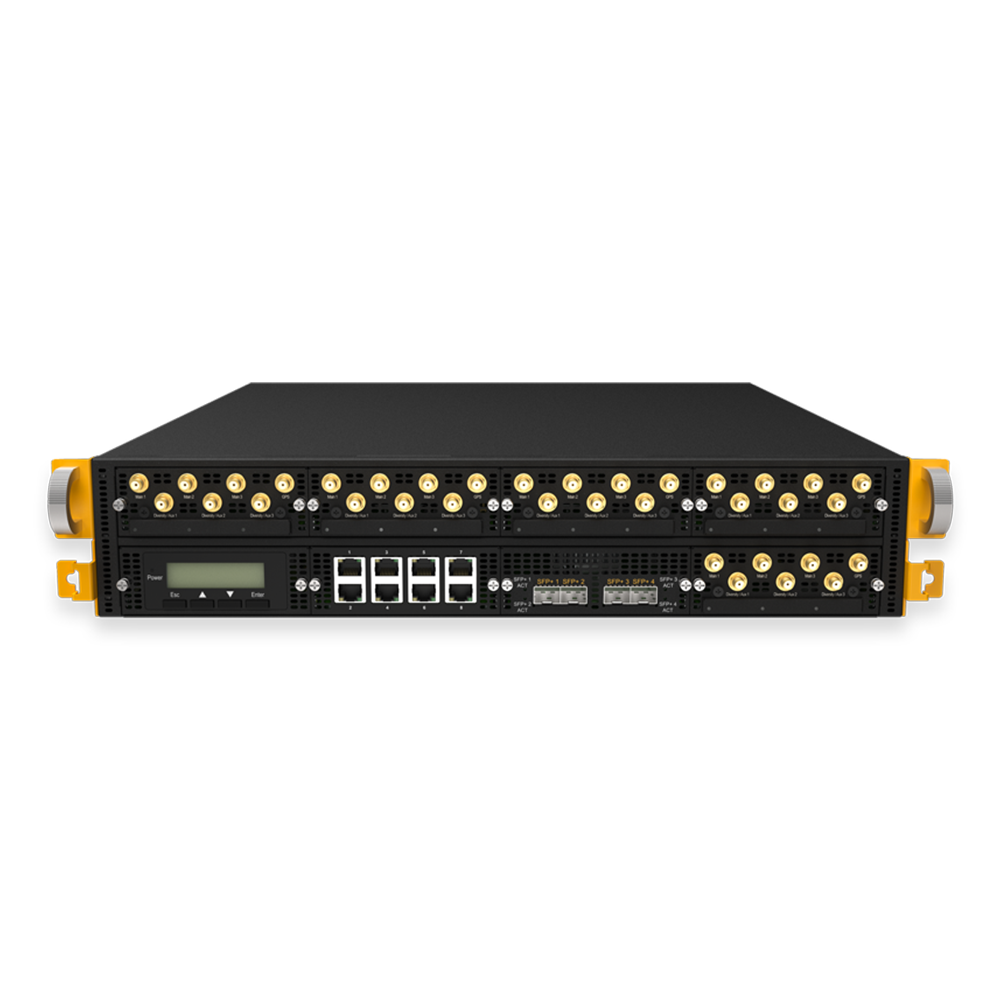
Peplink B One
500 GB of SpeedFusion Connect volume per year with an active PrimeCare. Two Gigabit WAN ports, 200 Mbit/s of encrypted tunnel throughput — ample for a single protected stream.
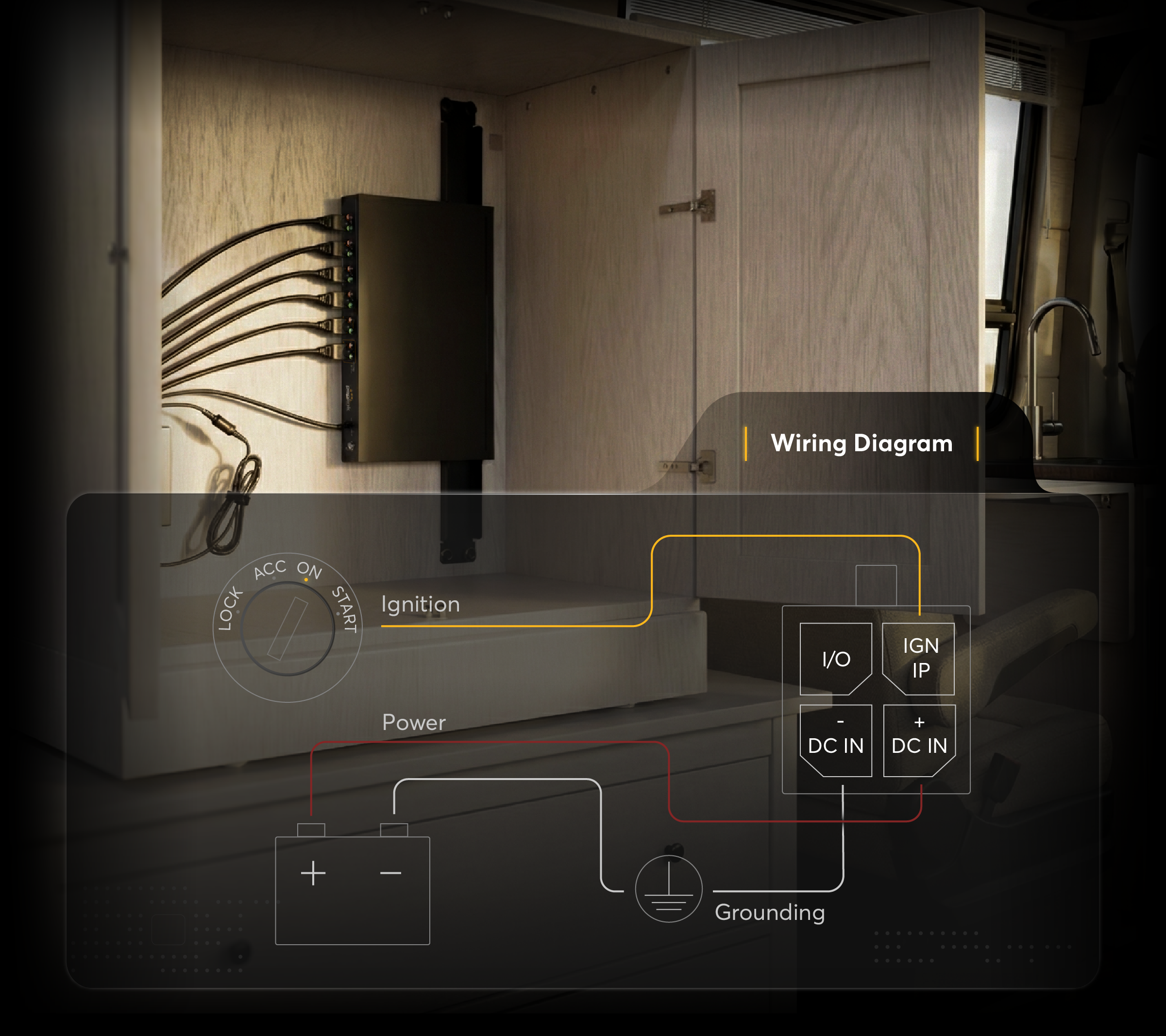
Peplink Balance 310
1 TB of SpeedFusion Connect volume per year — twice the allowance of the B One class. Plus 1 Gbit/s of tunnel throughput, 2.5 Gbit WAN and 10 Gbit LAN in a rack format.
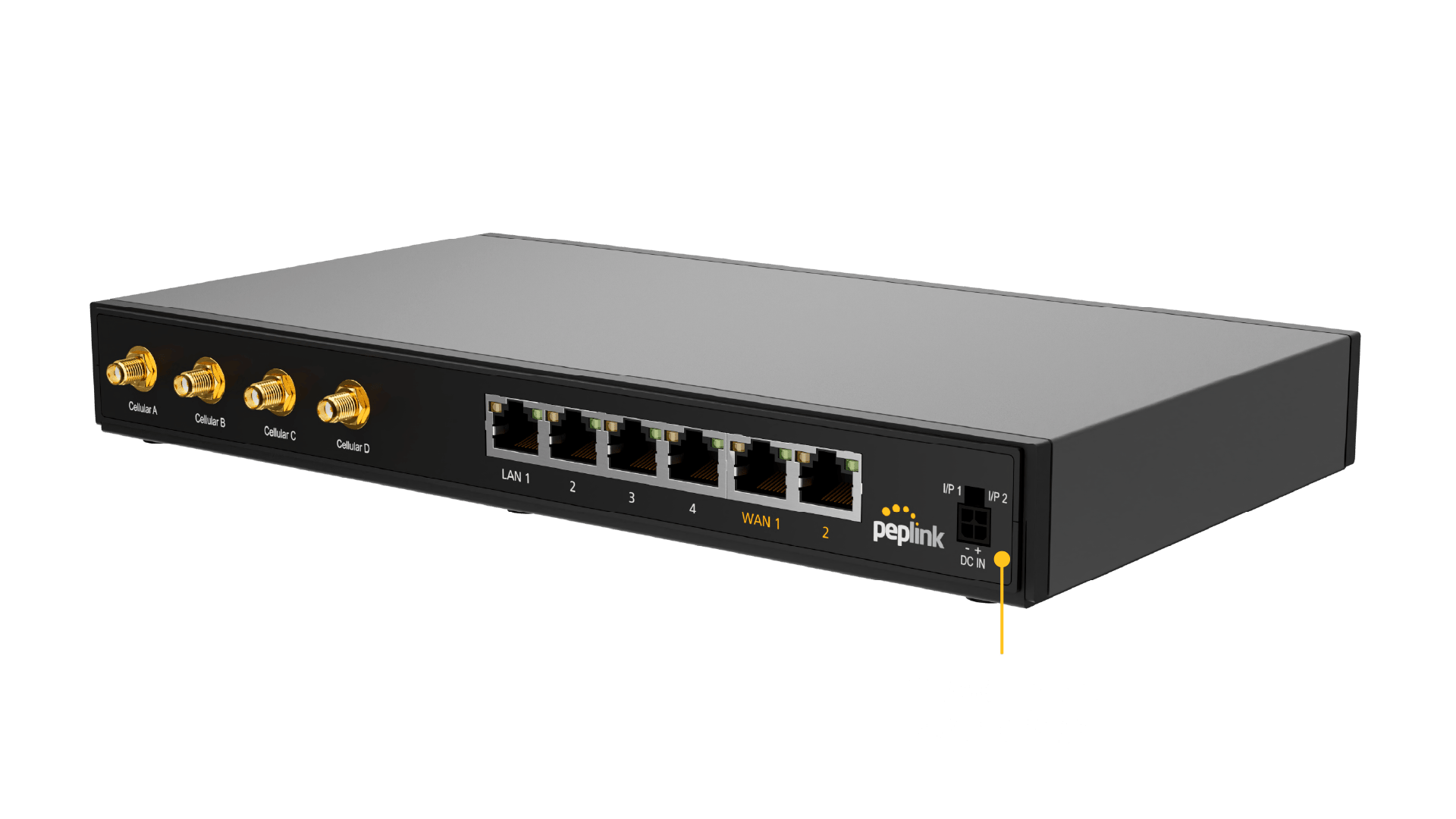
Peplink B One 5G
500 GB per year like the B One, plus an integrated 5G modem with two SIM slots. Practical when the third path to the network should not run over another router.
Further reading
This article was researched and written with AI assistance and reviewed by Ascend's Peplink-certified technicians before publication.
Ready for your next project?
Talk to our team about your requirements.
Related posts
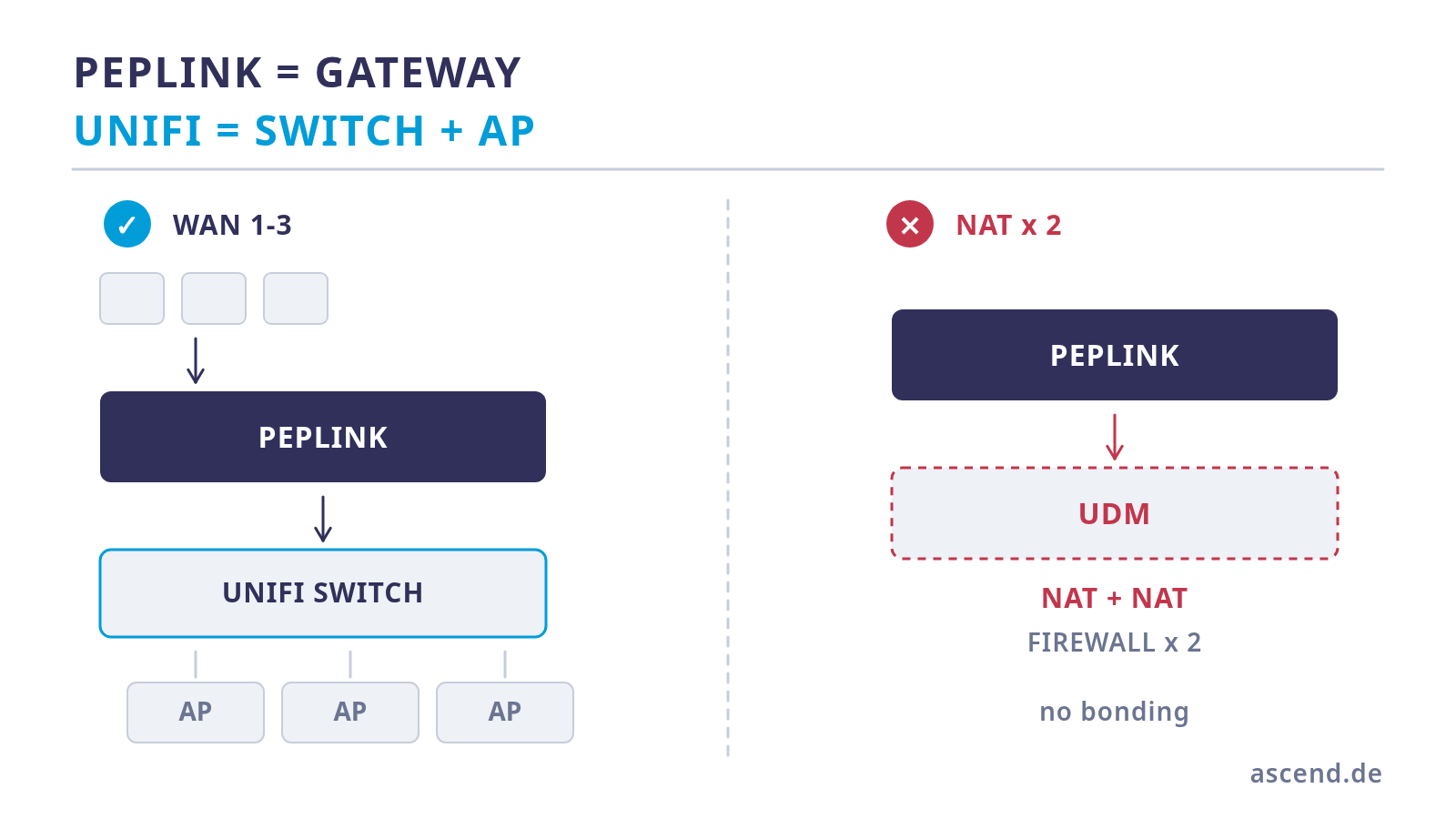
Peplink or UniFi as the gateway? Separating the roles cleanly
The question is usually asked as an either/or and is not one: Peplink and UniFi solve different layers. Where the UniFi Dream Machine reaches its limit, why two routers in series do harm, where prioritisation really belongs — and which options there are for the controller.
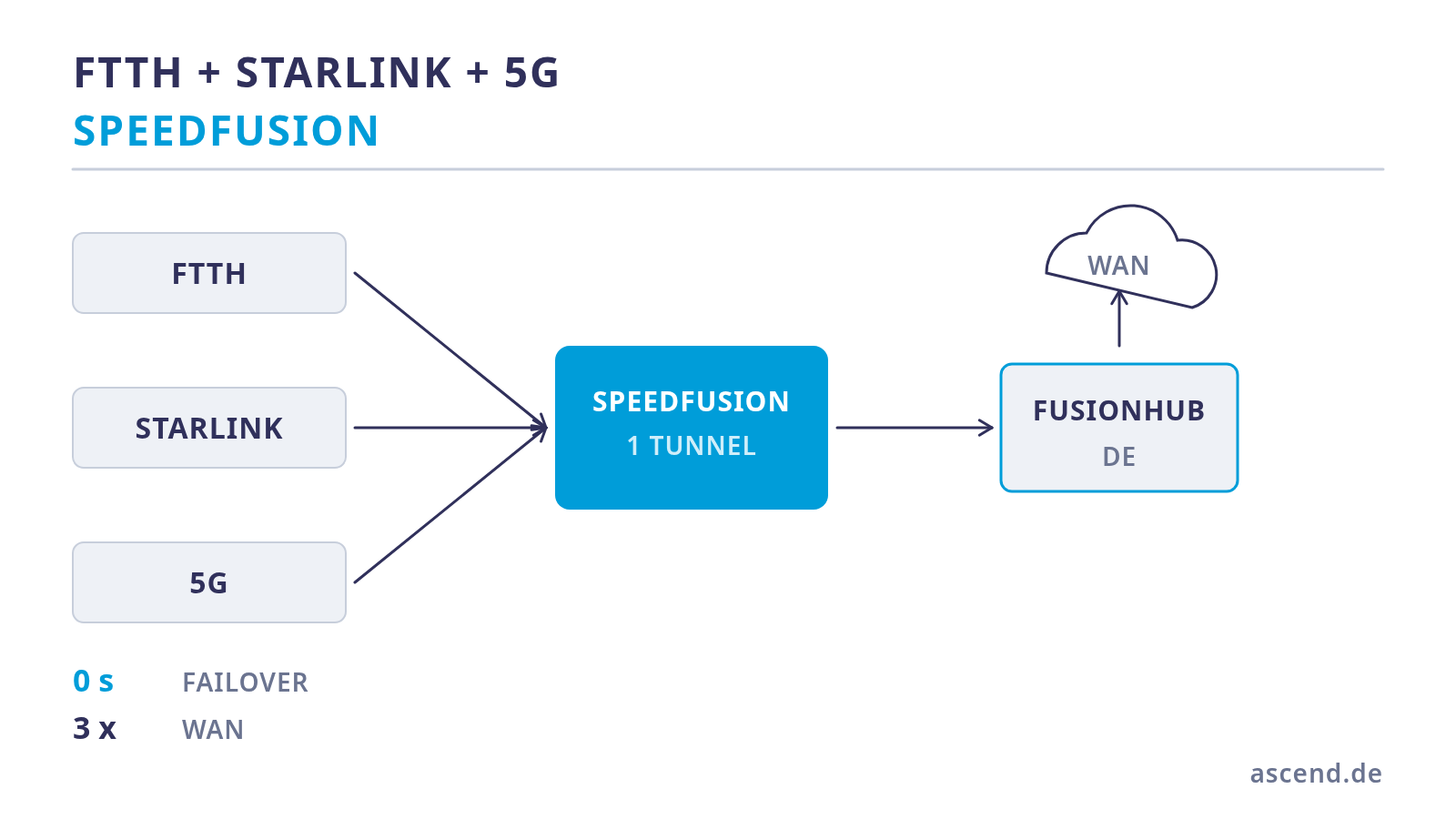
Bonding fibre, Starlink and 5G: three paths for a live studio
Three lines are only redundancy if they fail independently of one another. How to bond fibre, Starlink and 5G in one tunnel, why the number of WAN ports is the first hard limit, which pitfalls Starlink brings with it — and what that means for the power supply.
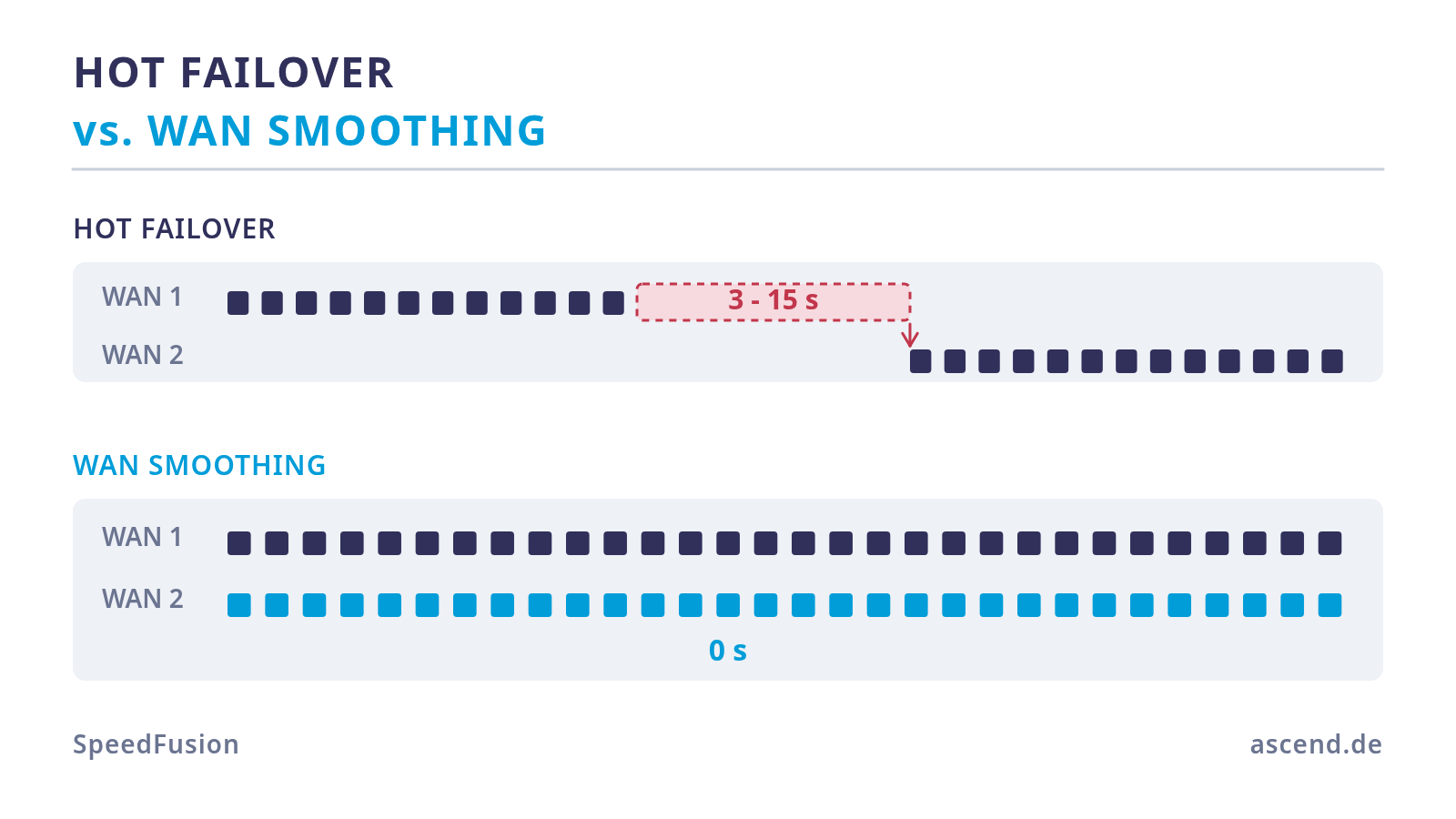
Video conference without dropouts: why Hot Failover alone is not enough
Hot Failover prevents the connection from being dropped, not the dropout: the switchover only starts once line monitoring has detected the failure. WAN Smoothing does not switch over at all — it sends the same packets over several lines. What that costs and how to enable it for the conference machine only.