


Video conference without dropouts: why Hot Failover alone is not enough
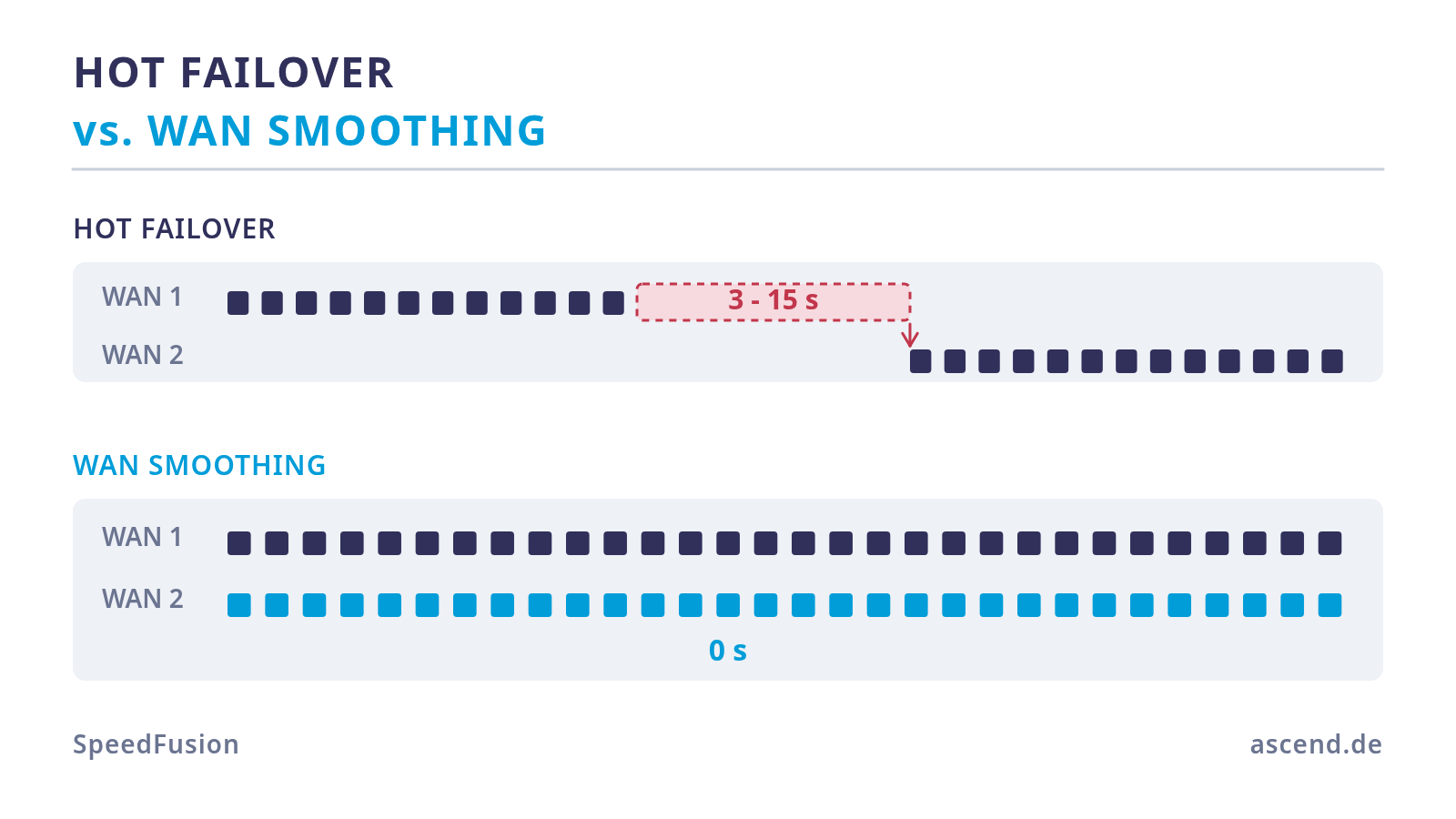
The line does not have to fail for the conference to collapse
Anyone who wants to protect a video conference thinks of total failure first: an excavator, a power cut, a fault at the provider. In practice that is the rarer case. What actually ruins a running transmission is packet loss and latency variation on a line that is formally still "up".
The order of magnitude helps to understand this. For sending a 1080p stream, Zoom states around 3.8 Mbit/s upstream; a parallel presentation share adds roughly 50 to 150 kbit/s, the audio channel 60 to 80 kbit/s. A professional broadcast position therefore needs about 4 Mbit/s upstream — on a connection with 40 or 300 Mbit/s upstream that is a rounding error.
And that is exactly where many protection concepts go wrong: bandwidth is not the problem. The problem is the consistency of delivery. A real-time codec cannot request a lost packet again and wait for it — playback carries on. If one packet is missing, an artefact appears; if several are missing in a row, the picture freezes or the audio breaks off. Two per cent packet loss on a 300 Mbit/s line is invisible for a file download and clearly audible in a live transmission.
From this follows the actual requirement: it is not about having a spare line. It is about making sure that a fault on the active line never reaches the receiver.
What Hot Failover really does — and where the gap sits
Hot Failover is an operating mode of the SpeedFusion tunnel. The tunnel is established over all participating WAN connections and kept active on all of them; at any point in time, however, only the path with the highest priority carries the payload traffic. If that path fails, the next one takes over.
The decisive advantage over classic failover without a tunnel: the session stays up. Because the traffic runs inside the tunnel and the remote end keeps the same address, the application notices no change of address. There is no fresh sign-in, no reconnect, no ejection from the meeting. For a conferencing system that is a big difference compared with a router that simply changes its default route.
And here is the gap that quotations rarely mention: the switchover only begins once the failure has been detected. It is detected through line monitoring and the keepalives of the tunnel. How fast that happens follows from the product of the check interval and the number of retries before a line counts as dead — plus the time the switchover itself needs.
During that window the sound is gone. Whether it is three, five or fifteen seconds depends on how aggressively the monitoring has been configured; the values in the graphic above are a typical order of magnitude from practice and not a datasheet figure from Peplink. Aggressive settings shorten the window but increase the risk of false triggers on a short latency spike.
Even more important: the more frequent fault case is not addressed at all by Hot Failover. A line with two per cent packet loss has not failed. It passes every check, stays active, and delivers a poor picture the whole time.
WAN Smoothing: redundancy in the packet instead of in the line
WAN Smoothing solves the same problem from the other side. Instead of picking one line and changing over when it fails, the tunnel sends the same packets over several lines simultaneously. The remote end takes the copy that arrives first and discards the duplicates.
That has three consequences which fit a live transmission precisely:
- There is no switchover. If a line fails mid-sentence, the packet has long since arrived over the other one. No detection window, no gap — not even the three seconds.
- Packet loss on one line becomes invisible, as long as both paths do not lose the same packet at the same time. With technologically independent lines that is unlikely.
- Latency drops to that of the fastest path. Because the first copy always wins, the result is not the average of both lines but the minimum. A slow second line therefore does not degrade the connection — it can only improve it.
The price is bandwidth, staggered in a predictable way. The level Normal doubles the traffic volume, Medium triples it, High quadruples it; Maximum depends on the number of active connection pairs. For our broadcast position with 4 Mbit/s of payload, level Normal therefore means 8 Mbit/s on the connection — a side issue on a business line.
The reference point matters: the overhead arises only for the traffic that runs inside the smoothed tunnel. Anyone who enables smoothing across the whole building also doubles every download and every backup. That is exactly why it belongs on a sub-tunnel of its own.
| Criterion | Hot Failover | WAN Smoothing | Adaptive FEC | |
|---|---|---|---|---|
| Principle | One line active, the rest waiting in the tunnel | Same packets in parallel over several lines | Additional correction packets for reconstruction | |
| Gap on line failure | Detection window, typically seconds | none | none, as long as the correction is sufficient | |
| Effect with packet loss but no failure | none | very high | high | |
| Additional data traffic | none | 100% / 200% / 300% depending on level | around 7 to 20% | |
| Effect on latency | Latency of the active line | Latency of the fastest path | Latency of the active line | |
| Suits | General internet traffic, backups | Video conference, live stream, telephony | One-way streams, tight bandwidth |
Adaptive FEC as an economical middle way
Between "do nothing" and "send everything twice" lies Forward Error Correction. Instead of transmitting complete copies, FEC adds correction information to the data stream from which the remote end can reconstruct lost packets without requesting them again.
The overhead is therefore considerably lower. The static levels are around 13 per cent and around 27 per cent; the adaptive variant regulates itself dynamically between roughly 7 and 20 per cent, depending on the measured loss. Instead of a doubling you therefore pay a surcharge in the low double-digit percentage range.
In exchange, there is a limitation: FEC reconstructs as long as the correction information is sufficient. With a hard line failure or a long burst of losses it is not sufficient — then the packet is still missing. FEC is therefore the right choice when bandwidth is tight or when the path only goes in one direction, for instance with a live stream to a platform. For a bidirectional conference with maximum resilience, smoothing remains the stronger tool — and both methods can be run in parallel on separate sub-tunnels.
The "if required" fallacy
Requirement lists frequently contain a phrasing such as: protection via Hot Failover, plus WAN Smoothing if required. That sounds reasonable and is not technically feasible, at least not in the way it is meant.
WAN Smoothing is a fixed setting in the tunnel profile, not a control loop. There is no automatic mechanism that switches it on by itself when latency rises or packet loss grows. Anyone planning for "if required" therefore has to define the requirement case themselves — and there are exactly three sound answers:
- Permanently active for the critical sub-tunnel. The overhead is known and small, the benefit is always there. In almost all cases this is the right answer.
- Time-controlled, by tying the rule that steers the traffic into the smoothed tunnel to a time profile. Sensible when the volume is limited and the broadcast times are fixed.
- FEC permanently, with smoothing only for defined events. The compromise for tight lines.
The uncomfortable insight behind this: protection that only starts after a problem has been detected can never prevent the first occurrence of the problem. For a live transmission, that first occurrence is precisely the damage.
Implementation: a sub-tunnel just for the conference machine
The clean solution separates the critical traffic from the rest instead of doubling the whole network. With firmware 8.0.1 Peplink introduced sub-tunnels for this purpose: one SpeedFusion link can carry several sub-tunnels — up to five are documented — and each with its own profile. One tunnel, several behaviours.
The configuration in practice:
- The broadcast position gets a fixed address through a DHCP reservation and sits in a VLAN of its own. Without a stable address no rule is reliable.
- Create a sub-tunnel with WAN Smoothing, level Normal as the starting point.
- A traffic rule steers the traffic of this one machine into that sub-tunnel — matching on the source address is more robust than a rule on ports, because it works regardless of which ports the conferencing software uses in the next update.
- Everything else runs directly over the lines or over a second sub-tunnel in Hot Failover mode. Backups and large uploads additionally get a bandwidth limit so that they do not crowd out the broadcast position.
Two points at which this fails in practice. First, a SpeedFusion tunnel always needs a counterpart — a second Peplink device, a FusionHub or the hosted service SpeedFusion Connect. Without a remote end there is no smoothing, only load distribution. Second, it is not a free ride in terms of data volume: whatever the smoothed tunnel transmits twice also counts twice at the counterpart. We have worked through how that adds up in a separate article.
And the most important sentence at the end, because it does not appear in the network diagram: line redundancy protects against line faults. It does not protect against a crashed broadcast machine, a hung capture adapter or a fault at the conferencing provider. Anyone who really wants to protect a transmission puts the computer and the screen on the UPS as well and keeps a second machine ready as a co-host.
Frequently asked questions
Have your transmission protected
We plan the tunnel, set up the sub-tunnel for your broadcast position and measure the result under real conditions afterwards — including pre-configuration before shipping.
Suitable Peplink routers
All three models handle Hot Failover, WAN Smoothing and bonding with an active PrimeCare — availability and prices are shown on the product detail page.
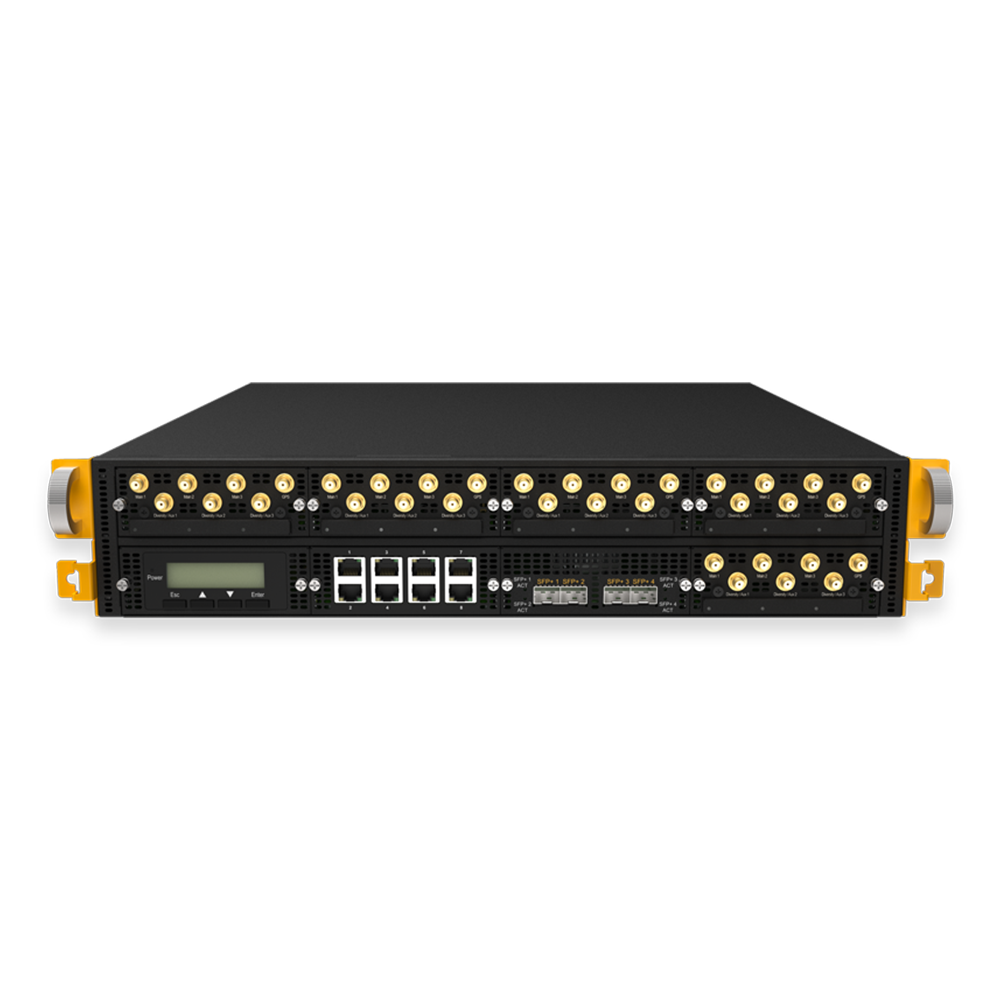
Peplink B One
Two Gigabit WAN ports, 1 Gbit/s of routing and 200 Mbit/s of encrypted SpeedFusion throughput. Clearly oversized for a broadcast position with 4 Mbit/s of payload — and therefore the least expensive clean solution.
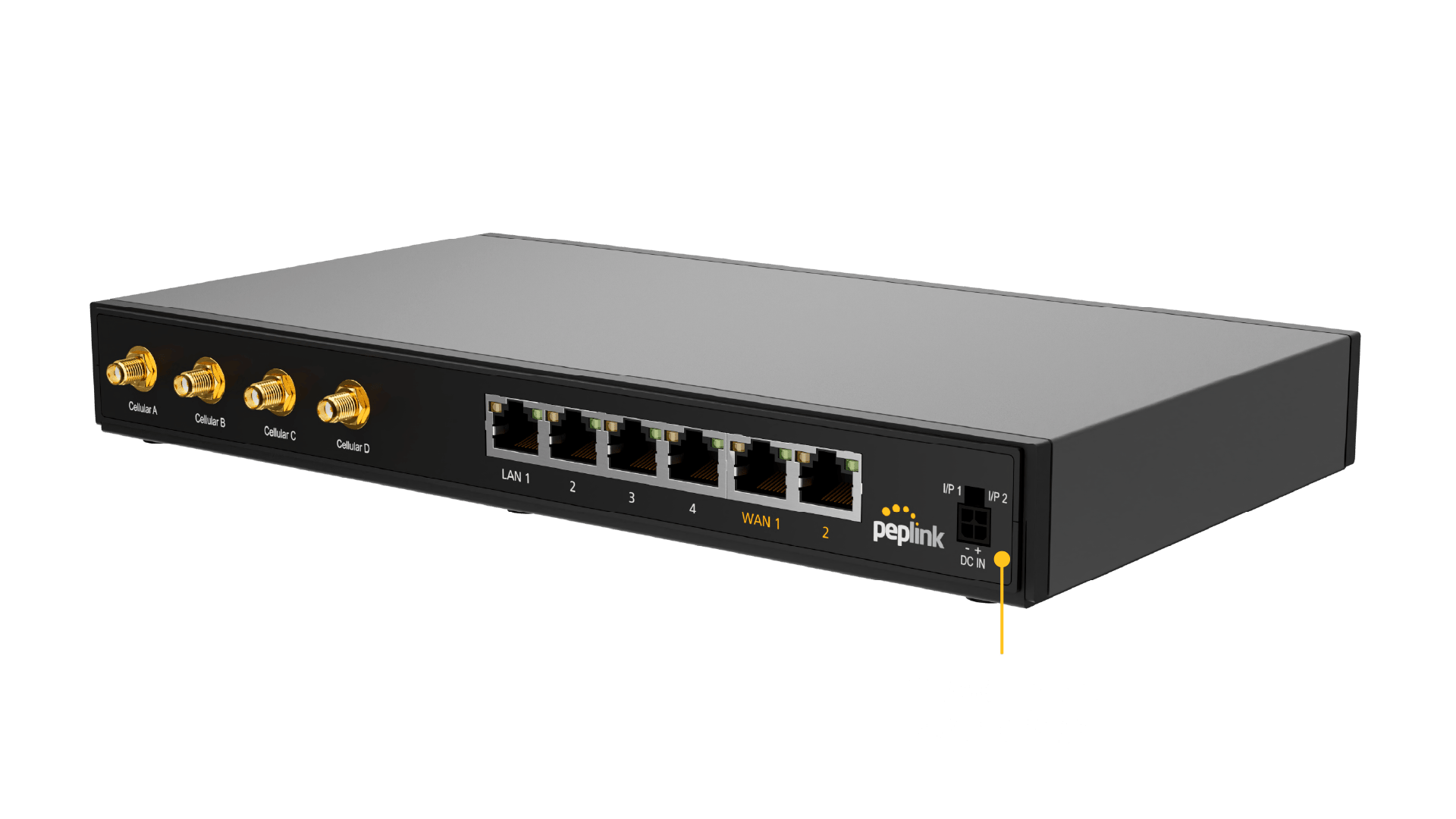
Peplink B One 5G
The same basis, plus an integrated 5G modem with two SIM slots. That allows three technologically independent paths to be smoothed without building a second router into the cabinet.
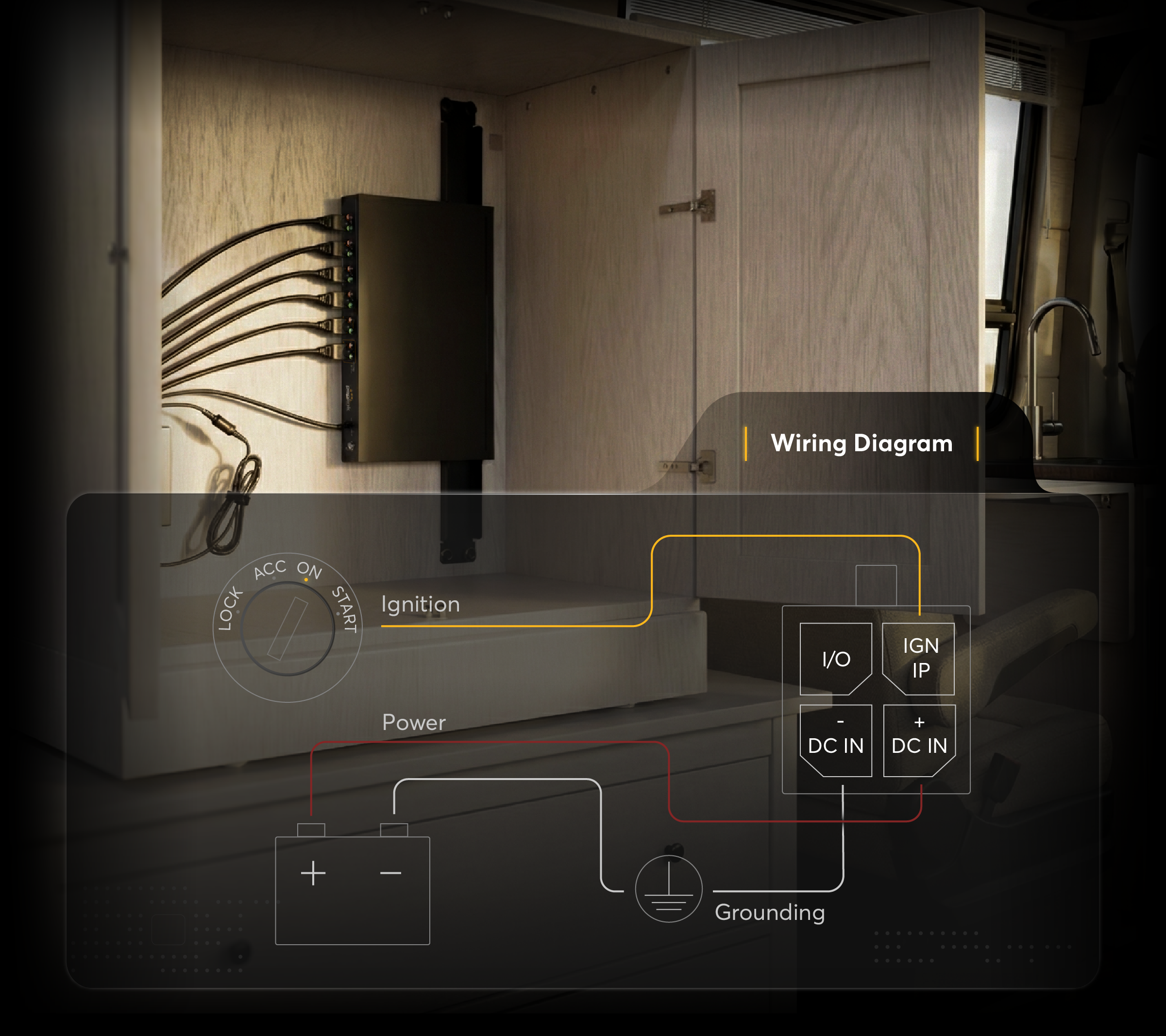
Peplink Balance 310
Two 2.5 Gbit WAN ports and four 10 Gbit LAN ports, 4 Gbit/s of routing and 1 Gbit/s of SpeedFusion throughput in a 1U rack format. The choice when the tunnel is later meant to carry more than one conference stream.
Further reading
This article was researched and written with AI assistance and reviewed by Ascend's Peplink-certified technicians before publication.
Ready for your next project?
Talk to our team about your requirements.
Related posts
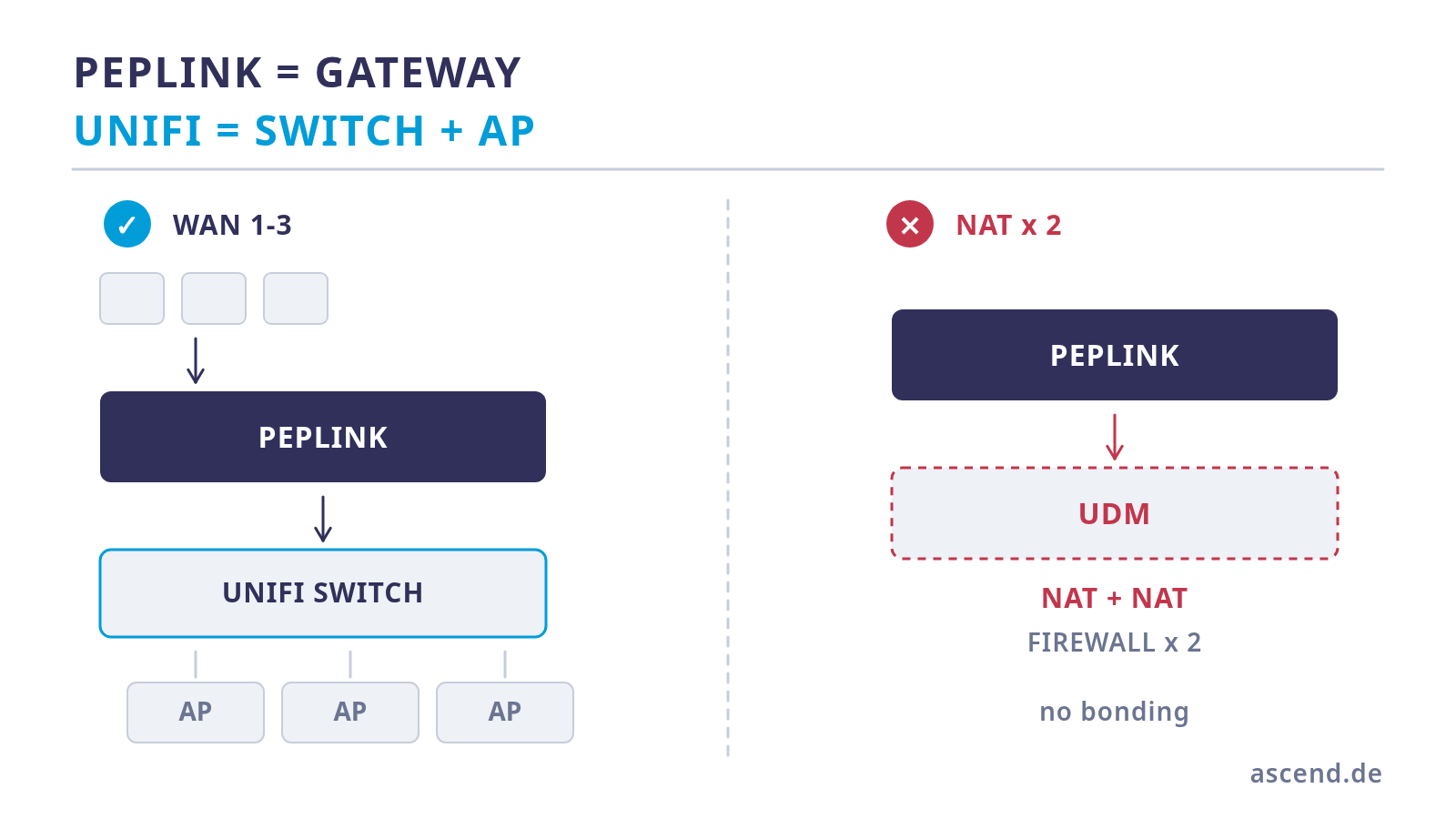
Peplink or UniFi as the gateway? Separating the roles cleanly
The question is usually asked as an either/or and is not one: Peplink and UniFi solve different layers. Where the UniFi Dream Machine reaches its limit, why two routers in series do harm, where prioritisation really belongs — and which options there are for the controller.
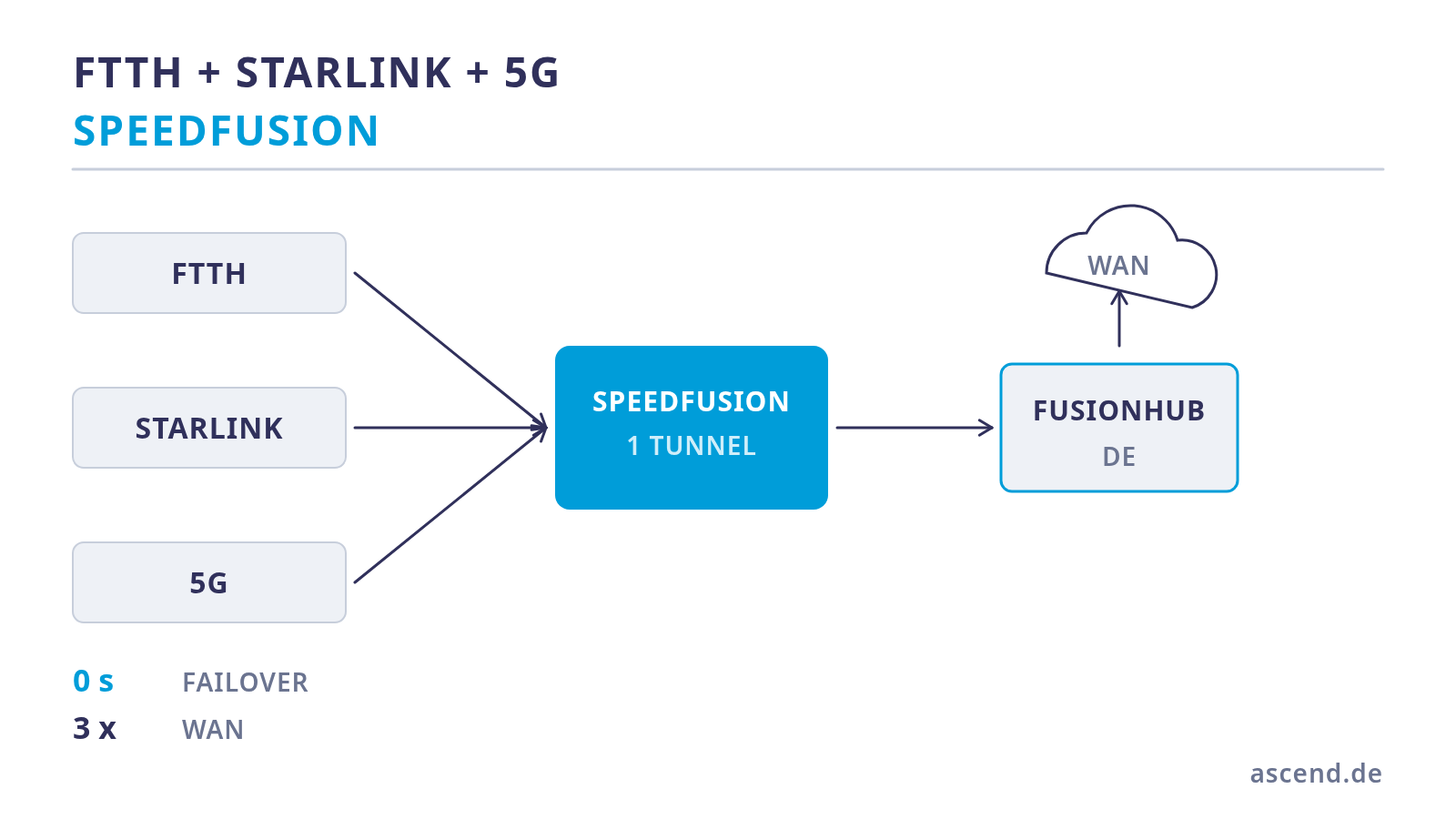
Bonding fibre, Starlink and 5G: three paths for a live studio
Three lines are only redundancy if they fail independently of one another. How to bond fibre, Starlink and 5G in one tunnel, why the number of WAN ports is the first hard limit, which pitfalls Starlink brings with it — and what that means for the power supply.
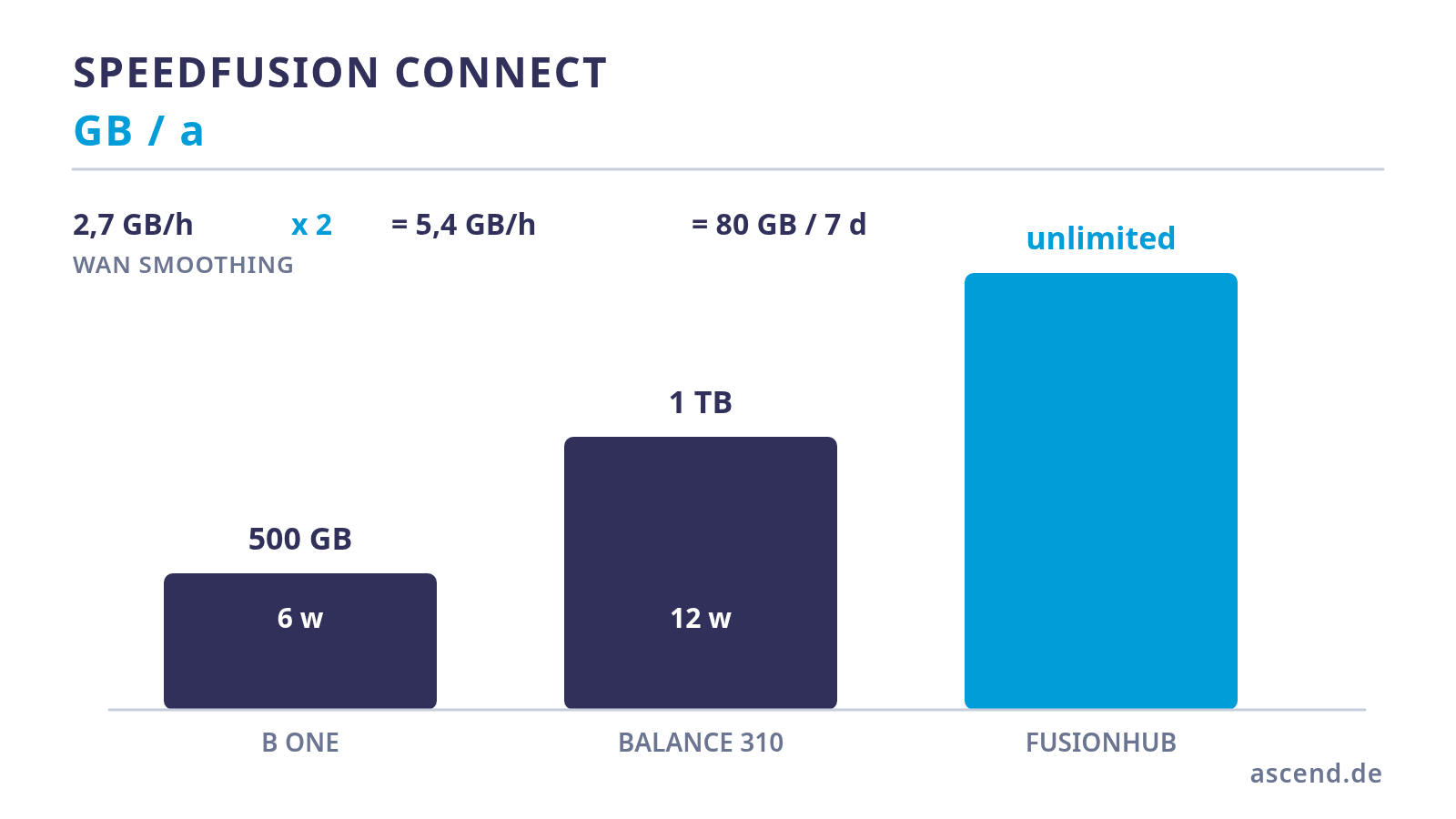
What SpeedFusion Connect really costs — a data volume calculation
SpeedFusion needs a counterpart, and that counterpart costs data volume. We work out how quickly the 500 GB or 1 TB per year included with the device are used up with WAN Smoothing active, what happens afterwards, and from what point a self-operated FusionHub is the cheaper answer.