


Mounting industrial routers: DIN rail, surface or rack — making the right choice
Introduction
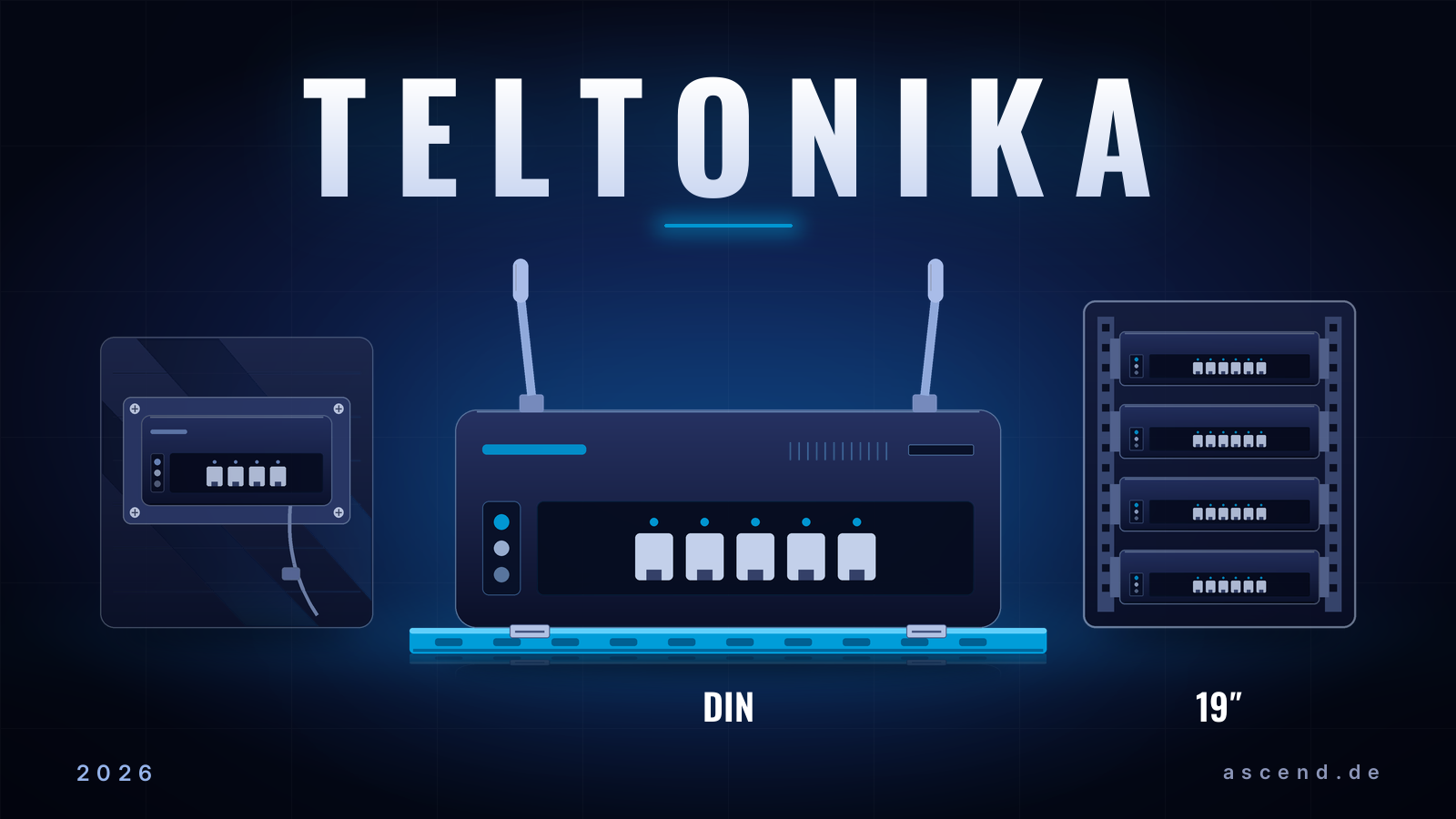
Mounting an industrial router — that sounds like a minor detail. In fact, the mounting option determines the reliability, maintenance effort and tidiness of the entire network infrastructure. TL;DR: DIN-rail mounting is the standard for the control cabinet and automation, surface mounting the flexible solution for walls and remote sites, rack mounting the choice for central IT and telecom environments. Teltonika itself advises: for industrial applications, DIN-rail mounting is usually the preferred choice.
Factory floors, energy infrastructure, transport systems: this is where a vibration-proof installation, a quick device swap during live operation and clean cable management count — each of these points saves real money and prevents downtime. Teltonika published a dedicated guide on the subject in August 2026 (“Industrial router mounting options explained”). Building on it, this article compares the three options from a practical angle — and names the matching mounting kits you can source directly through Ascend.
Whether RUT-series industrial routers, TRB-family gateways or industrial switches: the basic question is always the same. Control cabinet, wall or rack? The answer determines which accessories you need and how maintenance and expansions will run later on.
Why is the mounting option for industrial routers not just a detail?
Secure, maintainable, space-saving — three requirements, one mounting decision. According to Teltonika, choosing the router mounting option for industrial IoT devices is crucial to a reliable and well-organised network infrastructure. That is because industrial routers frequently operate in demanding environments where secure installation, easy maintenance and efficient use of space are what count.
In concrete terms, that means:
- Secure installation — vibration, temperature fluctuations, dust and tight spaces must not jeopardise the device's firm hold.
- Easy maintenance — connectors must remain reachable, and swapping a device must not require dismantling half the surroundings.
- Efficient use of space — space in the control cabinet or technical room is scarce and expensive. Every device has to justify its share of it.
DIN-rail mounting, surface mounting and rack mounting meet these requirements in different ways. None of them is “better” across the board: the optimal choice depends on the installation environment, the available infrastructure, the space situation and the maintenance requirements. Deciding systematically along these criteria avoids the typical mistakes — from the wobbly router on the wall to the unreachable device wedged between cable bundles in the cabinet.
DIN-rail mounting: why is it the standard in the control cabinet?
The DIN rail is a metal mounting rail widely used in industrial automation, control cabinets and control systems. Industrial routers and other network devices sit on it right next to PLCs, power supplies and automation equipment. The result: a clean, well-organised installation.
That is precisely where the strategic advantage lies. The router is not a foreign object on the wall but a fully fledged part of the automation environment: cable runs are short, all devices stay in plain view, and power supply, grounding and protection follow the same standards as the rest of the equipment in the cabinet.
Benefits of DIN-rail mounting according to Teltonika:
- Saves space in the cabinet
- Improves cable organisation
- Enables quick installation or replacement of devices
- Ensures a secure installation under vibration, in tight spaces and with frequent maintenance
Practical tip: If your router sits in the control cabinet next to the control equipment, the DIN rail is almost always the right answer. The router moves to where the automation already lives — short cable runs, device swaps without dismantling the neighbouring devices.
Teltonika supplies the matching accessories too: the DIN-rail kit fastens compatible routers securely to standard rails. Where installations call for additional flexibility, the DIN-rail adapter opens up further mounting options — while preserving the benefits of standard mounting.
According to Teltonika, this creates a professional industrial setup in which network devices can be easily integrated into the existing automation infrastructure.
Surface mounting: when is the wall the better solution?
Not every environment has a control cabinet — and not every installation needs one. Surface mounting attaches routers directly to walls, panels or other flat surfaces using suitable mounting accessories.
Typical deployment sites for a surface-mounting kit:
- Warehouses — network coverage is often retrofitted here, and distribution boards are lacking
- Technical rooms — without existing DIN-rail infrastructure
- Remote locations — containers, switchgear huts, outdoor sites with no established industrial distribution
- Commercial buildings — when the router needs to be placed discreetly and flexibly
The advantage: flexible router placement with easy access to Ethernet ports, antennas and power connectors. At sites without existing infrastructure, this is often the only practicable option — and with the right kit it is still clean, secure and easy to maintain.
DIN rail or surface? According to Teltonika, the available infrastructure, the space situation and the maintenance requirements decide. The rule of thumb: if there is a control cabinet with a DIN rail, DIN-rail mounting wins. If not, surface mounting is the pragmatic route.
Rack mounting: when does the router belong in the rack?
Central IT thinks in rack units. For larger installations, a rack-mounting kit organises network devices efficiently — typically in:
- Server rooms — where routers, switches and servers are operated and managed together
- Telecommunications facilities — with established rack infrastructure
- Corporate networks — whose core components should sit centrally and protected
According to Teltonika, a rack-mounting kit for routers optimises cable management and device organisation and simplifies future expansions. It allows compatible Teltonika routers to be installed securely in rack cabinets — for a tidier, more scalable network infrastructure.
The difference from the DIN variant is above all a question of location: in industrial automation environments the DIN rail is usually the first choice, in centralised IT infrastructures with several jointly managed network devices it is the rack. Anyone whose network is already rack-based simply integrates the industrial router into the same structure — patch runs, power supply and cooling follow the familiar rack standards.
Which mounting option fits your environment?
Application, installation environment, future requirements — the choice of the best router mounting technique hinges on these three factors. As a guide, Teltonika recommends:
- DIN-rail kit for industrial control cabinets, automation systems and industrial IoT applications
- Surface-mounting kit for flexible wall, panel or remote installations
- Rack-mounting kit for corporate networks, telecom rooms and organised equipment cabinets
With the right mounting option and compatible accessories, companies improve network reliability, simplify maintenance and create a more efficient IoT infrastructure, according to Teltonika. The right installation method keeps network devices secure, accessible and ready for future IoT growth.
Three questions are enough to place your own project:
- Is there a DIN rail within reach? Then DIN — the standard saves accessories, time and space.
- Will the router sit out in the open or outdoors? Then surface mounting — flexible, with good access to antennas and connectors.
- Does the environment revolve around the rack? Then rack mounting — consistent with the existing IT infrastructure.
The same mapping at a glance — which environment suggests which mounting option:
| Recommended mounting option | |
|---|---|
| Control cabinet with PLC/automation | DIN rail |
| Wall, panel, mast or container without a control cabinet | Surface mounting |
| Server room, telecom room, central IT | Rack mounting |
Mounting in practice: how do you plan mixed environments?
Larger installations rarely confine themselves to a single mounting option. A typical industrial profile: the core of the automation sits in the control cabinet on the DIN rail, outposts such as the storeroom, loading dock or container rely on surface mounting, and the central counterpart in the server room ties all sites together in the rack. The mounting option is therefore not a fleet decision but a site decision.
Three planning rules keep the installation clean:
- Document the mounting type per site — whoever maintains or expands later needs to know which accessories are installed before opening the cabinet.
- Order accessories with the router, not afterwards — mounting kits cost little relative to the router. An installation stalled by a missing adapter costs many times more.
- Plan for growth — Teltonika explicitly recommends factoring future requirements into the choice. What is a single router today may be the node for further devices next year.
Follow these rules and you get a clean initial installation and predictable expansions — whether DIN rail, surface or rack.
Conclusion
On an industrial router, the mounting option is not a detail but an infrastructure decision with long-term effect: DIN rail for the control cabinet, surface mounting for flexible wall installation, rack for central IT. Those who take their cue from the actual environment gain in maintenance access, cable order and expandability — and spare themselves expensive rework.
The good news: all three routes can be implemented cleanly with the right Teltonika accessories. DIN-rail kit, surface-mounting kit or rack-mounting kit — Ascend carries them in its range alongside the Teltonika routers.
Planning a Teltonika installation and want to know which mounting kit fits your devices and your environment? Talk to us — we will accompany you from selection to delivery. The Teltonika page at Ascend gives an overview of our Teltonika solutions.
Frequently asked questions
Request advice
Which mounting kit fits your Teltonika routers and your installation environment is something we work out together in the project. Ascend supplies Teltonika routers, switches and matching mounting accessories from a single source.
Matching Teltonika products at Ascend
Mounting kits directly from the Ascend shop — availability and prices on the product detail page.
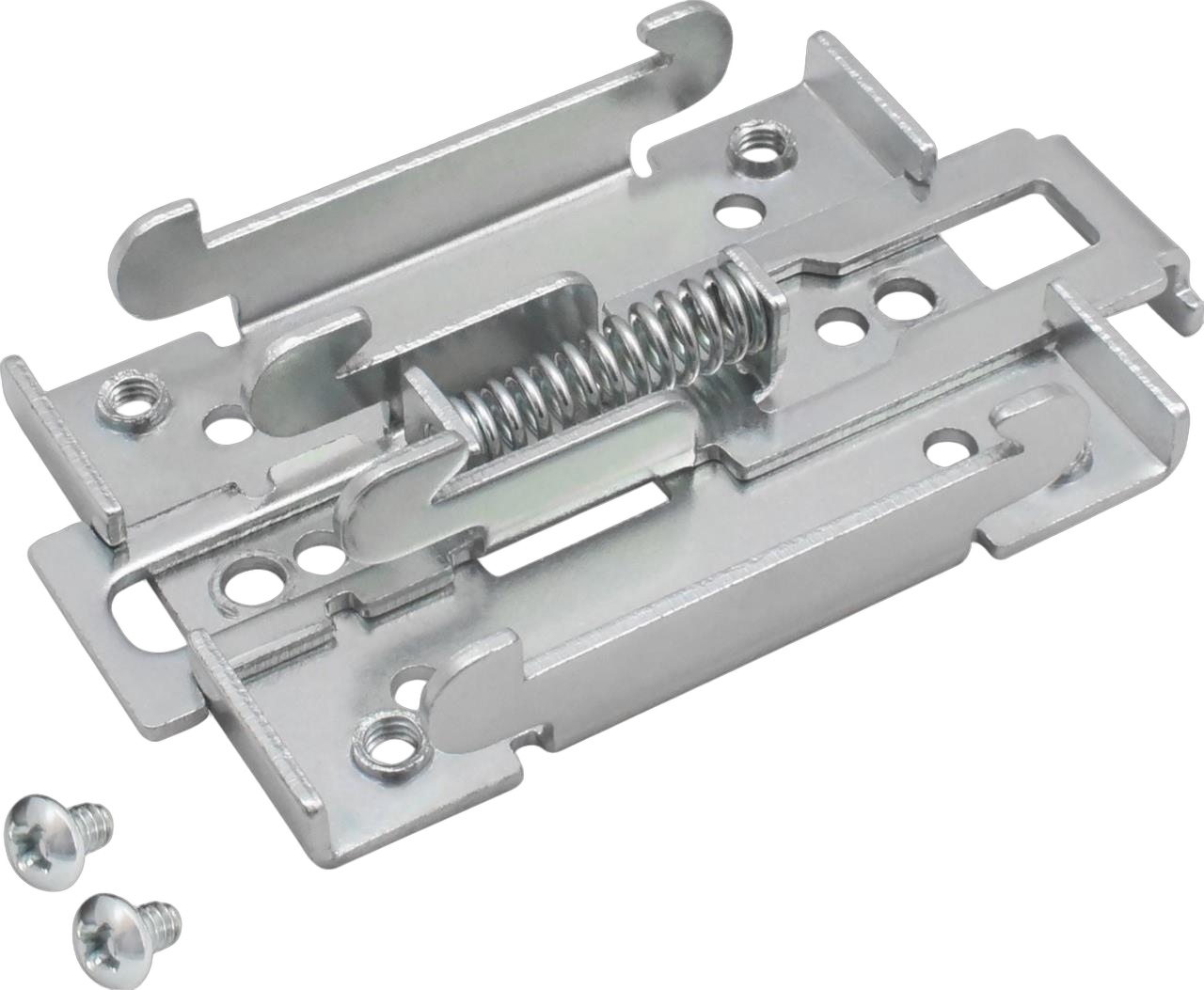
Teltonika DIN Rail Kit (PR5MEC00)
DIN-rail adapter kit for mounting compatible Teltonika devices on a DIN rail.
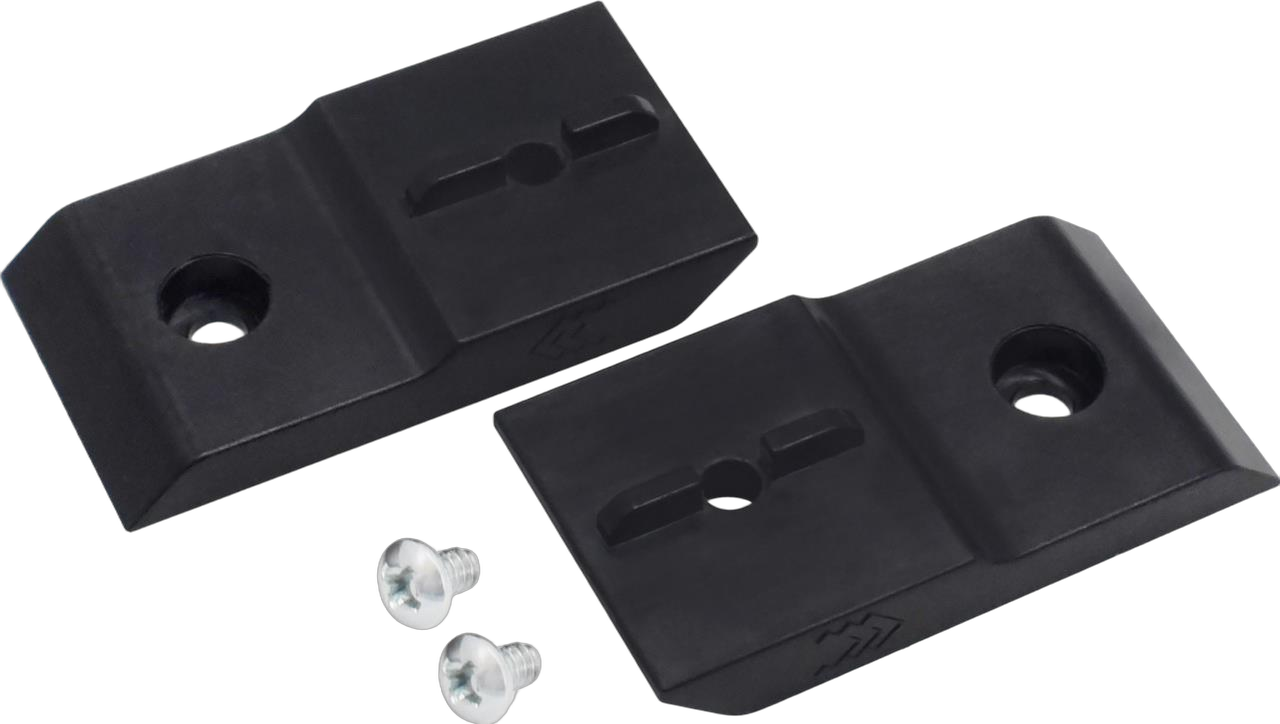
Teltonika Surface-Mounting Kit (PR5MEC12)
Surface-mounting kit for routers, gateways, modems and switches on walls or panels.
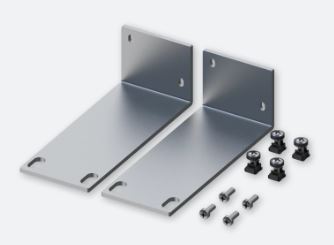
Teltonika Rack Mounting Kit RUTXR1 (PR5MEC26)
1U rack-mounting kit for integrating compatible Teltonika routers in the rack.
Further links
This article was researched and written with AI assistance and reviewed by Ascend before publication.
Ready for your next project?
Talk to our team about your requirements.
Related posts
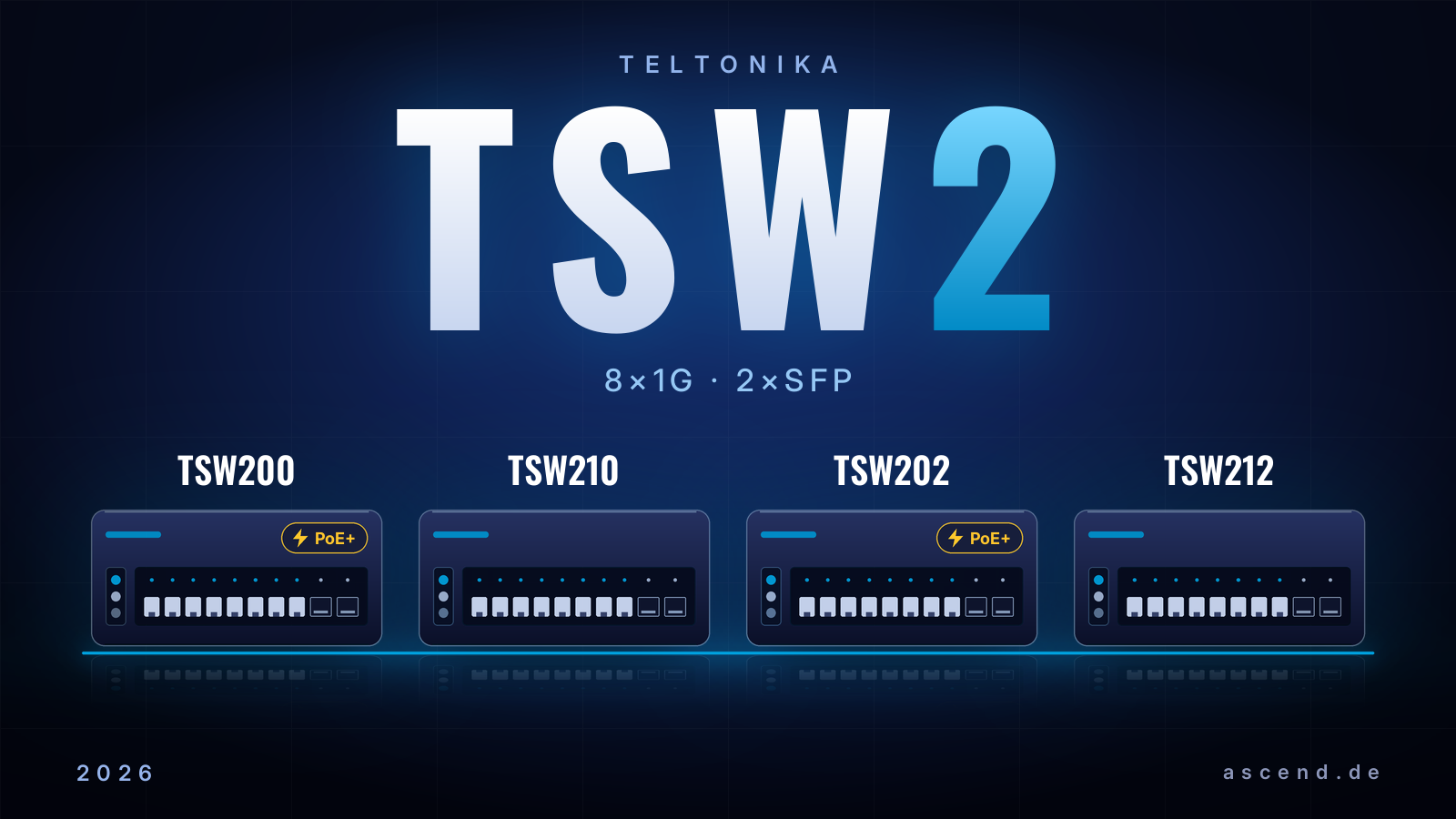
Teltonika TSW2 switches compared: TSW200, TSW210, TSW202 or TSW212?
Which Teltonika switch fits your network? The TSW2 series comparison settles TSW200, TSW210, TSW202 and TSW212: PoE or not, managed or unmanaged, which bandwidth and which switch for cameras, automation and infrastructure.
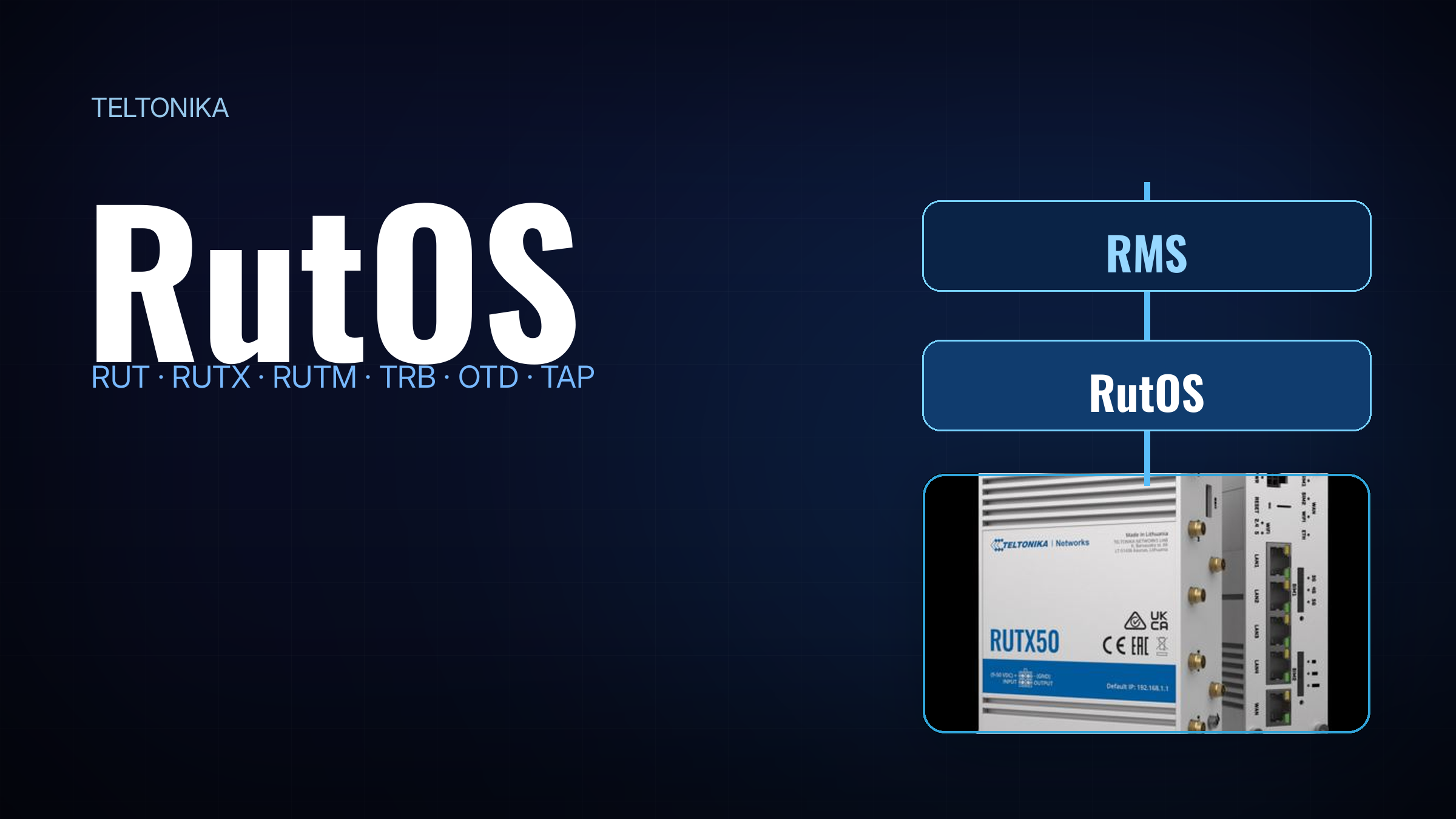
What Is RutOS? The Teltonika Operating System Clearly Explained
RutOS is the operating system of Teltonika’s routers and gateways. We explain device families, the Stable/Latest model, security maintenance and the feature set of version 7.24.
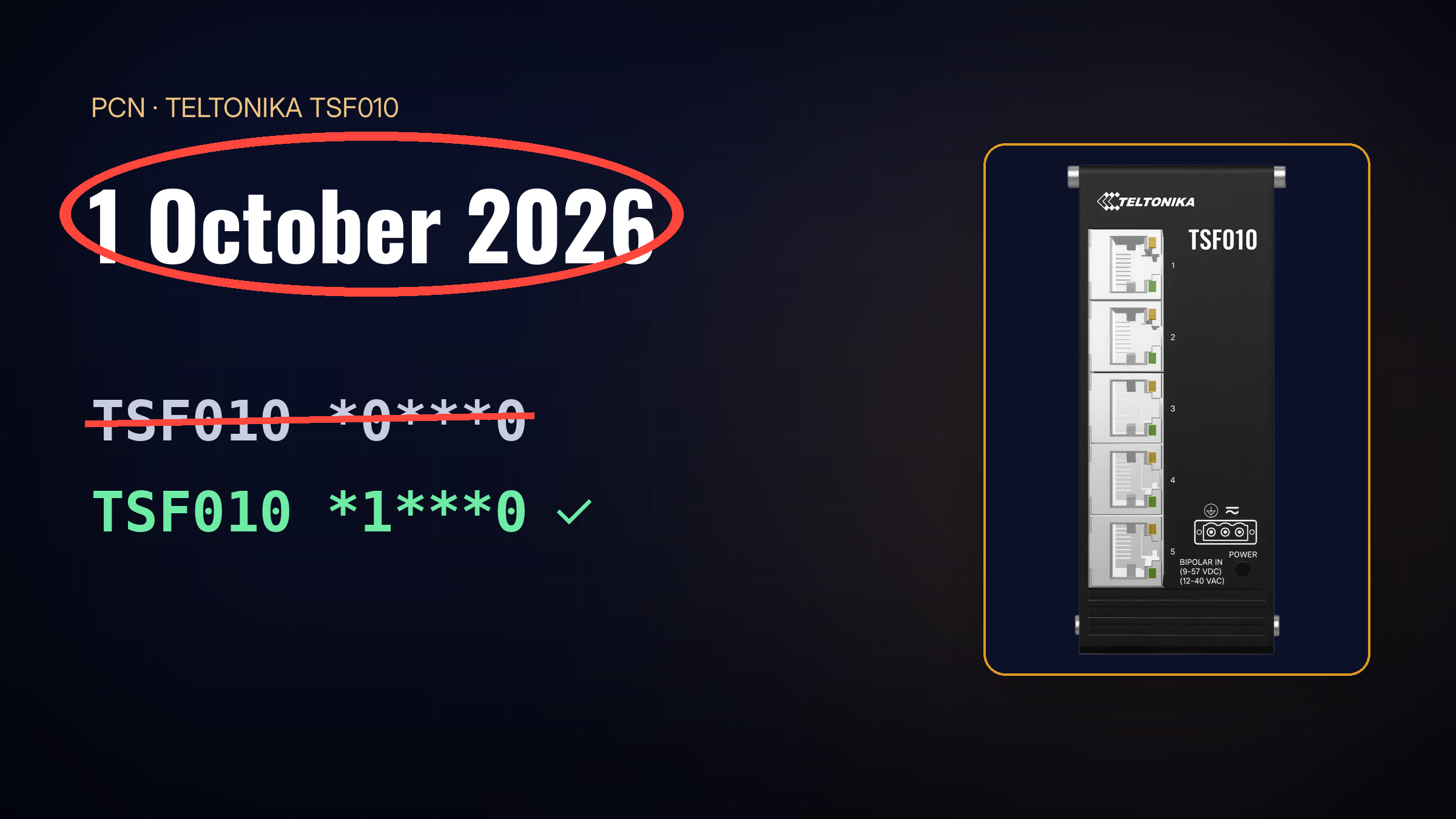
Teltonika TSF010: VDC-only Order Codes End on 1 October 2026 — What Buyers Need to Know
PCN of 7 August 2026: Teltonika discontinues the TSF010’s VDC-only order codes on 1 October 2026. What this means for procurement, BOMs and ongoing projects.