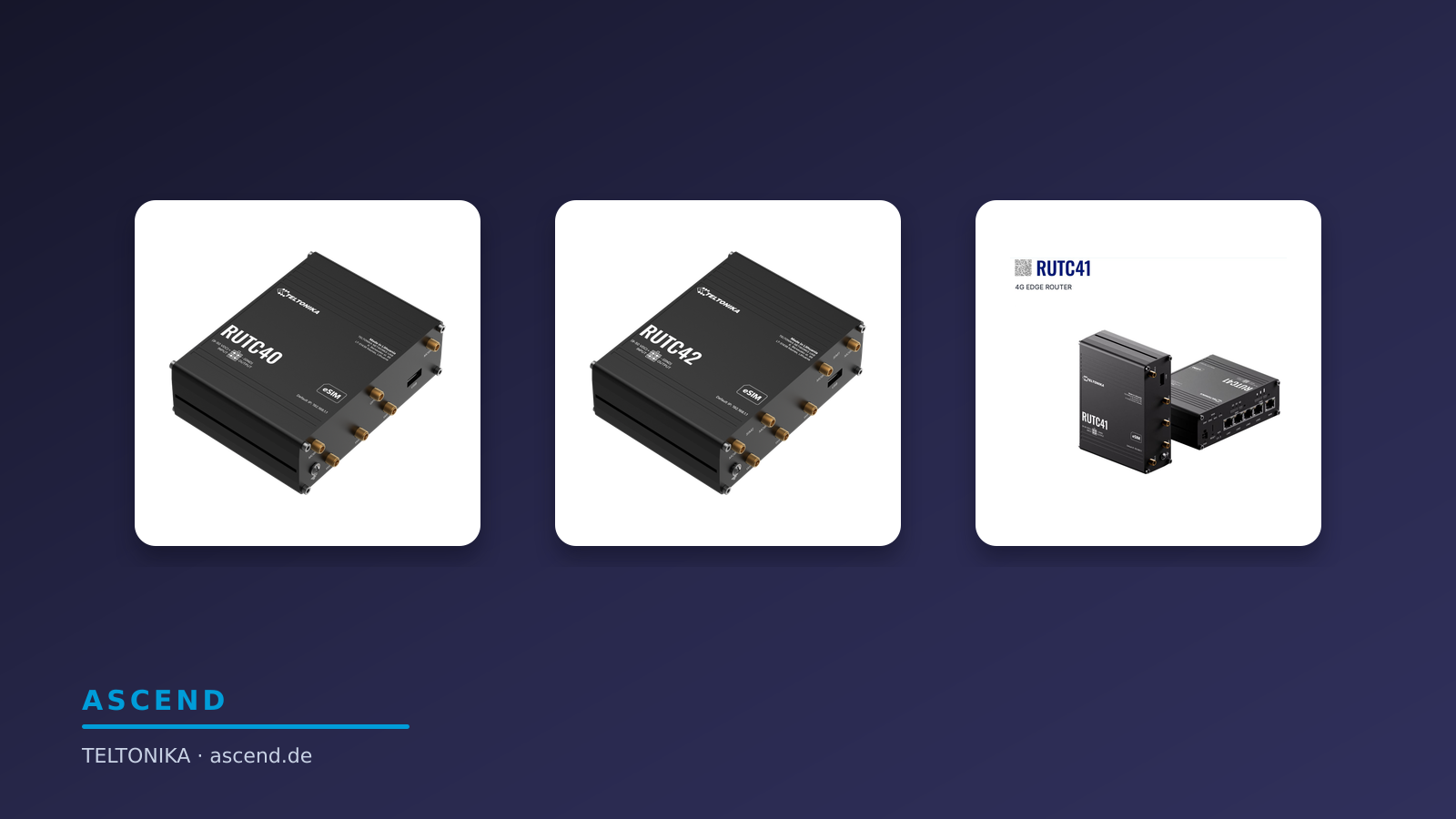









Teltonika WANplex: WAN bonding comes to RMS – and needs a hub of its own

An example: the under-7s final
Picture a Saturday at the village football pitch. A father streams the under-7s final live so that the grandmother can watch from home. The router at the touchline uses three connections at the same time. In the middle of the match the club dog grabs a cable and trots off. One connection is gone, the others carry the stream, and the goal reaches the grandmother without a break.
The football pitch is only an example. The technology behind it is the same in a branch office, on a bus or in an emergency vehicle. This is exactly what Teltonika promises with WANplex.

Example scene: one connection fails, the livestream continues over the others.
What Teltonika is announcing with WANplex
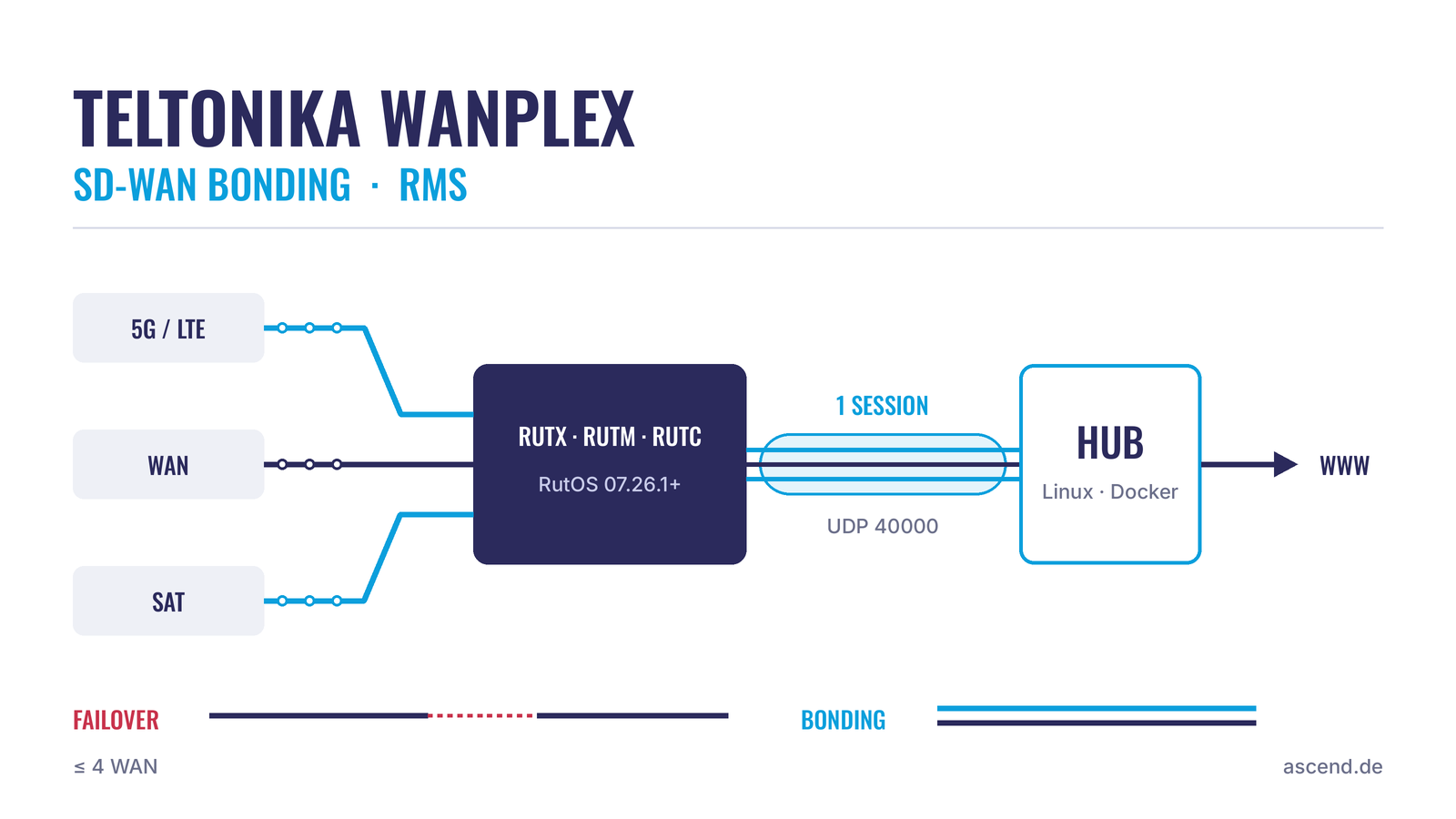
With WANplex, Teltonika has introduced a bonding service of its own. According to the manufacturer, it combines several internet connections, for example mobile, a wired connection and satellite, into a single connection. The service is set up and monitored in the Remote Management System (RMS), Teltonika's management platform.
The newsletter highlights one idea above all: many sites pay for a second line that does nothing in normal operation because it only waits as a reserve. Bonding uses both lines at the same time.
The announcements do not say which devices the service runs on or what you need at the other end. The Teltonika wiki answers both questions, and both decide whether WANplex is an option for your site.
Bonding is more than failover
Teltonika routers running RutOS have long supported failover and load balancing. Failover switches to the backup line when the main line fails. Load balancing distributes connections across several lines, but each individual session stays tied to one line.
WANplex works differently. Teltonika describes it like this: the data stream is split at packet level and sent over all active lines at the same time. If one line fails, the packets continue over the remaining ones. According to the manufacturer, a VPN tunnel, a video stream or a point-of-sale transaction should not drop in the process.
We have explained the difference between the three methods in detail in our article on Bondix in the Teltonika Package Manager.
These routers support WANplex
This is where the first restriction comes in. According to the Teltonika wiki, WANplex currently runs only on devices of the RUTX, RUTM and RUTC families, and only with firmware 07.26.1 or newer.
The wiki does not mention the smaller series such as RUT2xx and RUT9xx. Anyone who wants to bond lines there stays with Bondix, which according to Teltonika also runs on several models of these series.
Up to four interfaces per device can be added to the WANplex tunnel. As examples, the wiki names LTE, Ethernet WAN and Wi-Fi as WAN.
No bonding without a hub: your own server
The second limitation appears in none of the announcements. Bonding always needs a counterpart that reassembles the distributed packets. With WANplex it is called the hub, and you operate it yourself.
The procedure according to the wiki: you create the hub in RMS, download an installation package and run it on your own Linux server. The hub runs there as a Docker container. Teltonika recommends the following for it:
- 4 CPU cores (8 threads) and 16 GB RAM
- a network card with at least 1 Gbit/s
- at least 10 GB of free storage space
- Docker and systemd on a Linux distribution such as Debian
By default, the routers reach the hub via UDP port 40000. The hub itself establishes an outgoing connection to RMS (TCP port 15095).
This means the quality of the bonded connection also depends on where this server is located. It needs a fixed, well-connected address, ideally in a data centre. On our VPN hub hosting page we show how such a counterpart works in the data centre.
Management in RMS
Once the hub is installed, you add the routers in RMS and select the interfaces for the tunnel on each device. According to the wiki, the hub view then shows:
- which interfaces of a device are currently bonded
- how much traffic each device has generated in the current session
- whether a device is connected to the primary or the secondary server
- the licence status of each device
The tunnel can be switched on and off per device. Teltonika also mentions prepared bonding profiles that are intended to bring new sites or vehicles online without on-site setup.
What else RMS does and where a VPN of your own is the better choice is covered in Teltonika RMS or your own VPN?
Licence: one additional RMS credit per device
WANplex is billed via RMS credits. According to Teltonika, bonding costs one additional credit per device, on top of normal RMS management. A credit is valid for 30 days. Alternatively, there are term packages of 1, 3, 5 or 10 years.
The 30-day credit is suitable for a test because it requires no annual contract. Besides the credits, the cost calculation should also include the server for the hub and its operation.
WANplex or Bondix: two routes to bonding on Teltonika routers
| Teltonika WANplex | Bondix | |
|---|---|---|
| Provider | Teltonika itself | Bondix Intelligence (third-party software in the RutOS Package Manager) |
| Supported routers according to the Teltonika wiki | RUTX, RUTM and RUTC from firmware 07.26.1 | RUTX and RUTM series, several RUT2xx and RUT9xx models, RUTC50 |
| Setup and monitoring | In RMS | Bondix package on the router, management via Bondix |
| Counterpart | WANplex hub on your own Linux server (Docker) | Bondix server |
| Licence | One additional RMS credit per device | Bondix licence |
| Manufacturer's responsibility | Teltonika's own service | According to its own wiki, Teltonika accepts no responsibility for the Bondix package |
Who WANplex is suited to and where to find out more
Teltonika names three fields of application:
- Branches and retail: The fixed-line connection is bonded with 5G or LTE so that the point of sale, cloud applications and telephony keep running.
- Public transport and fleets: Several mobile networks jointly carry the passenger Wi-Fi, video surveillance and telemetry.
- Incident command and emergency services: Satellite and mobile together deliver bandwidth in remote locations.
WANplex is a fit if you already manage RUTX, RUTM or RUTC routers via RMS and are able to operate a server for the hub. With routers of the smaller series, or if you do not want to operate a hub of your own, Teltonika bonding with Bondix remains the appropriate route.
Teltonika is presenting WANplex in webinars. According to the manufacturer, the date for Europe is 25 November 2026 at 10:00 CET. Registration is via Teltonika's webinar page.
Frequently asked questions about Teltonika WANplex
Request advice
Would you like to bond lines and do not yet know whether WANplex or Bondix suits your routers and sites? We advise you on router, bonding and counterpart.
Teltonika routers for WANplex at Ascend
One model from each supported family. You can see availability and prices on the product detail page in the Ascend shop.

Teltonika RUTX50 (5G)
5G/LTE router with dual SIM and five Gigabit ports from the RUTX family. For sites where mobile and a wired connection are bonded.
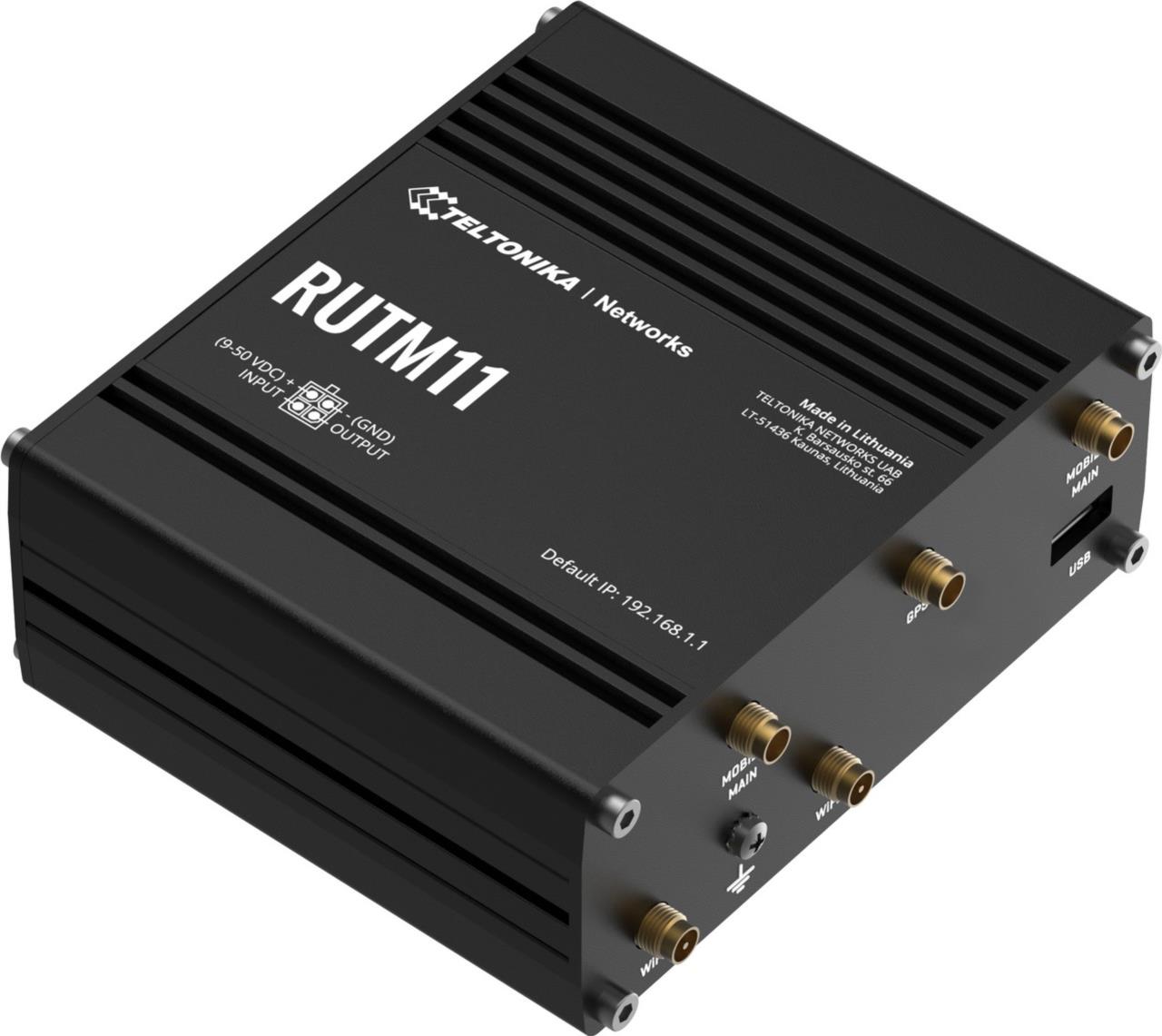
Teltonika RUTM11
LTE Cat 6 router with dual SIM and Wi-Fi from the RUTM family. The entry point when LTE and fixed line are to work together.
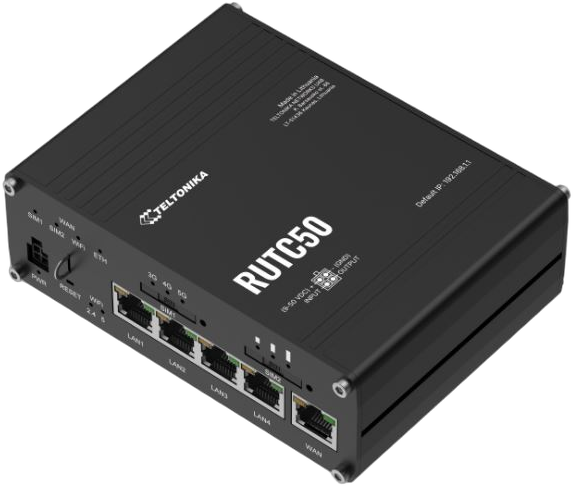
Teltonika RUTC50 (5G, Wi-Fi 6)
5G router with Wi-Fi 6 and dual SIM from the RUTC family. For sites that also need up-to-date Wi-Fi.
Further reading
- WAN bonding becomes a router app: Bondix in the Teltonika Package Manager
- Remote access is not remote management: Teltonika RMS or your own VPN?
- Router, bonding, data plan: the three building blocks of resilient connectivity
- Teltonika bonding: several lines, one connection
- VPN hub hosting: the counterpart in the data centre
- Teltonika routers at Ascend
- Teltonika in the Ascend shop
- Teltonika: WANplex (manufacturer's page)
- Teltonika wiki: WANplex
This article was researched and written with AI assistance and reviewed by Ascend before publication. The title image and the film are AI-generated example scenes; the product images are real product photos.
Ready for your next project?
Talk to our team about your requirements.